
Affiliate disclosure: this article contains paid links. As an Amazon Associate I earn from qualifying purchases.
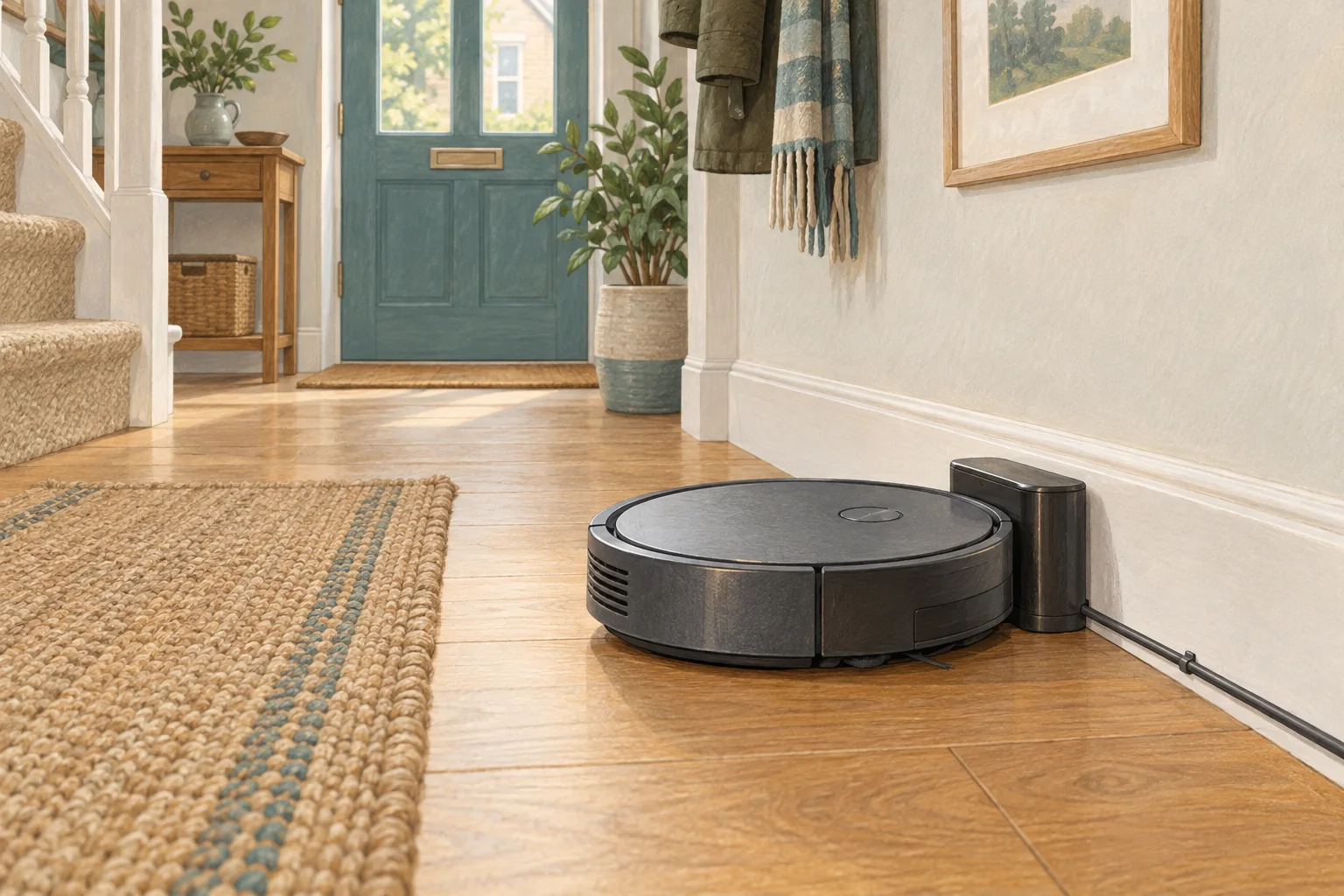
Repeatedly driving off the base can be a failed docking attempt rather than a scheduled clean. The status message and timing tell you which problem you are solving.
Table of Contents
Start with these checks
- Cancel active routines and note whether the robot says cleaning, docking or charging.
- Check whether the station rocks, slides or sits on a thick rug.
- Clear the approach and start a short clean from the powered dock.
What this looks like at home
Leaving at the same time each morning suggests a routine; rolling back immediately after contact suggests docking alignment.
Separate charging, workload and battery condition
| Check | What matters |
|---|---|
| Charging indicator | Confirm actual charging, not just physical contact with the base. |
| Repeatable room | Use the same surface and setting for a useful comparison. |
| Visible damage | Stop using damaged electrical equipment and seek appropriate support. |
A mistake to avoid
Do not wedge the robot against its contacts or add conductive foil to keep it charging.
Buy a part only after identifying the cause
Check the exact model and part reference before buying. If cleaning resolves the problem, a replacement may be unnecessary.
Browse Amazon UK results for non slip mat for robot vacuum dock. These are search results, not a verified recommendation for your particular machine.
What the result tells you
Note whether the robot rolls away before a charging symbol appears or begins a clearly announced cleaning task. A short video of that sequence is more useful than reporting only that it will not stay on the base.
Related guidance
- Robot Vacuum Battery Replacement UK: Cost, DIY vs. Pro & Best Options
- Robot Vacuum Maintenance Tips UK: Keep Your Cleaner Running Smoothly
Sources and scope
Checked on 9 September 2026. Manufacturer instructions apply to the models they name; use your own exact manual for button sequences, removable parts and cleaning permissions. Product specifications are advertised claims. Examples illustrate decisions and are not hands-on test results.