
Affiliate disclosure: this article contains paid links. As an Amazon Associate I earn from qualifying purchases.
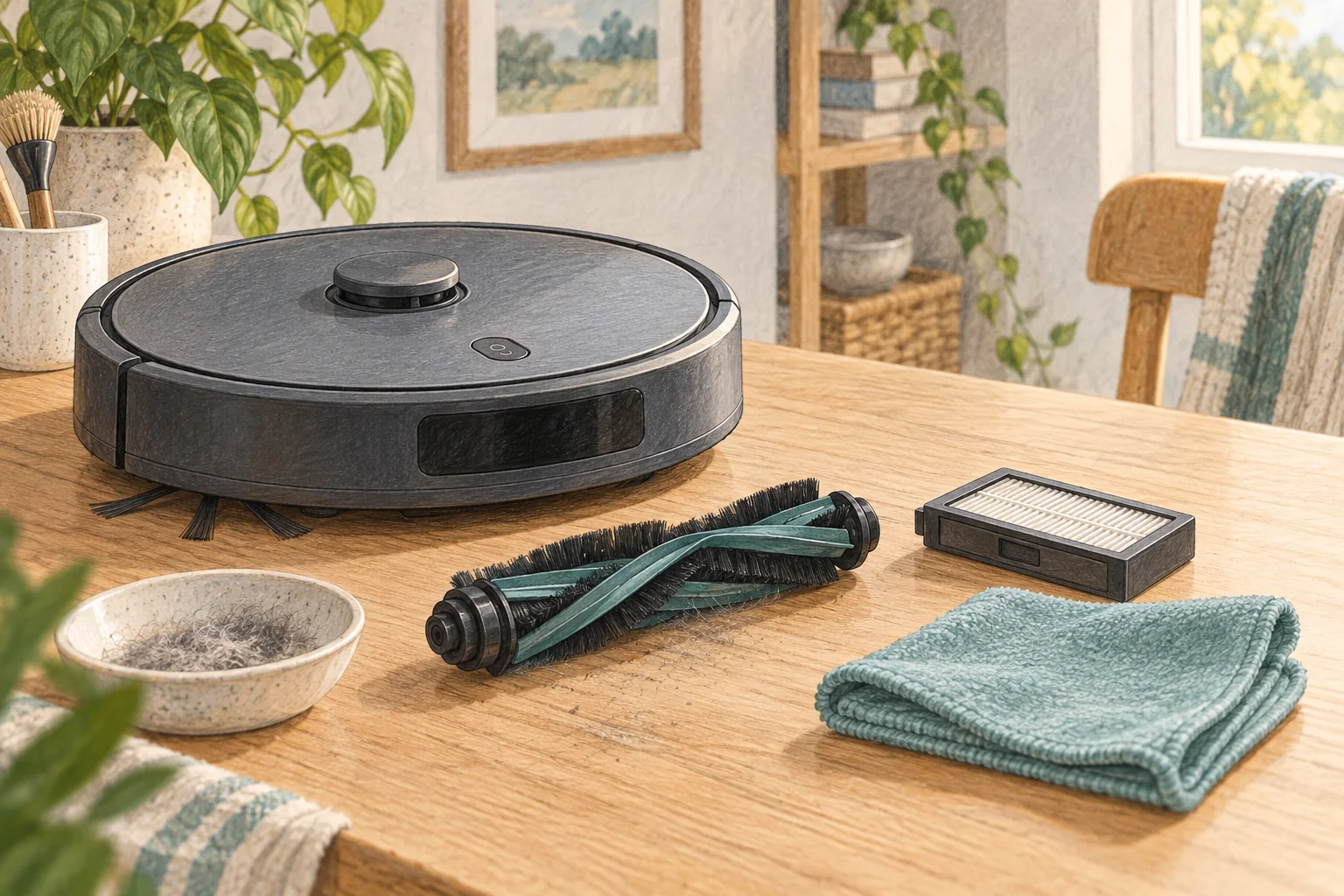
The warning may refer to airflow or an obstructed detection area rather than the amount of loose dust. Emptying alone will not clear every cause.
Table of Contents
Start with these checks
- Check the bin and filter are seated correctly after emptying.
- Clean accessible bin sensors or detection windows only where the manual identifies them.
- Inspect the inlet and filter for compacted dust, then restart the documented way.
What this looks like at home
A freshly washed but still damp filter can create trouble even inside an otherwise empty bin.
Follow the debris path
| Check | What matters |
|---|---|
| Floor opening | Look for lodged debris or a displaced brush cover. |
| Bin and seals | Check closure and seating after emptying. |
| Filter | Follow its own cleaning and drying instructions. |
A mistake to avoid
Do not tape over sensors or run with a filter removed to suppress the message.
Buy a part only after identifying the cause
Check the exact model and part reference before buying. If cleaning resolves the problem, a replacement may be unnecessary.
Browse Amazon UK results for robot vacuum filter replacement. These are search results, not a verified recommendation for your particular machine.
What the result tells you
Record the exact wording of the bin warning and when it appears. A message triggered immediately after refitting the bin differs from one appearing only after several minutes of cleaning.
Related guidance
- How to Clean a Robot Vacuum Brushroll: A 2026 Guide for UK Homes
- Robot Vacuum Maintenance Tips UK: Keep Your Cleaner Running Smoothly
Sources and scope
Checked on 9 September 2026. Manufacturer instructions apply to the models they name; use your own exact manual for button sequences, removable parts and cleaning permissions. Product specifications are advertised claims. Examples illustrate decisions and are not hands-on test results.