
Affiliate disclosure: this article contains paid links. As an Amazon Associate I earn from qualifying purchases.
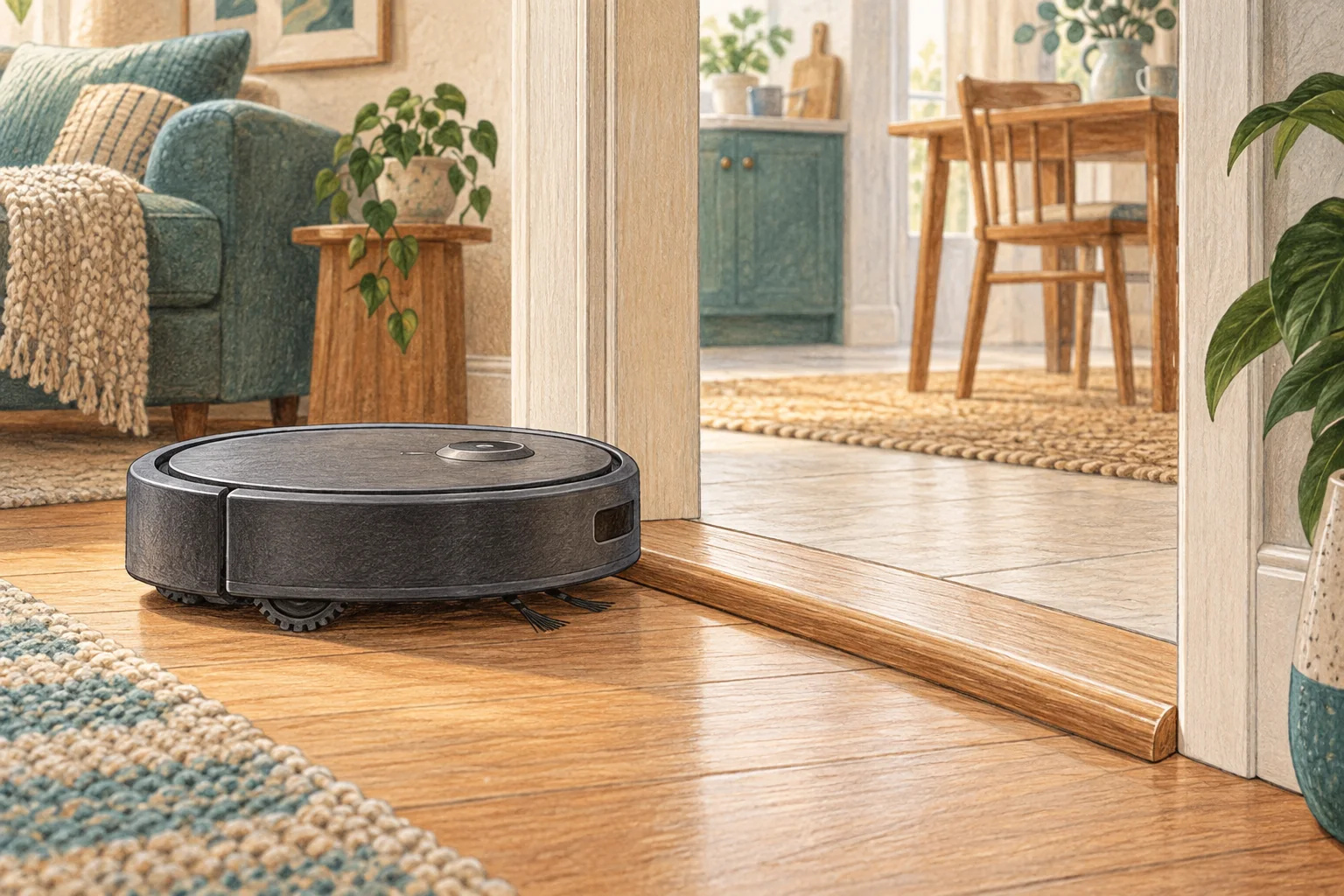
Chair bases can create gaps the robot enters but cannot turn out of. Changing the geometry of the dining area often solves more than a stronger motor would.
Table of Contents
Start with these checks
- Move chairs into a consistent arrangement with an obvious route through.
- Run a supervised zone clean and identify the exact entry and escape gap.
- Exclude a troublesome sled base or clean around it manually if necessary.
What this looks like at home
Pulling four chairs halfway out can create more traps; moving them fully clear before a scheduled kitchen clean may work better.
Test the machine and the obstacle separately
| Check | What matters |
|---|---|
| One location only | Examine the shape, surface and escape route. |
| Every location | Check accessible wheels, bumper and brush assembly. |
| After maintenance | Recheck the fitted parts before changing the map. |
A mistake to avoid
Do not expect obstacle recognition to understand every thin metal chair frame.
Buy a part only after identifying the cause
Check the exact model and part reference before buying. If cleaning resolves the problem, a replacement may be unnecessary.
Browse Amazon UK results for furniture cable clips. These are search results, not a verified recommendation for your particular machine.
What the result tells you
Map the exact gap where the robot enters and where it fails to escape. A photo from floor level can reveal a sloping chair base or narrowing passage that is difficult to notice from standing height.
Related guidance
- Robot Vacuum Stuck? A Comprehensive Troubleshooting Guide
- Robot Vacuum Maintenance Tips UK: Keep Your Cleaner Running Smoothly
Sources and scope
Checked on 9 September 2026. Manufacturer instructions apply to the models they name; use your own exact manual for button sequences, removable parts and cleaning permissions. Product specifications are advertised claims. Examples illustrate decisions and are not hands-on test results.