
Affiliate disclosure: this article contains paid links. As an Amazon Associate I earn from qualifying purchases.
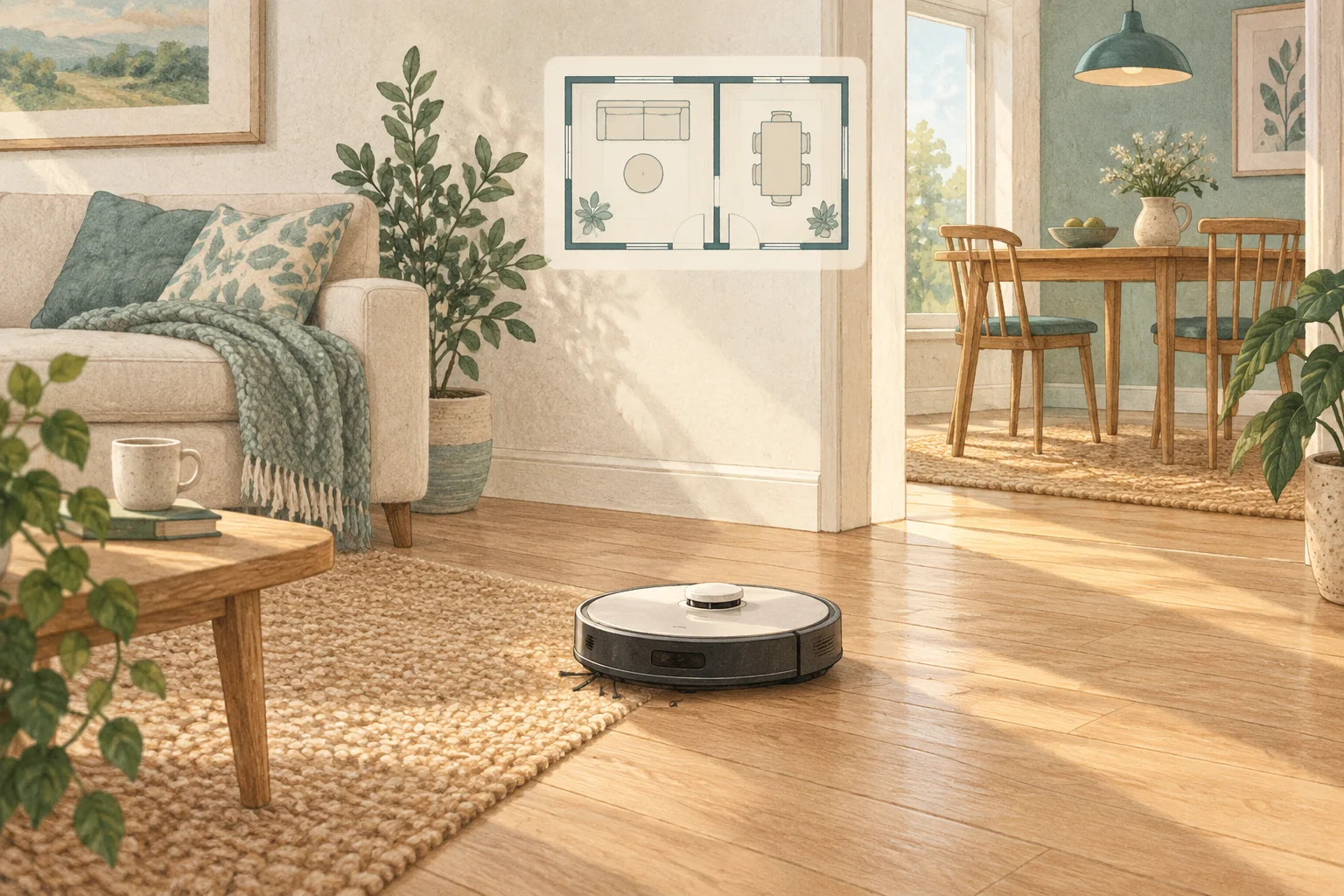
A low mirror can create misleading mapped space or a local navigation oddity. Address the reflective boundary without permanently changing unrelated rooms.
Table of Contents
Start with these checks
- Check whether the mirror reaches near the navigation sensor height.
- Temporarily screen the lower reflective section securely and run a supervised comparison.
- If that helps, use a physical arrangement or app boundary supported by the model.
What this looks like at home
A hallway map showing an extra room behind a wardrobe mirror is a clue to reflection, not extra usable floor space.
Give the robot a consistent starting point
| Check | What matters |
|---|---|
| Starting point | Use the model’s recommended localisation procedure. |
| Selected map | Confirm the correct floor and room selection. |
| Physical route | Check doors, furniture and the return to the dock. |
A mistake to avoid
Avoid covering the robot's navigation sensors; change the environment instead.
Buy a part only after identifying the cause
Check the exact model and part reference before buying. If cleaning resolves the problem, a replacement may be unnecessary.
Browse Amazon UK results for removable opaque window film. These are search results, not a verified recommendation for your particular machine.
What the result tells you
If screening the lower mirror changes the route, preserve that comparison for support. Choose a stable environmental solution that keeps the mirror safe and the robot's own sensor windows uncovered.
Related guidance
- How to Map Your Home for a Robot Vacuum: A 2026 Guide
- Robot Vacuum Maintenance Tips UK: Keep Your Cleaner Running Smoothly
Sources and scope
Checked on 9 September 2026. Manufacturer instructions apply to the models they name; use your own exact manual for button sequences, removable parts and cleaning permissions. Product specifications are advertised claims. Examples illustrate decisions and are not hands-on test results.