
Affiliate disclosure: this article contains paid links. As an Amazon Associate I earn from qualifying purchases.
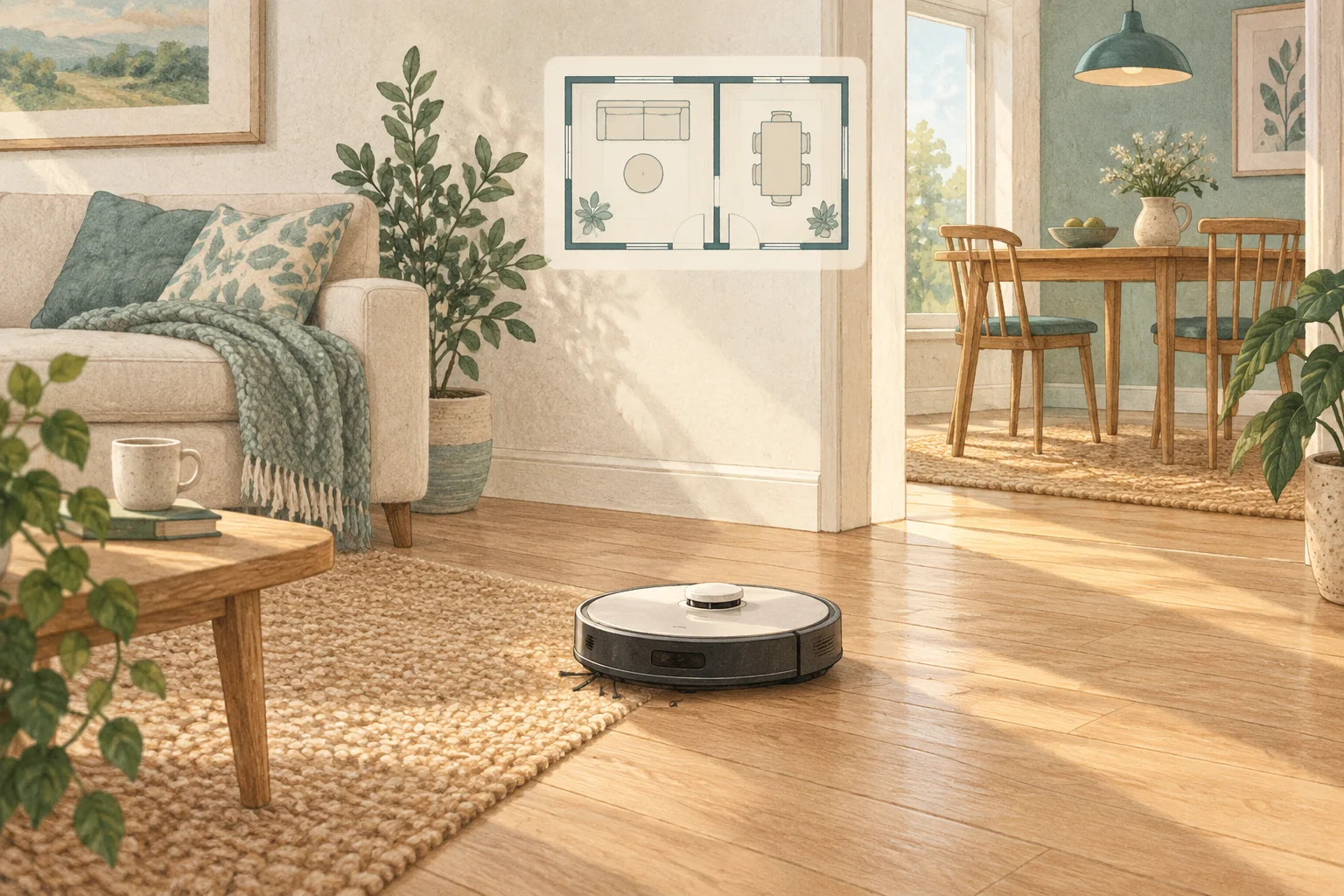
A scrambled map can result from failed localisation after the robot or dock is moved. Preserve the current map first, then make the starting conditions consistent.
Table of Contents
Start with these checks
- Return the powered dock to its intended permanent position.
- Place the robot on it and allow a normal location check.
- Use a saved-map restore if supported, otherwise follow the documented remapping process.
What this looks like at home
Carrying a running robot into another room can create confusion that a stable start from the dock avoids.
Give the robot a consistent starting point
| Check | What matters |
|---|---|
| Starting point | Use the model’s recommended localisation procedure. |
| Selected map | Confirm the correct floor and room selection. |
| Physical route | Check doors, furniture and the return to the dock. |
A mistake to avoid
Repeatedly dragging room boundaries will not repair a genuinely overlapped map.
Buy a part only after identifying the cause
Check the exact model and part reference before buying. If cleaning resolves the problem, a replacement may be unnecessary.
Browse Amazon UK results for non slip dock mat. These are search results, not a verified recommendation for your particular machine.
What the result tells you
When a restored map works again, keep the dock and major boundaries stable for the next few runs. If overlap returns despite consistent starting conditions, provide the before-and-after map screenshots to support.
Related guidance
- How to Map Your Home for a Robot Vacuum: A 2026 Guide
- Robot Vacuum Maintenance Tips UK: Keep Your Cleaner Running Smoothly
Sources and scope
Checked on 9 September 2026. Manufacturer instructions apply to the models they name; use your own exact manual for button sequences, removable parts and cleaning permissions. Product specifications are advertised claims. Examples illustrate decisions and are not hands-on test results.