
Affiliate disclosure: this article contains paid links. As an Amazon Associate I earn from qualifying purchases.
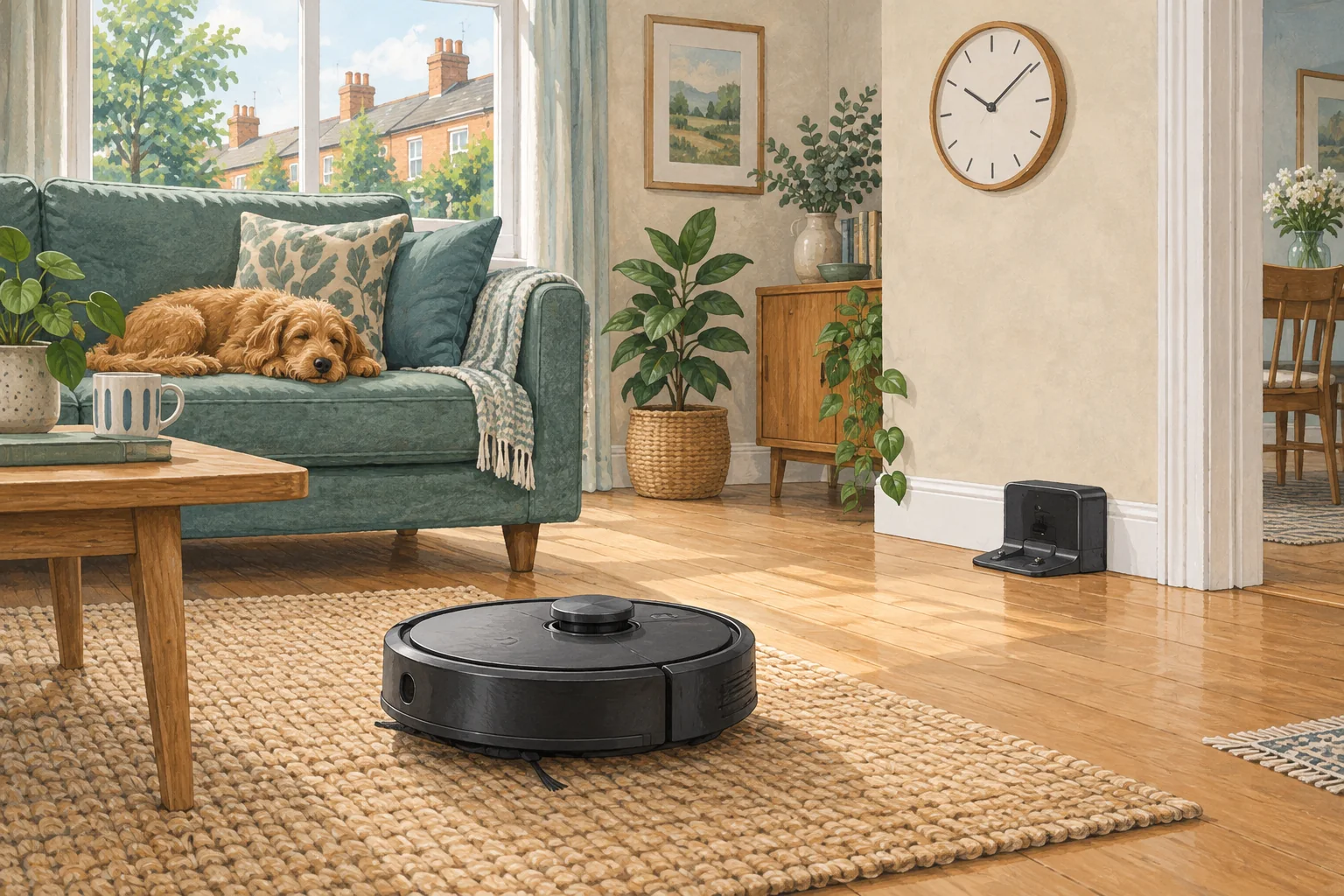
Recharge-and-resume behaviour depends on the model and on how the original job ended. A cancelled run is not always treated like a low-battery pause.
Table of Contents
Start with these checks
- Check whether the model supports automatic continuation for that cleaning mode.
- Look for do-not-disturb settings that delay resuming.
- Confirm the original task was paused for charging rather than manually ended.
What this looks like at home
Pressing stop while the robot returns to charge may cancel the remaining rooms instead of letting it continue later.
Follow the whole job, including the return
| Check | What matters |
|---|---|
| Start | Correct day, local time, charge and selected rooms. |
| During cleaning | Open routes and suitable debris. |
| Finish | Successful return and expected dock activity. |
A mistake to avoid
Do not assume advertised runtime equals uninterrupted cleaning at your chosen suction level.
Buy a part only after identifying the cause
Check the exact model and part reference before buying. If cleaning resolves the problem, a replacement may be unnecessary.
Browse Amazon UK results for robot vacuum compatible charger. These are search results, not a verified recommendation for your particular machine.
What the result tells you
Record whether the app still shows an unfinished job while charging. If it shows the task as cancelled or complete, the expected next action may differ from an active recharge-and-resume job.
Related guidance
- Robot Vacuum Scheduling: The Ultimate Guide for a Spotlessly Clean Home
- Robot Vacuum Maintenance Tips UK: Keep Your Cleaner Running Smoothly
Sources and scope
Checked on 9 September 2026. Manufacturer instructions apply to the models they name; use your own exact manual for button sequences, removable parts and cleaning permissions. Product specifications are advertised claims. Examples illustrate decisions and are not hands-on test results.