
Affiliate disclosure: this article contains paid links. As an Amazon Associate I earn from qualifying purchases.
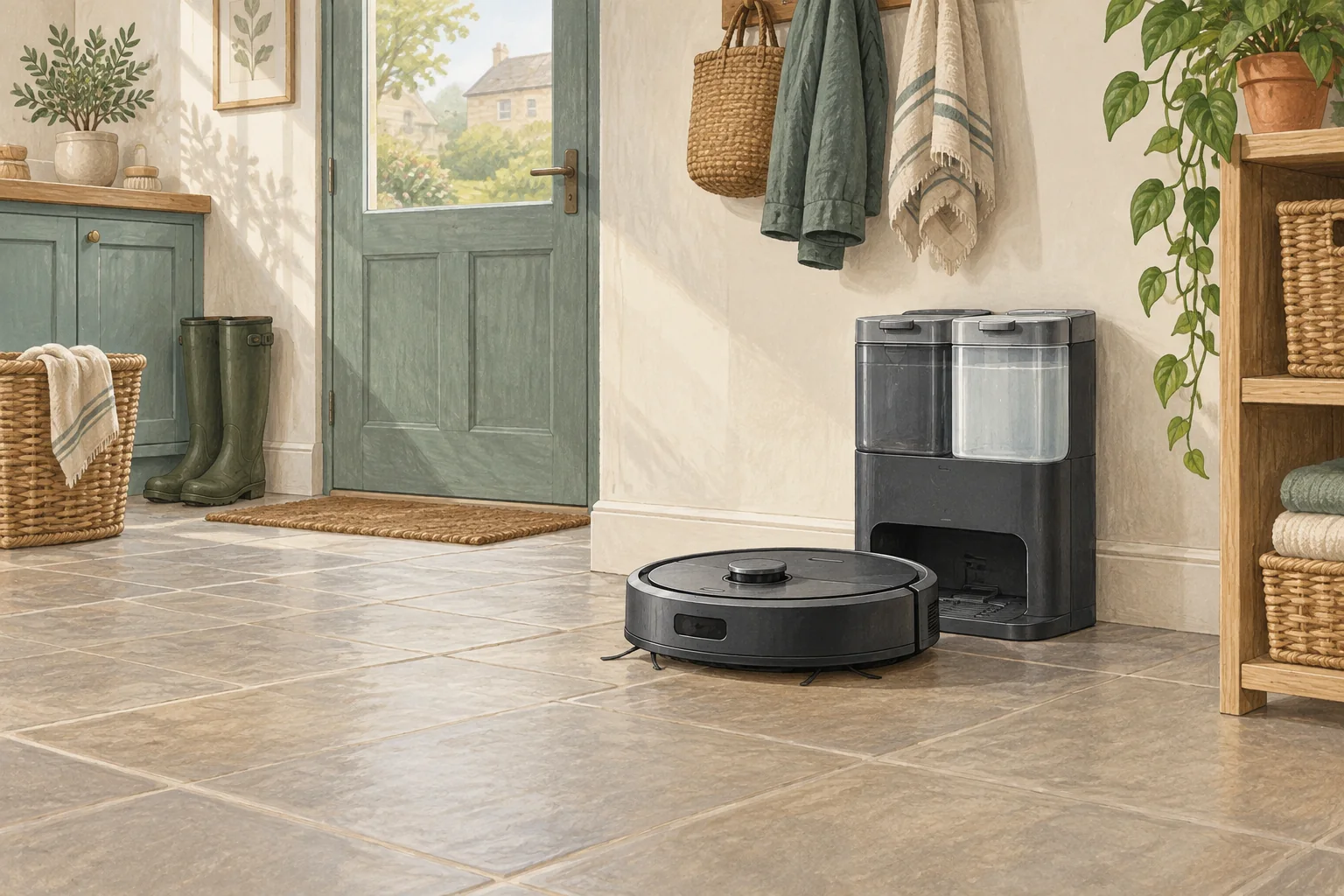
A moving station changes the target during docking and can strain its lead. Stabilise the station using its intended feet and a suitable floor position.
Table of Contents
Start with these checks
- Clean dust from the dock feet and inspect missing anti-slip pads.
- Place it against a stable wall with the required clearance.
- Check cable slack allows the station to sit flat without pulling it sideways.
What this looks like at home
A taut cable behind a skirting board can keep tugging a lightweight base out of alignment.
Allow space for the work you do at the station
| Check | What matters |
|---|---|
| Robot approach | Use the installation clearances for the exact station. |
| Human access | Allow tank, tray, cover and bag removal. |
| Floor and power | Choose a suitable dry, stable location near an appropriate socket. |
A mistake to avoid
Avoid permanent adhesive on delicate flooring without checking both floor and dock guidance.
Buy a part only after identifying the cause
Check the exact model and part reference before buying. If cleaning resolves the problem, a replacement may be unnecessary.
Browse Amazon UK results for removable non slip pads. These are search results, not a verified recommendation for your particular machine.
What the result tells you
Mark the station's starting position with a safe temporary reference nearby and see whether it moves during contact. Correcting the physical movement first makes subsequent docking tests much easier to interpret.
Related guidance
- Robot Vacuum Charging Station Placement: The Ultimate UK Guide
- Robot Vacuum Maintenance Tips UK: Keep Your Cleaner Running Smoothly
Sources and scope
Checked on 9 September 2026. Manufacturer instructions apply to the models they name; use your own exact manual for button sequences, removable parts and cleaning permissions. Product specifications are advertised claims. Examples illustrate decisions and are not hands-on test results.