
Affiliate disclosure: this article contains paid links. As an Amazon Associate I earn from qualifying purchases.
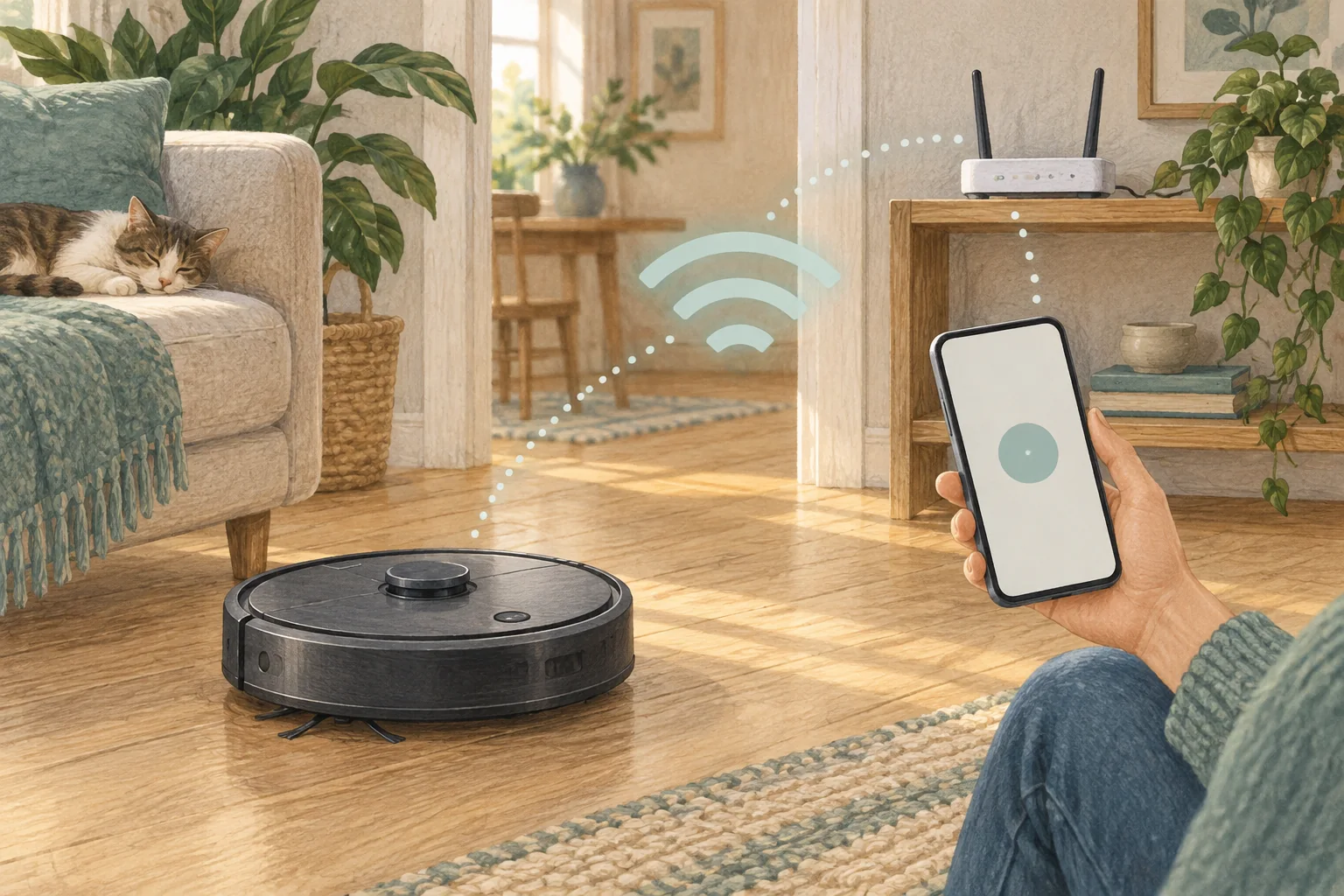
Some people want a cleaner they can start without reaching for a phone. Check which functions remain available on the device before choosing an app-heavy system.
Table of Contents
A practical checklist
- Read the manual's physical-button functions, including start, stop and return.
- Separate basic offline cleaning from map editing and remote commands.
- Try the intended everyday routine with the app closed during the return period.
What this looks like at home
A robot may start from a button but still need the app to select just the kitchen or change quiet hours.
Separate sensors, local control and cloud features
| Check | What matters |
|---|---|
| Sensors | Verify the full specification and optional visual features. |
| Local control | Identify what works on physical buttons. |
| Connected features | Check accounts, sharing and internet requirements. |
A mistake to avoid
Do not assume button operation means every smart feature works without an account or network.
Relevant models to compare
Eufy L60
A simple mapped vacuum for households that already mop by hand.
Check Eufy L60 on Amazon UK. Confirm the selected UK variant, seller, contents and current price.
Roborock Q7 M5
A vacuum with occasional damp wiping and app-controlled water delivery.
Check Roborock Q7 M5 on Amazon UK. Confirm the selected UK variant, seller, contents and current price.
Related guidance
- Master Your Robot Vacuum: A Complete Guide to Using the App
- Robot Vacuum Maintenance Tips UK: Keep Your Cleaner Running Smoothly
Sources and scope
Checked on 9 September 2026. Manufacturer instructions apply to the models they name; use your own exact manual for button sequences, removable parts and cleaning permissions. Product specifications are advertised claims. Examples illustrate decisions and are not hands-on test results.