
Affiliate disclosure: this article contains paid links. As an Amazon Associate I earn from qualifying purchases.
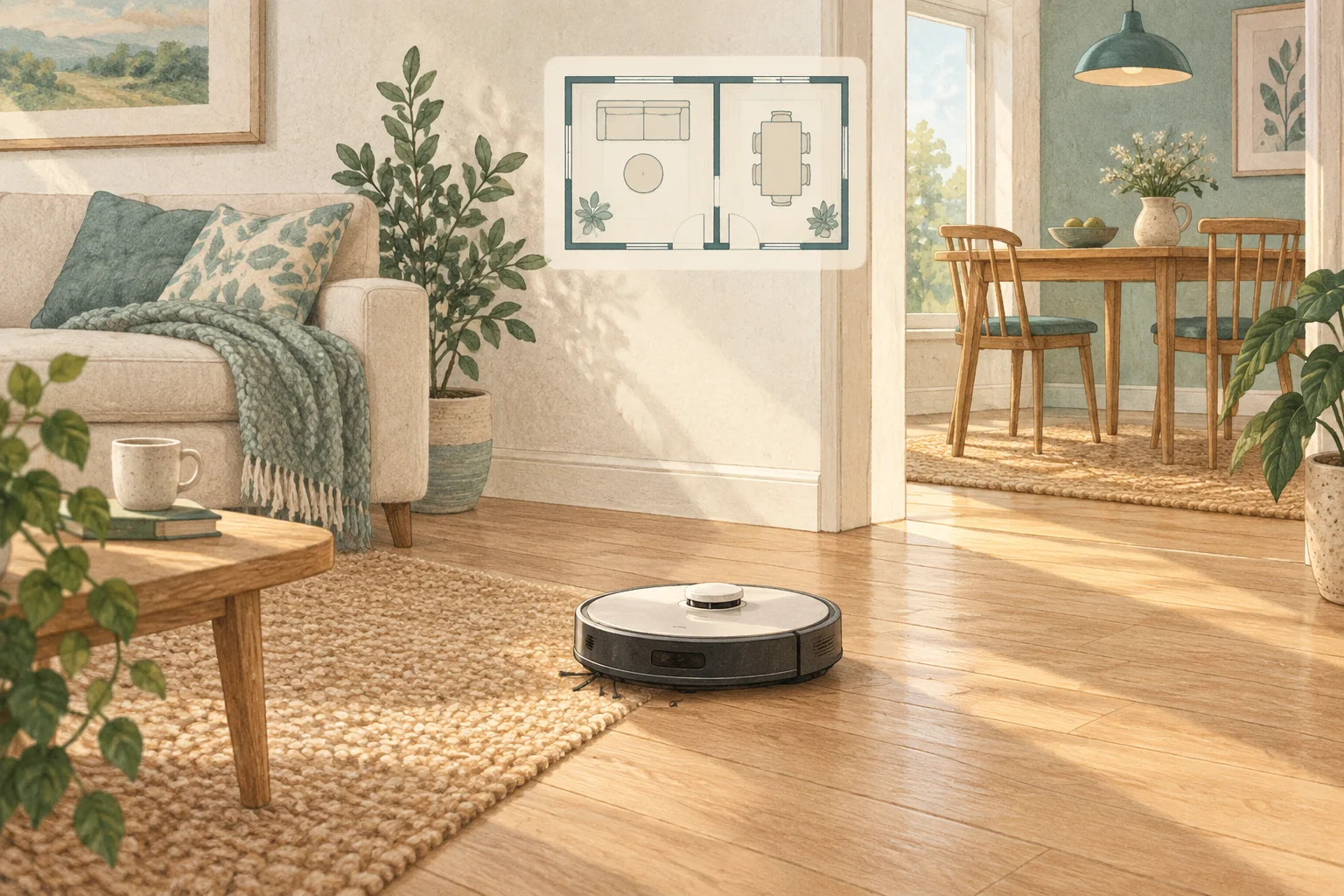
These boundaries may control different behaviour: one excludes the robot, while another is intended to prevent wet cleaning. The exact implementation belongs to the model's app.
Table of Contents
A practical checklist
- Read how each boundary behaves with mops fitted.
- Leave a margin around rugs or obstacles rather than drawing an exact edge.
- Test the selected mode under supervision before adding a recurring routine.
What this looks like at home
A feeding station with a water bowl may need complete exclusion, while a suitable rug may only need protection from wet mops.
Give the robot a consistent starting point
| Check | What matters |
|---|---|
| Starting point | Use the model’s recommended localisation procedure. |
| Selected map | Confirm the correct floor and room selection. |
| Physical route | Check doors, furniture and the return to the dock. |
A mistake to avoid
Do not use a no-mop zone as if it were a physical barrier against a fall.
Relevant models to compare
Eufy X10 Pro Omni
A mixed-floor option combining spinning mops, automatic dock care and camera-assisted obstacle recognition.
Check Eufy X10 Pro Omni on Amazon UK. Confirm the selected UK variant, seller, contents and current price.
Roborock QV35S
An automatic mop-care system with app-adjustable routines and structured-light obstacle detection.
Check Roborock QV35S on Amazon UK. Confirm the selected UK variant, seller, contents and current price.
Related guidance
- How to Map Your Home for a Robot Vacuum: A 2026 Guide
- Robot Vacuum Maintenance Tips UK: Keep Your Cleaner Running Smoothly
Sources and scope
Checked on 9 September 2026. Manufacturer instructions apply to the models they name; use your own exact manual for button sequences, removable parts and cleaning permissions. Product specifications are advertised claims. Examples illustrate decisions and are not hands-on test results.