
Affiliate disclosure: this article contains paid links. As an Amazon Associate I earn from qualifying purchases.
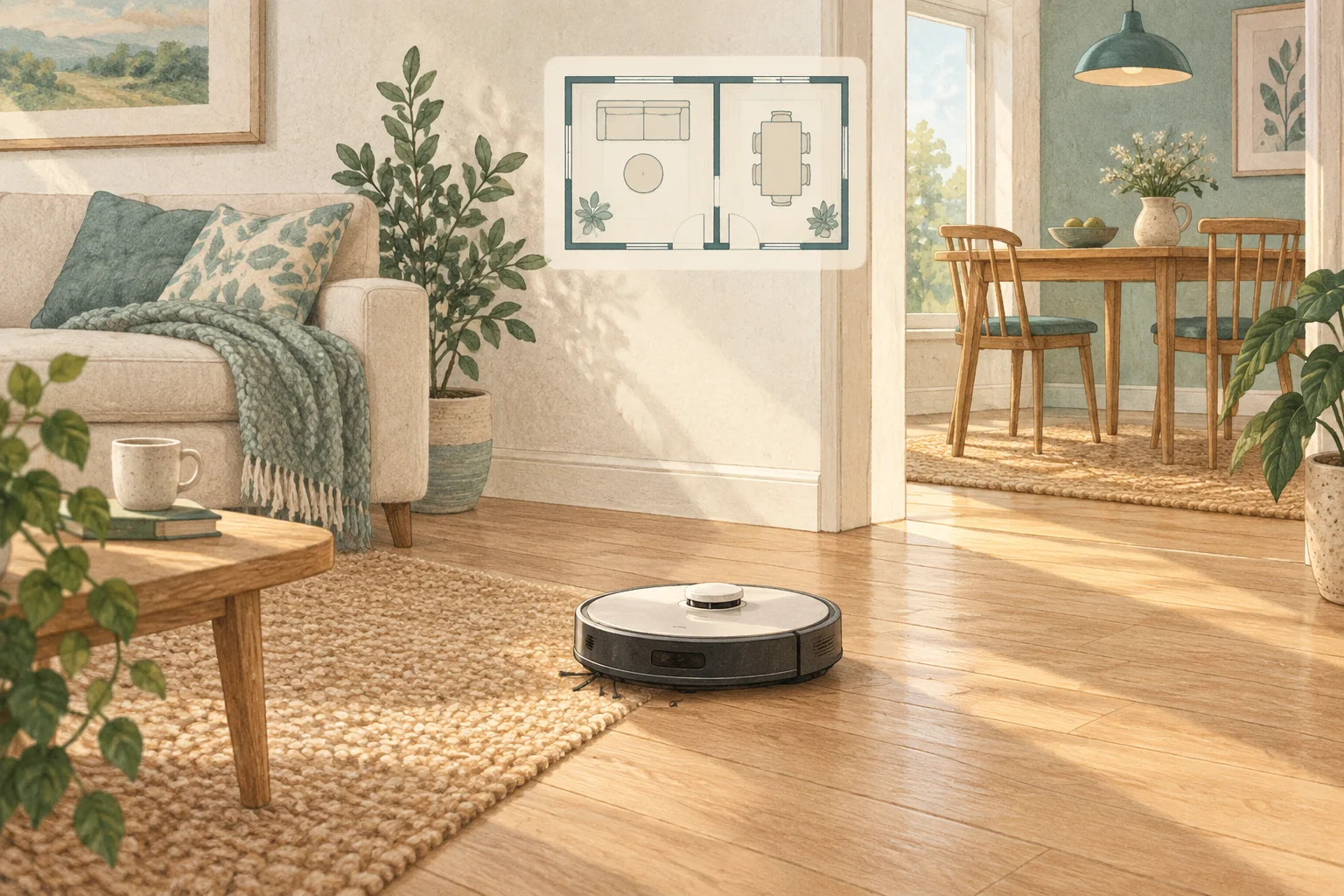
Saving several maps does not necessarily mean the robot can use several charging or washing stations. Verify map support and dock compatibility as separate features.
Table of Contents
A practical checklist
- Check how many maps the exact model stores.
- Read the procedure for starting a clean on another floor.
- Ask the manufacturer before buying an additional station or assuming automatic dock recognition.
What this looks like at home
Carrying a robot upstairs for a dry clean may work without buying a second full mop dock.
Give the robot a consistent starting point
| Check | What matters |
|---|---|
| Starting point | Use the model’s recommended localisation procedure. |
| Selected map | Confirm the correct floor and room selection. |
| Physical route | Check doors, furniture and the return to the dock. |
A mistake to avoid
A compatible-looking dock can have different electrical or communication requirements.
Relevant models to compare
Eufy L60
A simple mapped vacuum for households that already mop by hand.
Check Eufy L60 on Amazon UK. Confirm the selected UK variant, seller, contents and current price.
Roborock QV35S
An automatic mop-care system with app-adjustable routines and structured-light obstacle detection.
Check Roborock QV35S on Amazon UK. Confirm the selected UK variant, seller, contents and current price.
Related guidance
- How to Map Your Home for a Robot Vacuum: A 2026 Guide
- Robot Vacuum Maintenance Tips UK: Keep Your Cleaner Running Smoothly
Sources and scope
Checked on 9 September 2026. Manufacturer instructions apply to the models they name; use your own exact manual for button sequences, removable parts and cleaning permissions. Product specifications are advertised claims. Examples illustrate decisions and are not hands-on test results.