
Affiliate disclosure: this article contains paid links. As an Amazon Associate I earn from qualifying purchases.
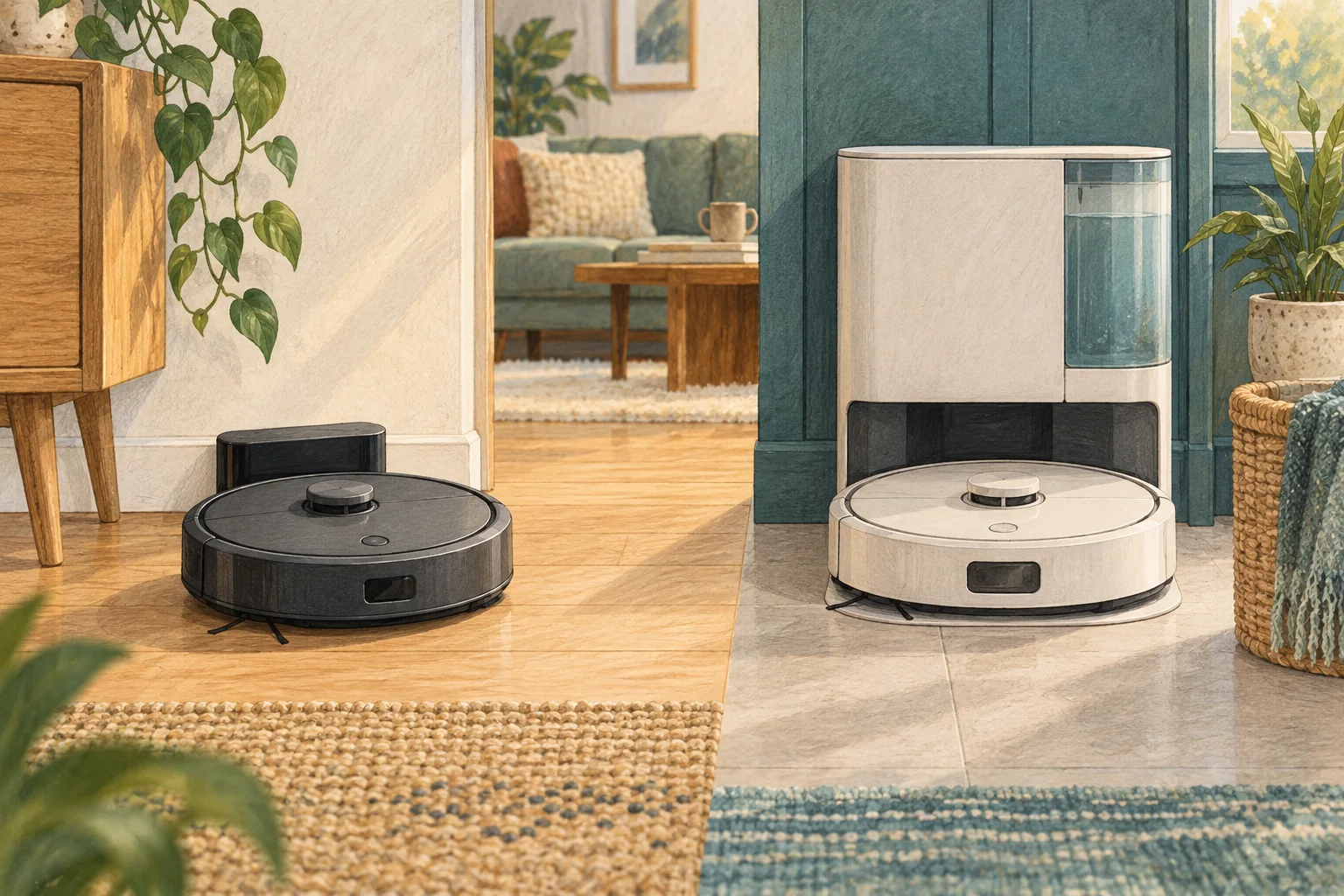
A targeted repair can make sense when the fault is understood and the rest of the system is sound. Compare the complete cost and uncertainty before jumping to a new machine.
Table of Contents
A practical checklist
- Identify whether the fault is a consumable, battery, dock or internal mechanism.
- Check exact parts availability and obtain a quote for work outside user maintenance.
- Compare that cost with the features and condition of an actual replacement.
What this looks like at home
A worn side brush is a different decision from a failed powered dock with unavailable internal parts.
Compare the complete UK purchase
| Check | What matters |
|---|---|
| Identity | Full model name, UK suitability and contents. |
| Ownership | Correct bags, filters, pads and solution availability. |
| Practical fit | Floor route, dock access and maintenance you can manage. |
A mistake to avoid
Do not open a mains-powered dock or improvise battery repairs to make a saving.
Relevant models to compare
Eufy L60
A simple mapped vacuum for households that already mop by hand.
Check Eufy L60 on Amazon UK. Confirm the selected UK variant, seller, contents and current price.
Eufy X10 Pro Omni
A mixed-floor option combining spinning mops, automatic dock care and camera-assisted obstacle recognition.
Check Eufy X10 Pro Omni on Amazon UK. Confirm the selected UK variant, seller, contents and current price.
Related guidance
- How to Choose a Robot Vacuum: Complete Buyer's Guide
- Robot Vacuum Maintenance Tips UK: Keep Your Cleaner Running Smoothly
Sources and scope
Checked on 9 September 2026. Manufacturer instructions apply to the models they name; use your own exact manual for button sequences, removable parts and cleaning permissions. Product specifications are advertised claims. Examples illustrate decisions and are not hands-on test results.