
Table of Contents
As an Amazon Associate, we earn from qualifying purchases. This means we may receive a small commission at no extra cost to you when you buy through links on this page.
Introduction: Why Do Robot Vacuums Get Stuck?
Robot vacuums have become increasingly popular in UK homes, offering a convenient way to maintain clean floors. However, even the most advanced models can sometimes find themselves in a sticky situation – literally. Getting stuck is a common issue, and understanding why it happens is the first step to resolving it. Common culprits include physical obstructions like cords and rugs, challenging floor types (thick carpets, high thresholds), and malfunctions in the robot’s sensors. This guide will walk you through a systematic approach to diagnosing and fixing why your robot vacuum is stuck, getting you back to enjoying a spotless home without the hassle.
Step 1: The Obvious Checks – Physical Obstructions
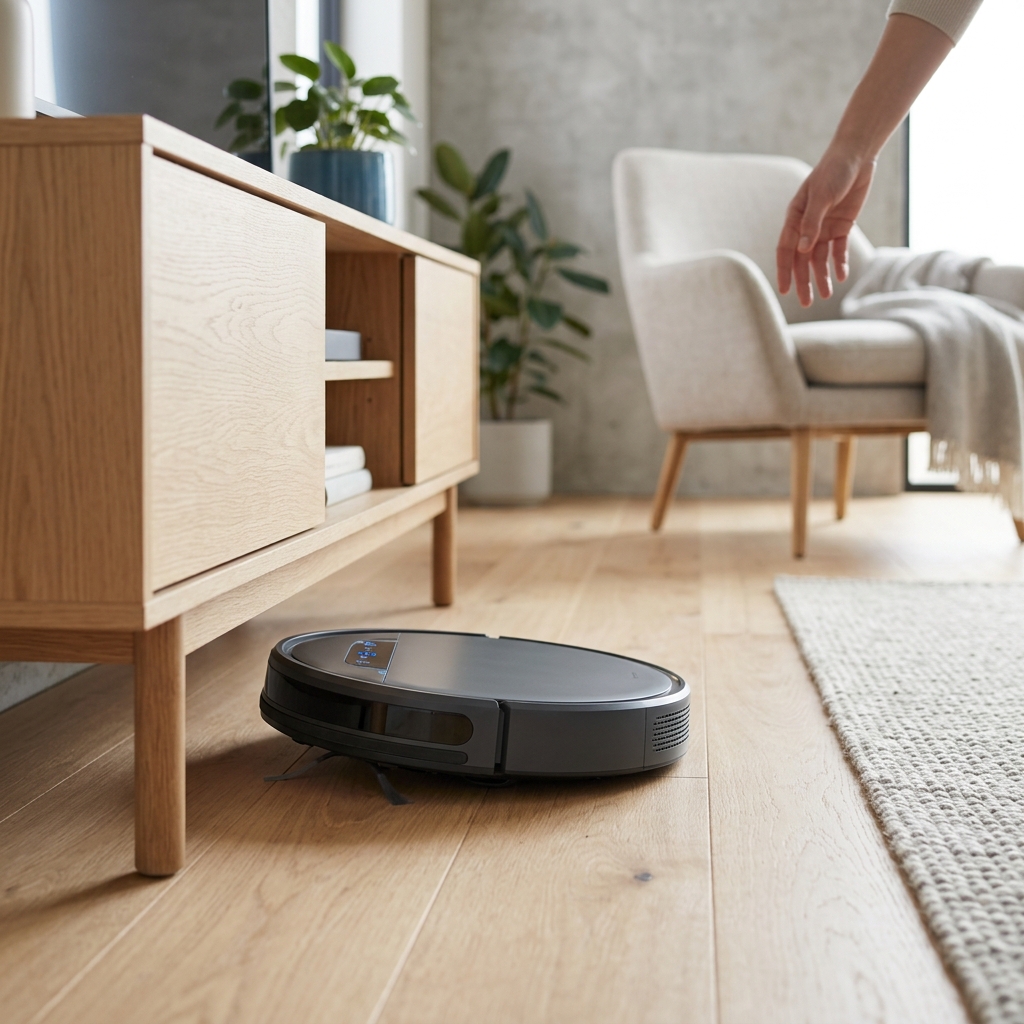
Let’s start with the most common cause: physical obstructions. These are usually easy to spot and rectify. Before diving into more complex troubleshooting, take a good look around the robot.
- Cords and Cables: These are a robot vacuum’s nemesis. They easily get tangled in the brushes and wheels, bringing the cleaning to a halt. Invest in cable management solutions like cable ties, sleeves, or boxes to keep cords off the floor.
- Rugs and Carpets: Thick pile rugs or carpets with tassels can trap the robot. Some robots struggle with high-pile carpets altogether. Consider removing smaller rugs during cleaning cycles, or using virtual walls (see Step 5).
- Thresholds: High thresholds between rooms can pose a challenge, especially for older or less powerful models.
- Small Objects: Socks, toys, pet bowls, and even loose paper can obstruct the robot’s path. A quick pre-cleaning sweep to remove small items will save you headaches.
Preventative Measures: Regularly tidy up the area before scheduling a cleaning cycle. A clutter-free floor is a happy robot vacuum floor!
Step 2: Is It a Wheel Problem?
If no obvious obstructions are present, the problem might lie with the wheels. Robot vacuums rely on free-moving wheels to navigate effectively.
- Check for Debris: Hair, dust bunnies, and carpet fibres frequently get wrapped around the axles and wheels, hindering their movement.
- Examine for Damage: Look for cracks, breaks, or signs of wear and tear on the wheels themselves.
- Cleaning the Wheels: Most robots allow for easy wheel removal. Consult your user manual for specific instructions (it varies by model). Generally, you’ll need to gently pry or unclip the wheels. Once removed, clean them thoroughly with a brush and remove any tangled debris.
- Wheel Replacement: If the wheels are damaged, replacement is usually necessary. A set of Replacement Robot Vacuum Wheels (Set of 4) – £29.99 can often restore full functionality.
Step 3: Sensor Issues – The Robot’s ‘Eyes’ and ‘Feelers’
Robot vacuums are equipped with various sensors that help them navigate and avoid obstacles. Dirty or malfunctioning sensors can lead to getting stuck.
- Cliff Sensors: Located on the underside of the robot, these prevent it from falling down stairs. Dust or debris can block these sensors, causing the robot to think there’s a cliff even on a flat surface. Clean them gently with a soft, dry cloth.
- Bumper Sensors: These detect obstacles when the robot bumps into them. Make sure the bumper moves freely and isn’t obstructed. Clean the sensor area with a soft cloth.
- Object Detection Sensors: More advanced models use infrared or laser sensors to detect objects in their path. These can also become dirty. Consult your manual for the location and cleaning instructions.
- Sensor Failure: If cleaning doesn’t resolve the issue, a sensor may have failed. Repairing sensors can be complex and may require professional assistance.
Step 4: Software Glitches & App Troubleshooting
Sometimes, the issue isn’t hardware-related but a software glitch.
- Restart the Robot: A simple restart can often resolve minor software issues. The method varies by model (check your manual).
- Check for Firmware Updates: Manufacturers regularly release firmware updates to improve performance and fix bugs. Check the robot’s app to see if an update is available.
- App Connectivity: Ensure the app is connected to your Wi-Fi network and that the robot is properly paired. Try restarting your router.
- Force Stop & Re-Pair: If the app is unresponsive, try force-stopping the app and then re-pairing the robot.
- Factory Reset (Caution): As a last resort, you can try resetting the robot to factory settings. Be warned: this will erase all saved maps and settings. Consult your manual for instructions.
Step 5: Mapping Problems and ‘Lost’ Robots
Many modern robot vacuums create maps of your home to navigate efficiently. Problems with mapping can lead to the robot getting lost or stuck.
- Lost Map: If the robot loses its map, it may behave erratically. Try re-mapping the room.
- Virtual Walls/No-Go Zones: Double-check the placement of virtual walls or no-go zones in the app. Incorrectly configured zones can trap the robot.
- SLAM Technology Issues: SLAM (Simultaneous Localization and Mapping) technology can sometimes be confused by highly reflective surfaces or environments with limited features. Try adjusting the lighting or adding more visual landmarks.
Step 6: Battery & Charging Issues – A Common Cause
A low battery or charging connectivity problems can also cause a robot vacuum to get stuck.
- Battery Level: Check the battery level in the app. A low battery can significantly impact navigation.
- Charging Contacts: Ensure the charging contacts on the robot and the charging base are clean and making good contact.
- Charging Base Connectivity: Make sure the charging base is properly plugged in and receiving power.
- Failing Battery: If the battery isn’t holding a charge or is draining quickly, it may need to be replaced.
Step 7: When to Seek Professional Help
If you’ve tried all the troubleshooting steps above and your robot vacuum is still stuck, it’s time to seek professional help. This is especially true if you suspect a motor issue or significant sensor failure.
- Manufacturer Warranty: Check if your robot is still under warranty.
- Repair Services: Many manufacturers offer repair services, or you can find independent robot vacuum repair specialists.
Preventative Maintenance: Keeping Your Robot Running Smoothly
Regular maintenance can prevent many of the issues that cause robot vacuums to get stuck.
- Regular Cleaning Schedule: Empty the dustbin after each cleaning cycle. Clean the brushes, filters, and sensors regularly (at least once a week).
- Cord Management: Keep cords and cables out of the robot’s path.
- Avoid Problem Areas: Identify areas where the robot consistently gets stuck and try to avoid them (e.g., by using virtual walls).
- Proper Storage: When not in use, store the robot in a clean, dry place.
Comparison of Popular Robot Vacuums (2026)
| Model | Price (GBP) | Key Features | Pros | Cons |
|---|---|---|---|---|
| iRobot Roomba j7+ | £799.99 | Object Recognition, Self-Emptying Dock | Excellent object avoidance, Powerful suction, Convenient self-emptying. | Expensive, Can struggle with very thick carpets. |
| Shark AI Ultra Robot Vacuum | £649.99 | Self-Emptying Base, Multi-Surface Brushroll | Good value for money, Effective on both hard floors and carpets, Self-emptying. | Mapping can be inconsistent, Slightly noisier than some competitors. |
| Ecovacs Deebot X2 Omni | £1099.99 | All-in-One Omni Station (Wash/Dry/Empty), Advanced Mapping | Comprehensive cleaning station, Excellent suction, Advanced object avoidance. | Very expensive, Complex setup. |
| Roborock S8 Pro Ultra | £1299.99 | Sonic Mopping, Self-Emptying/Washing Dock | Superior mopping performance, Powerful suction, Comprehensive cleaning station. | Highest price point, Some features may be unnecessary for smaller homes. |
FAQ
- Why does my robot vacuum keep getting stuck on rugs? Rugs, especially those with thick piles or tassels, can obstruct the robot’s movement. Try removing the rug during cleaning cycles or using virtual walls to keep the robot away from it.
- How often should I clean the sensors on my robot vacuum? It’s recommended to clean the sensors at least once a week, or more often if you notice performance issues.
- What does it mean if my robot vacuum says “wheel error”? A wheel error indicates a problem with the wheels, such as an obstruction or damage. Check the wheels for debris or damage and clean or replace them as needed.
- Can I use my robot vacuum on hardwood floors? Yes, most robot vacuums are designed to work on hardwood floors. However, avoid using models with overly aggressive brushes, which could scratch the surface.
- What should I do if my robot vacuum is still stuck after trying these troubleshooting steps? If you’ve exhausted all troubleshooting options, it’s best to contact the manufacturer or a qualified repair technician.