
Keeping a UK home clean can be a challenge. From carpets and hardwood floors to the ever-present pet hair (we love our furry friends!), maintaining a spotless house demands time and effort. Robot vacuums have become increasingly popular, but the latest generation offers a particularly useful feature: zone cleaning. This guide will walk you through everything you need to know to choose the best robot vacuum with zone cleaning for your home in 2026.
As an Amazon Associate, we earn from qualifying purchases. This means we may receive a small commission at no extra cost to you when you buy through links on this page.
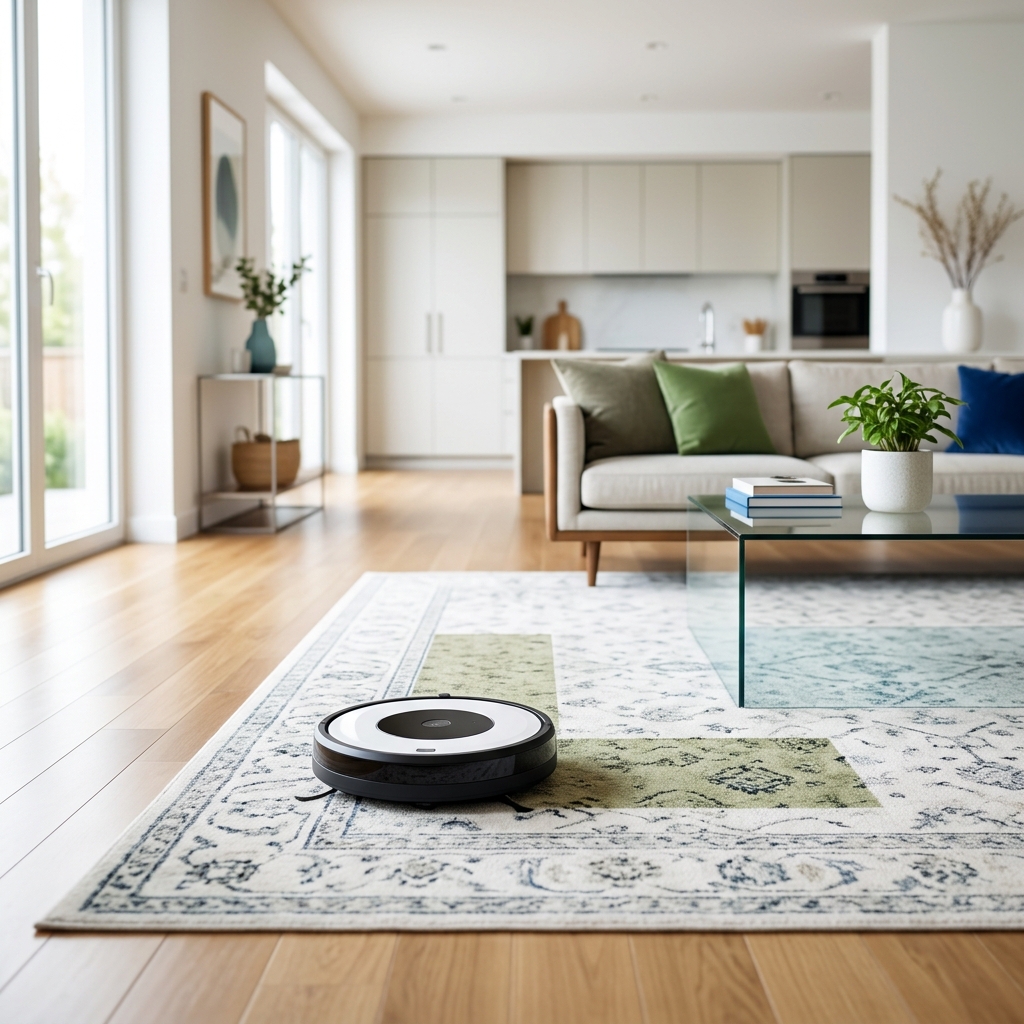
Table of Contents
What is Zone Cleaning and Why Do You Need It?
Zone cleaning allows you to designate specific areas of your home for the robot vacuum to clean. Instead of a random cleaning pattern, or simply cleaning entire rooms, you can tell your robot to focus on high-traffic areas like the kitchen after meals, or under the dining table after family dinners.
This is particularly beneficial for UK homes for several reasons:
- Targeted Cleaning: Focus on areas that *actually* need cleaning, saving time and battery life.
- Efficient Battery Use: Cleaning only specific zones means the robot doesn’t run out of power before finishing important areas.
- Restricted Area Avoidance: Easily avoid areas with delicate items, pet food bowls, or children’s toys using virtual walls or no-go zones.
- UK Floor Type Compatibility: Zone cleaning is effective on all common UK floor types – carpets (both pile heights), hardwood, laminate, and tile. You can often adjust suction power *per zone* to suit the floor covering.
Key Features to Look for in a Robot Vacuum with Zone Cleaning (2026)
Beyond zone cleaning itself, several features are crucial when choosing a robot vacuum in 2026:
- Suction Power (Pa): Measured in Pascals (Pa), higher suction power is essential for effective cleaning, especially on carpets. Look for models with at least 2500Pa, with higher end models pushing beyond 5000Pa in 2026.
- Battery Life: Essential for larger homes. Expect at least 90 minutes of runtime, and models that automatically recharge and resume cleaning.
- Smart Mapping Technology:
- LiDAR (Light Detection and Ranging): Uses lasers to create a precise map of your home. Generally considered more accurate, especially in low light.
- Camera-Based Mapping: Uses cameras to navigate. Improved dramatically in 2026, with better object recognition and performance in varying light conditions.
- App Compatibility (iOS/Android): A user-friendly app is vital for setting up zones, scheduling cleaning, and controlling the robot.
- Obstacle Avoidance: Crucial for avoiding furniture, cables, and pet messes. 2026 models utilize advanced AI for superior object recognition.
- Self-Emptying Docks: Automatically empty the robot’s dustbin into a larger container, reducing maintenance.
- Multi-Floor Mapping: Allows the robot to store maps of multiple floors in your home.
- Voice Assistant Integration (Alexa/Google Assistant): Control the robot with voice commands.
Top Robot Vacuums with Zone Cleaning – UK Market (2026)
Here’s a comparison of some of the leading robot vacuums available in the UK in 2026:
| Model | Price (GBP) | Suction Power (Pa) | Mapping Tech. | Self-Emptying? | Pros | Cons | Best For |
|---|---|---|---|---|---|---|---|
| iRobot Roomba j7+ (Self-Emptying) | £799.99 | 3600 | Visual Navigation | Yes | Excellent obstacle avoidance, pet hair focused, good app. | Can struggle with very dark rooms. | Homes with pets, medium-sized homes. |
| Roborock S8 Pro Ultra (Dock Included) | £1399.99 | 6000 | LiDAR | Yes (All-in-One Dock) | Powerful suction, mopping function, complete dock system (self-emptying, mop washing, auto refilling). | Expensive. | Large homes, multi-surface cleaning, minimal maintenance. |
| Ecovacs Deebot X2 Omni (All-in-One Dock) | £1199.99 | 5000 | LiDAR & Visual | Yes (All-in-One Dock) | Advanced obstacle avoidance, excellent mopping, comprehensive dock features. | App can be complex for some users. | Large homes, multi-surface cleaning, tech-savvy users. |
| Shark AI Ultra Robot Vacuum | £649.99 | 2000 | LiDAR | No | Affordable, good suction for the price, reliable. | No self-emptying, lower suction than premium models. | Small to medium-sized homes, budget-conscious buyers. |
| Dreame L10s Ultra (Self-Emptying & Mopping) | £899.99 | 5000 | LiDAR | Yes | Good value for money, self-emptying, mopping functionality. | Obstacle avoidance not as advanced as some competitors. | Medium to large homes, multi-surface cleaning. |
| Samsung Jet Bot AI+ | £999.99 | 3000 | LiDAR & AI Object Recognition | Yes | Exceptional AI-powered object recognition, sleek design, good suction. | Can be noisy at higher suction levels. | Tech enthusiasts, homes with lots of obstacles. |
| Proscenic V900 Robot Vacuum (Budget Option) | £249.99 | 1800 | Gyroscope | No | Very affordable, basic zone cleaning functionality, decent suction for the price. | Less accurate mapping, limited features. | Small apartments, budget-conscious buyers. |
How to Set Up and Use Zone Cleaning Effectively
The process for setting up zone cleaning varies slightly depending on the brand and model, but here’s a general guide:
- Initial Mapping: Let the robot complete a full mapping run of your home.
- Open the App: Access the robot’s app on your smartphone or tablet.
- Enter Zone Cleaning Mode: Navigate to the zone cleaning section of the app.
- Define Zones: Use the app to draw zones directly on the map of your home. You can create zones based on rooms or specific areas within rooms.
- Name Zones: Give each zone a descriptive name (e.g., “Kitchen,” “Living Room,” “Under Dining Table”).
- Schedule Cleaning: Set up a schedule for cleaning each zone, specifying the days and times.
- Virtual Walls/No-Go Zones: Use these features to prevent the robot from entering areas you want to avoid.
Troubleshooting: If the robot struggles to recognize a zone, try re-mapping the area or adjusting the zone boundaries.
Robot Vacuum Zone Cleaning vs. Traditional Vacuuming: A UK Comparison
| Feature | Robot Vacuum (Zone Cleaning) | Traditional Vacuuming |
|---|---|---|
| Convenience | High – Automated cleaning, remote control. | Low – Requires manual effort. |
| Cleaning Performance | Good – Consistent cleaning, effective for maintenance. | Excellent – More powerful for deep cleaning. |
| Cost (Initial) | High (£250 – £1400+) | Moderate (£50 – £500+) |
| Cost (Ongoing) | Moderate – Filters, brushes, bags (for self-emptying models). | Low – Bags, filters (depending on model). |
| Maintenance | Moderate – Emptying bins, cleaning brushes, filter replacement. | Moderate – Emptying bags/bins, filter replacement, maintenance of the machine itself. |
Maintaining Your Robot Vacuum for Optimal Performance
Regular maintenance is key to keeping your robot vacuum running smoothly:
- Clean Brushes: Remove hair and debris from the main brush and side brushes weekly.
- Empty Dustbin/Dock: Empty the dustbin after each cleaning cycle, or more frequently if you have pets. Empty the self-emptying dock when full.
- Replace Filters: Replace filters every 2-3 months, or as recommended by the manufacturer.
- Check Sensors: Clean sensors regularly to ensure accurate navigation.
- Update Software: Keep the robot’s software up to date to benefit from new features and improvements.
- Pet Hair Considerations: If you have pets, consider models specifically designed for pet hair removal and increase brush cleaning frequency.
- Allergy Sufferers: HEPA filters are crucial for allergy sufferers. Ensure your robot vacuum has one and replace it regularly.
Future Trends in Robot Vacuum Technology (2026 & Beyond)
Robot vacuum technology is evolving rapidly. Here’s what we can expect to see in the coming years:
- AI-Powered Object Recognition: Even more sophisticated object recognition, allowing robots to identify and avoid a wider range of obstacles (e.g., shoes, cables, toys).
- Improved Obstacle Avoidance: More agile and intelligent navigation, enabling robots to navigate complex environments with ease.
- Self-Cleaning Docks: Docks that automatically clean the robot’s brushes and mop pads.
- More Sophisticated Mapping: 3D mapping and object recognition for even more accurate and efficient cleaning.
- Smart Home Integration: Seamless integration with other smart home devices and ecosystems.
The UK market is likely to see a continued increase in the availability of advanced robot vacuums, with a growing emphasis on features that cater to the specific needs of UK homes.
FAQ
Q: How often should I clean the robot vacuum’s brushes?
Ideally, you should clean the brushes after every cleaning cycle, especially if you have pets. A more thorough cleaning should be done weekly.
Q: Can robot vacuums handle thick carpets?
Yes, but it depends on the model and carpet pile height. Look for models with powerful suction (over 3000Pa) and specifically designed brush heads for carpets.
Q: What is the difference between LiDAR and camera-based mapping?
LiDAR uses lasers for accurate mapping, even in low light. Camera-based mapping relies on visual data and has improved significantly, but can struggle in very dark rooms. LiDAR is generally more accurate.
Q: Are self-emptying docks worth the extra cost?
For many users, yes. They significantly reduce maintenance and are particularly convenient for pet owners or those with larger homes.
Q: How do I update my robot vacuum’s software?
Most robot vacuums update their software automatically via the app. Check the app settings to ensure automatic updates are enabled.