
Affiliate disclosure: this article contains paid links. As an Amazon Associate I earn from qualifying purchases.
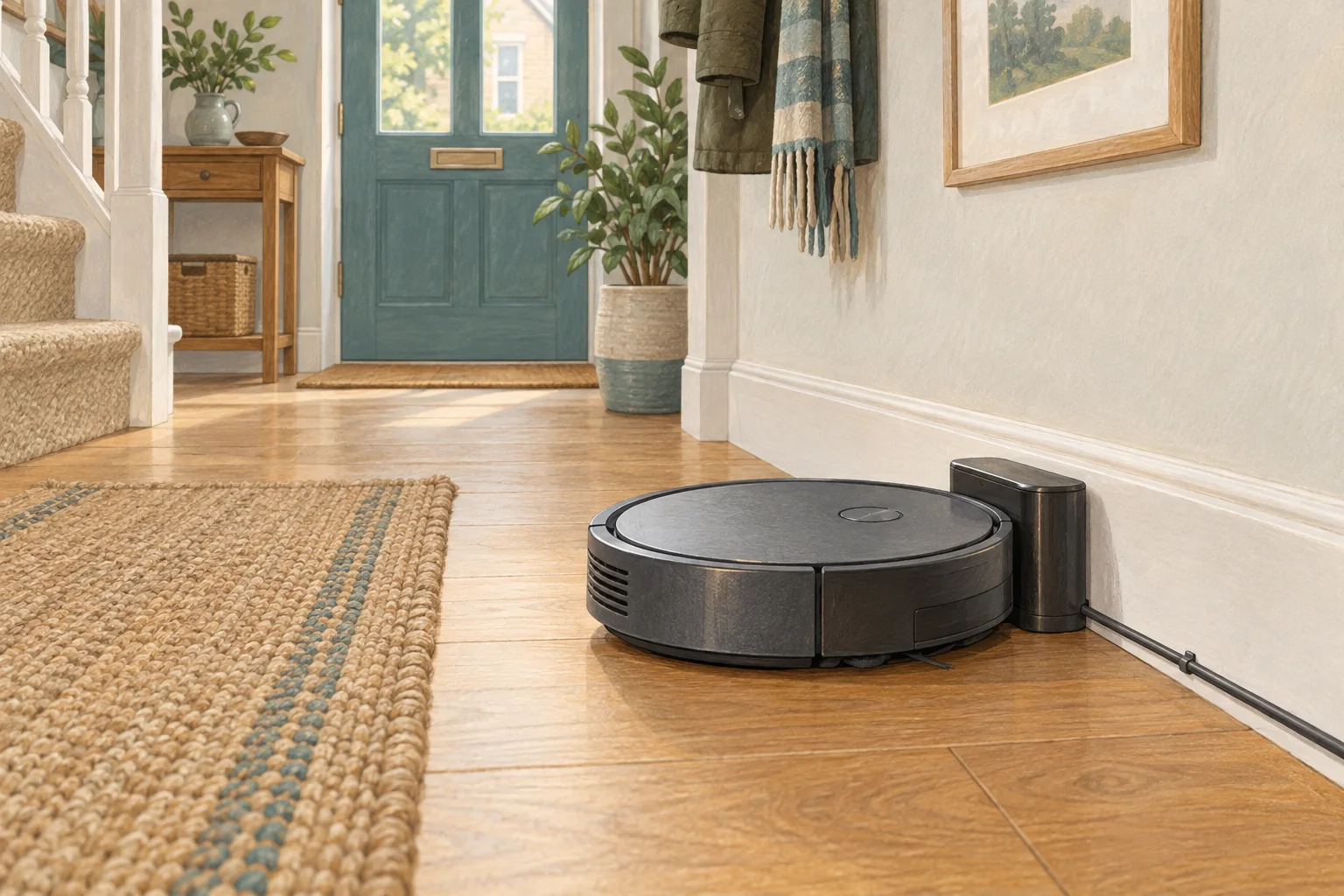
Maximum runtime is usually conditional. Carpet boost, repeated passes, obstacles and cleaning mode can all change how long a job takes and how much battery it uses.
Table of Contents
A practical checklist
- Read the mode and conditions behind the quoted figure.
- Prioritise completion and recharge-and-resume for your routine.
- Compare the same room and settings when assessing battery change over time.
What this looks like at home
A robot's mop-only maximum is not evidence of the same duration at maximum vacuum suction on carpet.
Separate charging, workload and battery condition
| Check | What matters |
|---|---|
| Charging indicator | Confirm actual charging, not just physical contact with the base. |
| Repeatable room | Use the same surface and setting for a useful comparison. |
| Visible damage | Stop using damaged electrical equipment and seek appropriate support. |
A mistake to avoid
Do not present listing runtime as an independently tested household result.
Relevant models to compare
Roborock Q7 M5
A vacuum with occasional damp wiping and app-controlled water delivery.
Check Roborock Q7 M5 on Amazon UK. Confirm the selected UK variant, seller, contents and current price.
Eufy X8 Pro with Self-Empty Station
Vacuum-led cleaning with a dust-emptying station and brush detangling comb.
Check Eufy X8 Pro with Self-Empty Station on Amazon UK. Confirm the selected UK variant, seller, contents and current price.
Related guidance
- Robot Vacuum Battery Replacement UK: Cost, DIY vs. Pro & Best Options
- Robot Vacuum Maintenance Tips UK: Keep Your Cleaner Running Smoothly
Sources and scope
Checked on 9 September 2026. Manufacturer instructions apply to the models they name; use your own exact manual for button sequences, removable parts and cleaning permissions. Product specifications are advertised claims. Examples illustrate decisions and are not hands-on test results.