
Table of Contents
What are Alexa Compatible Robot Vacuums?
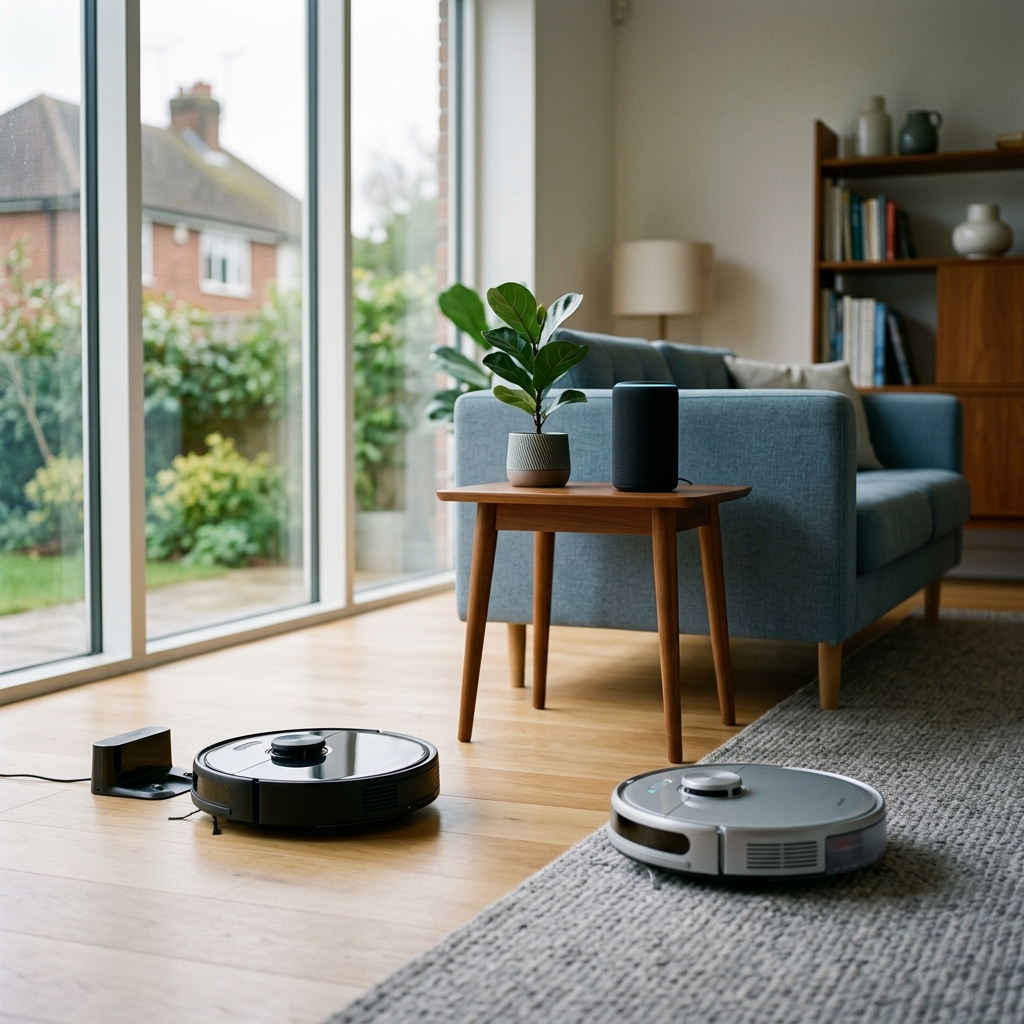
Alexa compatible robot vacuums allow you to control your cleaning schedule and initiate cleaning sessions using simple voice commands through an Amazon Alexa device. This means hands-free operation and seamless integration into your smart home ecosystem. Instead of using a smartphone app, you can simply say, “Alexa, start vacuuming” to get your floors sparkling. It’s all about convenience and making your life a little easier.
Why Choose an Alexa Robot Vacuum in 2026?
Smart home adoption is booming in 2026, with more and more households embracing connected devices. Robot vacuums perfectly complement this trend, offering a convenient and efficient way to maintain a clean home. The ability to control these devices with your voice via Alexa unlocks several key benefits:
- Hands-Free Operation: Start, stop, and pause cleaning with voice commands.
- Scheduling: Set up regular cleaning schedules through Alexa.
- Remote Control: Initiate cleaning even when you’re not at home.
- Smart Home Integration: Combine with other Alexa-enabled devices for automated routines (e.g., “Alexa, goodnight” can trigger vacuuming and lights off).
Key Features to Look for in 2026
When purchasing an Alexa-compatible robot vacuum in 2026, consider these important features:
- Suction Power: Measured in Pascals (Pa), higher Pa indicates stronger suction, crucial for carpets and pet hair.
- Battery Life: Look for models offering at least 90 minutes of runtime to cover larger homes.
- Navigation Technology: LiDAR offers precise mapping and obstacle avoidance, while vSLAM (visual simultaneous localisation and mapping) uses cameras for navigation. LiDAR generally performs better in low-light conditions.
- Smart Mapping: Allows the vacuum to learn your home’s layout, enabling zone cleaning and virtual boundaries.
- Zone Cleaning: Direct the vacuum to clean specific areas on demand.
- Self-Emptying Base Station: Automatically empties the dustbin, reducing maintenance frequency.
- Mopping Functionality: Many models now offer integrated mopping features, either with detachable water tanks or sonic vibration technology.
Top 5 Alexa Compatible Robot Vacuums (UK – 2026)
Here’s a detailed look at the best Alexa-compatible robot vacuums available in the UK as of 2026:
1. iRobot Roomba j9+ (2026)
Price: £1299.0
The Roomba j9+ remains a top contender, boasting exceptional cleaning performance and intelligent features. Its advanced object recognition and avoidance capabilities prevent it from getting tangled in cables or bumping into furniture. The precision cleaning ensures every nook and cranny is covered.
- Pros: Excellent object recognition, powerful suction, self-emptying base, smart mapping.
- Cons: High price point, can be noisy on hard floors.
- Suitability: Ideal for homes with complex layouts, pets, and a desire for hands-off cleaning.
2. Roborock S8 Pro Ultra (2026)
Price: £1499.0
The Roborock S8 Pro Ultra is a powerhouse of cleaning technology. Its sonic mopping feature delivers superior floor cleaning, while the auto-emptying dock and auto mop washing/drying station minimise maintenance. Alexa integration is seamless, allowing for voice-controlled cleaning and scheduling.
- Pros: Sonic mopping, auto-emptying & mop washing, strong suction, excellent navigation.
- Cons: Very expensive, large docking station.
- Suitability: Best for homes with a mix of hard floors and carpets, and those seeking a complete cleaning solution.
3. Ecovacs Deebot X2 Omni (2026)
Price: £1349.0
The Ecovacs Deebot X2 Omni offers a truly all-in-one cleaning experience. Its Omni Station not only empties the dustbin but also washes and dries the mopping pads, ensuring they’re always clean and ready to go. Alexa voice commands allow for effortless control.
- Pros: All-in-one cleaning station (washing, drying, dust emptying), strong suction, good navigation.
- Cons: Complex setup, relatively large station.
- Suitability: Perfect for busy households needing a low-maintenance, comprehensive cleaning solution.
4. Shark AI Ultra Robot Vacuum (2026)
Price: £899.0
The Shark AI Ultra Robot Vacuum offers excellent value for money. Its self-cleaning brushroll effectively tackles pet hair and debris, while the strong suction power ensures a thorough clean. Alexa voice commands provide convenient control.
- Pros: Self-cleaning brushroll, strong suction, affordable price, Alexa integration.
- Cons: Navigation isn’t as sophisticated as higher-end models, battery life could be better.
- Suitability: A great choice for pet owners and those on a tighter budget.
5. DreameBot L20s Ultra (2026)
Price: £1199.0
The DreameBot L20s Ultra excels in mopping performance, offering intelligent mopping pressure and auto mop washing. Its obstacle avoidance capabilities are impressive, and control via Alexa is straightforward. It’s a very strong all-rounder.
- Pros: Excellent mopping capabilities, obstacle avoidance, auto mop washing, Alexa control.
- Cons: Can struggle with very thick carpets, dustbin capacity could be larger.
- Suitability: Ideal for homes with primarily hard floors and a need for powerful mopping.
| Model | Price (GBP) | Suction Power (Pa) | Self-Emptying | Mopping | Alexa Compatible |
|---|---|---|---|---|---|
| iRobot Roomba j9+ (2026) | £1299.0 | 3000 | Yes | No | Yes |
| Roborock S8 Pro Ultra (2026) | £1499.0 | 6000 | Yes | Sonic | Yes |
| Ecovacs Deebot X2 Omni (2026) | £1349.0 | 5000 | Yes | Rotating | Yes |
| Shark AI Ultra Robot Vacuum (2026) | £899.0 | 2000 | Yes | No | Yes |
| DreameBot L20s Ultra (2026) | £1199.0 | 7000 | Yes | Rotating & Washing | Yes |
Setting Up Your Robot Vacuum with Alexa
- Download the Robot Vacuum’s App: Install the manufacturer’s app on your smartphone.
- Connect to Wi-Fi: Follow the app’s instructions to connect your robot vacuum to your home Wi-Fi network.
- Enable the Alexa Skill: Open the Alexa app and search for the skill associated with your robot vacuum brand (e.g., “iRobot Skill”).
- Link Accounts: Follow the on-screen prompts to link your robot vacuum account to your Amazon account.
- Discover Devices: Ask Alexa to “Discover Devices” or manually trigger device discovery in the Alexa app.
Troubleshooting: If Alexa cannot find your robot vacuum, ensure both devices are connected to the same Wi-Fi network and that the Alexa skill is properly enabled.
Useful Alexa Voice Commands for Robot Vacuums
- “Alexa, start vacuuming.”
- “Alexa, pause cleaning.”
- “Alexa, resume cleaning.”
- “Alexa, send the robot to the kitchen.”
- “Alexa, start spot cleaning.”
- “Alexa, where is the robot?”
- “Alexa, tell the robot to go home.”
Robot Vacuum Maintenance & Tips
- Regular Emptying: Empty the dustbin regularly, even with a self-emptying base.
- Filter Replacement: Replace filters every few months to maintain suction power.
- Brushroll Cleaning: Remove hair and debris from the brushroll to prevent tangles.
- Sensor Cleaning: Clean the sensors periodically to ensure accurate navigation.
- Firmware Updates: Keep the robot vacuum’s firmware up to date for optimal performance.
Frequently Asked Questions (FAQs)
Q: Is my Amazon Echo Dot (5th Gen) (£54.99) compatible with these robot vacuums?
Yes, all the robot vacuums listed are compatible with all generations of Amazon Echo devices, including the Echo Dot (5th Gen). As long as your Echo Dot is connected to the same Wi-Fi network as your robot vacuum, you’ll be able to control it with voice commands.
Q: Are there any privacy concerns with using an Alexa-compatible robot vacuum?
There are valid privacy concerns with any smart home device. Robot vacuums create maps of your home, which are stored by the manufacturer. Reputable brands like iRobot, Roborock, and Ecovacs have robust security measures in place, but it’s always advisable to review their privacy policies and adjust settings to your comfort level.
Q: What if my robot vacuum keeps disconnecting from Alexa?
Several factors can cause disconnections. First, check your Wi-Fi connection. A weak or unstable Wi-Fi signal is a common culprit. Also, try disabling and re-enabling the Alexa skill for your robot vacuum. Finally, ensure the robot vacuum’s firmware and the Alexa app are both up to date.
Q: Can I create routines in Alexa to automate my robot vacuum?
Absolutely! You can create Alexa routines to trigger cleaning sessions based on specific times, events, or other smart home device triggers. For example, you could set a routine to start vacuuming every morning at 9 am or when you leave the house.
Q: Do these robots work well with pets?
Most of these models are designed to handle pet hair effectively, particularly those with self-cleaning brushrolls. However, the iRobot Roomba j9+ and Shark AI Ultra are particularly well-suited for pet owners due to their strong suction and tangle-free brushroll designs.