
Affiliate disclosure: this article contains paid links. As an Amazon Associate I earn from qualifying purchases.
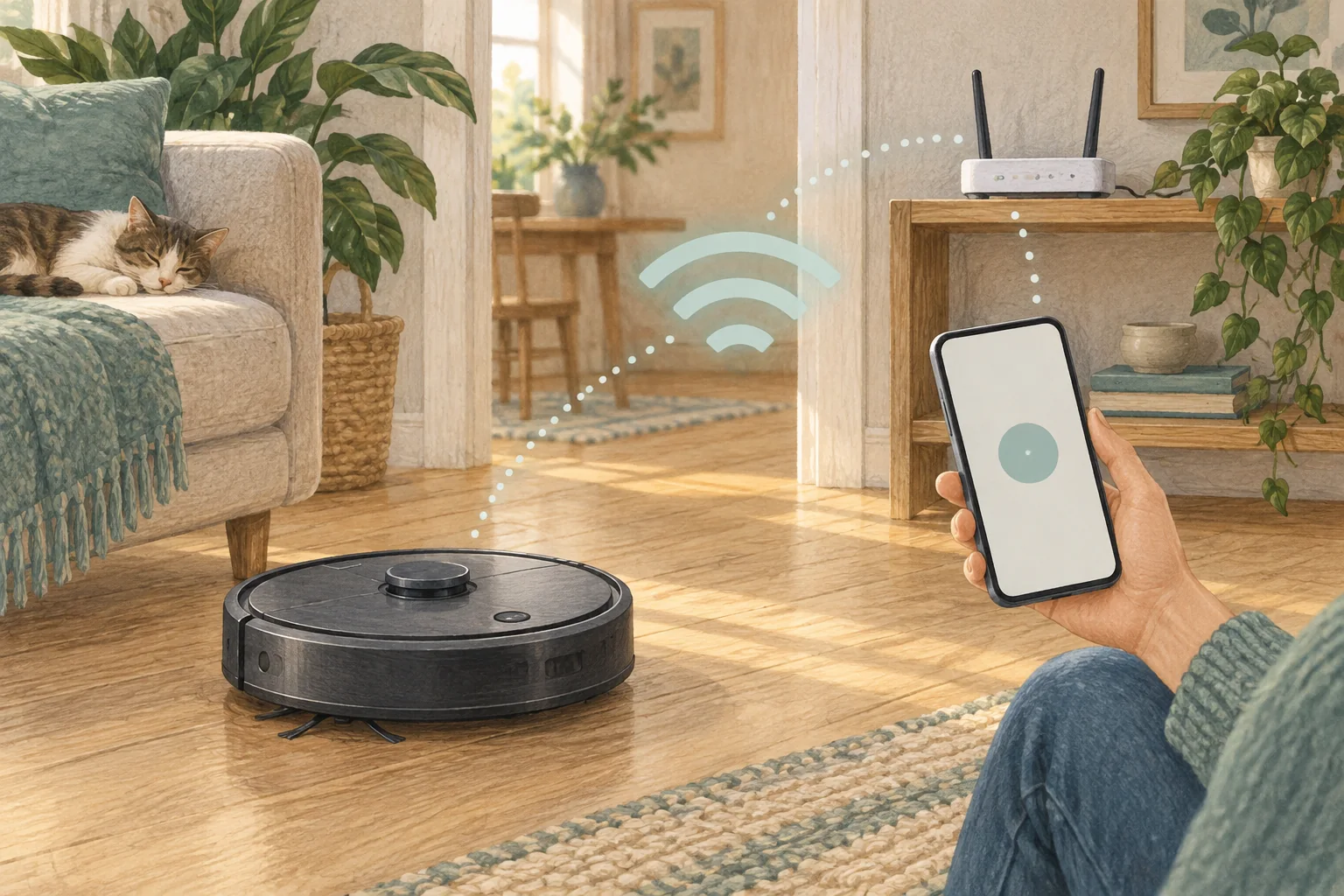
Connected features can rely on ongoing app and cloud support. Understand what happens without internet access and what basic controls remain available on the machine.
Table of Contents
A practical checklist
- Read the account, offline-control and software-support information for the model.
- Check whether maps and schedules remain usable locally.
- Keep purchase records and avoid assuming an app will be supported indefinitely.
What this looks like at home
A robot can be mechanically sound while remote room commands become unavailable during a service outage.
Separate sensors, local control and cloud features
| Check | What matters |
|---|---|
| Sensors | Verify the full specification and optional visual features. |
| Local control | Identify what works on physical buttons. |
| Connected features | Check accounts, sharing and internet requirements. |
A mistake to avoid
Do not promise indefinite cloud service or a guaranteed future support period without an explicit commitment.
Relevant models to compare
Eufy L60
A simple mapped vacuum for households that already mop by hand.
Check Eufy L60 on Amazon UK. Confirm the selected UK variant, seller, contents and current price.
Eufy X10 Pro Omni
A mixed-floor option combining spinning mops, automatic dock care and camera-assisted obstacle recognition.
Check Eufy X10 Pro Omni on Amazon UK. Confirm the selected UK variant, seller, contents and current price.
Related guidance
- Master Your Robot Vacuum: A Complete Guide to Using the App
- Robot Vacuum Maintenance Tips UK: Keep Your Cleaner Running Smoothly
Sources and scope
Checked on 9 September 2026. Manufacturer instructions apply to the models they name; use your own exact manual for button sequences, removable parts and cleaning permissions. Product specifications are advertised claims. Examples illustrate decisions and are not hands-on test results.