
Affiliate disclosure: this article contains paid links. As an Amazon Associate I earn from qualifying purchases.
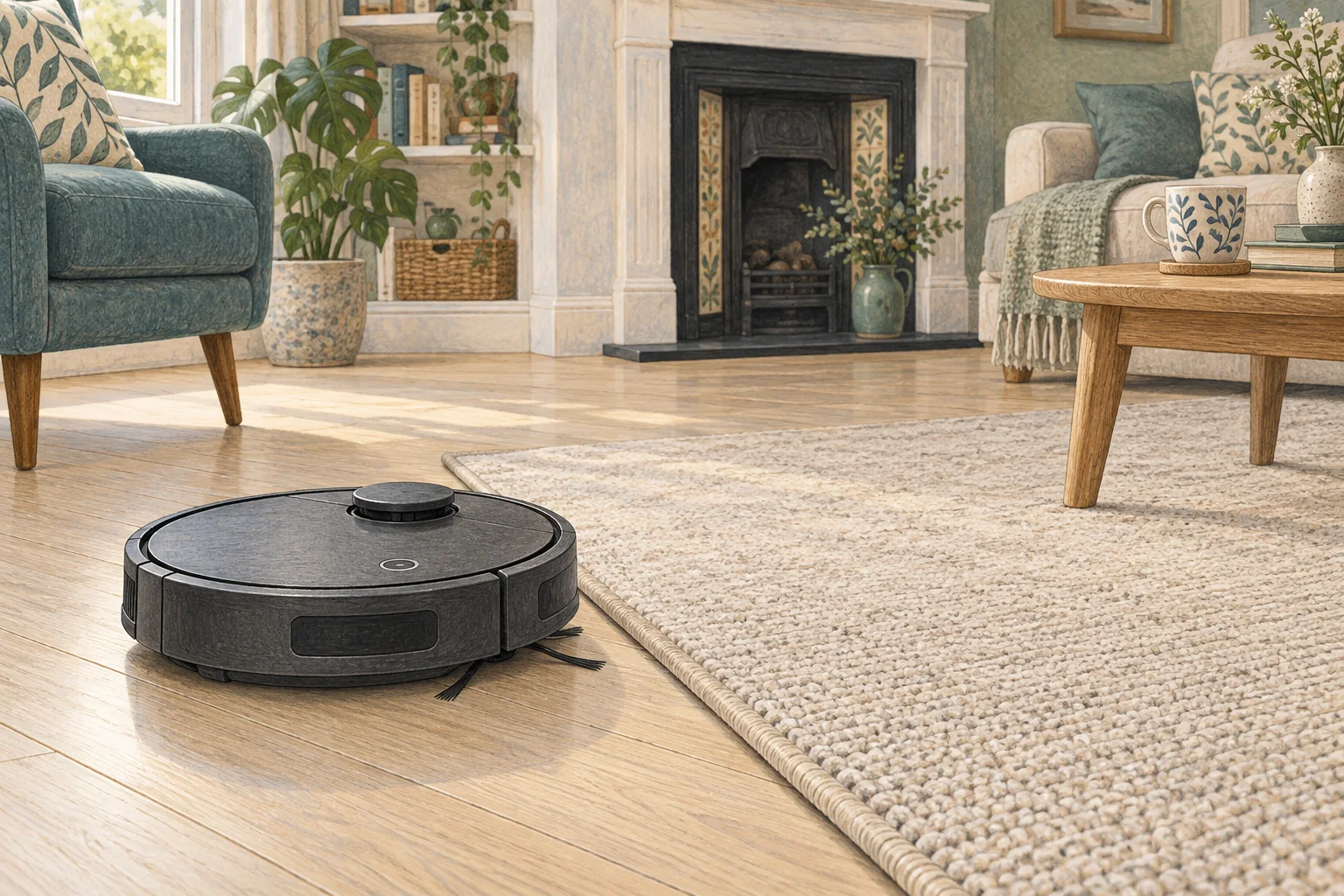
A shadow, dark inlay or highly reflective patch can create a local navigation problem. Record the boundary it avoids before rebuilding the entire map.
Table of Contents
Start with these checks
- Clean exposed floor-facing sensors and remove loose dirt from the patch.
- Compare the route at another time of day without changing furniture.
- Check whether a saved no-go zone or carpet setting covers the same area.
What this looks like at home
A black decorative tile may be consistently avoided while the rest of a pale hallway is cleaned normally.
Why a dark surface can be different
| Check | What matters |
|---|---|
| Colour boundary | Note whether reversal follows a specific dark edge. |
| Sensor condition | Clean only the exposed windows as directed. |
| Fall protection | Keep it active throughout troubleshooting. |
A mistake to avoid
A dark-floor workaround must not disable fall detection.
Buy a part only after identifying the cause
Check the exact model and part reference before buying. If cleaning resolves the problem, a replacement may be unnecessary.
Browse Amazon UK results for soft microfibre cleaning cloth. These are search results, not a verified recommendation for your particular machine.
What the result tells you
Compare whether the avoided area changes with lighting or remains fixed to the material boundary. Report that pattern and the active map settings; it helps distinguish a local optical issue from an accidental exclusion.
Related guidance
- Robot Vacuum Stuck? A Comprehensive Troubleshooting Guide
- Robot Vacuum Maintenance Tips UK: Keep Your Cleaner Running Smoothly
Sources and scope
Checked on 9 September 2026. Manufacturer instructions apply to the models they name; use your own exact manual for button sequences, removable parts and cleaning permissions. Product specifications are advertised claims. Examples illustrate decisions and are not hands-on test results.