
Affiliate disclosure: this article contains paid links. As an Amazon Associate I earn from qualifying purchases.
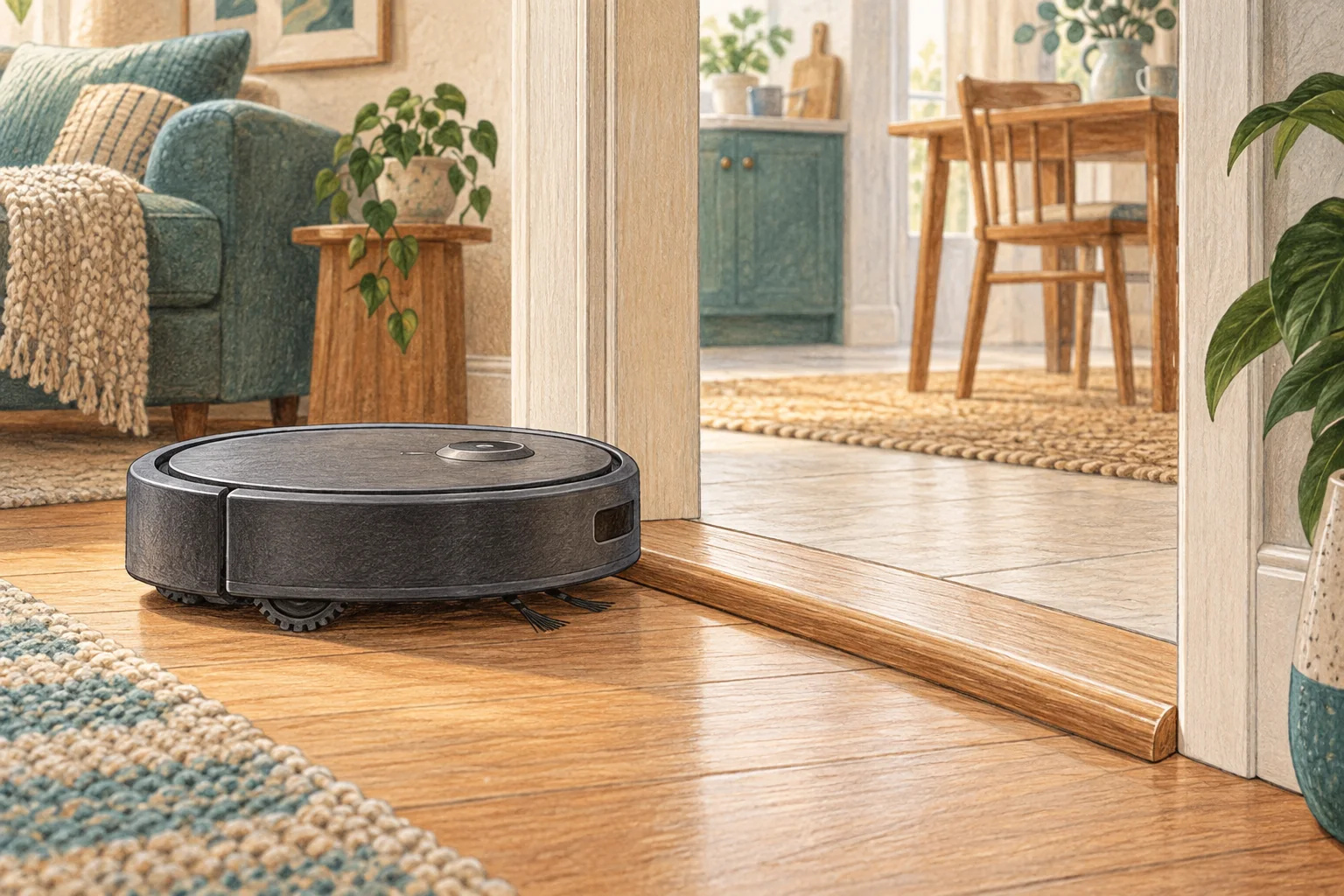
A bumper that does not spring back freely can make clear floor look blocked. Look for trapped debris or a shifted cover before editing no-go zones.
Table of Contents
Start with these checks
- Power off and gently check accessible bumper movement.
- Remove visible fluff around permitted edges without prying the housing apart.
- Retry away from walls and compare whether the warning is immediate or location-specific.
What this looks like at home
An immediate bumper warning on an open floor differs from repeated bumps against one unusually low piece of furniture.
Test the machine and the obstacle separately
| Check | What matters |
|---|---|
| One location only | Examine the shape, surface and escape route. |
| Every location | Check accessible wheels, bumper and brush assembly. |
| After maintenance | Recheck the fitted parts before changing the map. |
A mistake to avoid
Do not force the bumper or disable its switches.
Buy a part only after identifying the cause
Check the exact model and part reference before buying. If cleaning resolves the problem, a replacement may be unnecessary.
Browse Amazon UK results for soft cleaning brush. These are search results, not a verified recommendation for your particular machine.
What the result tells you
If the bumper warning appears with no nearby obstacle after permitted cleaning, preserve a short video of its movement and message. Stop forcing the bumper and ask for the exact model's next support step.
Related guidance
- Robot Vacuum Stuck? A Comprehensive Troubleshooting Guide
- Robot Vacuum Maintenance Tips UK: Keep Your Cleaner Running Smoothly
Sources and scope
Checked on 9 September 2026. Manufacturer instructions apply to the models they name; use your own exact manual for button sequences, removable parts and cleaning permissions. Product specifications are advertised claims. Examples illustrate decisions and are not hands-on test results.