
Affiliate disclosure: this article contains paid links. As an Amazon Associate I earn from qualifying purchases.
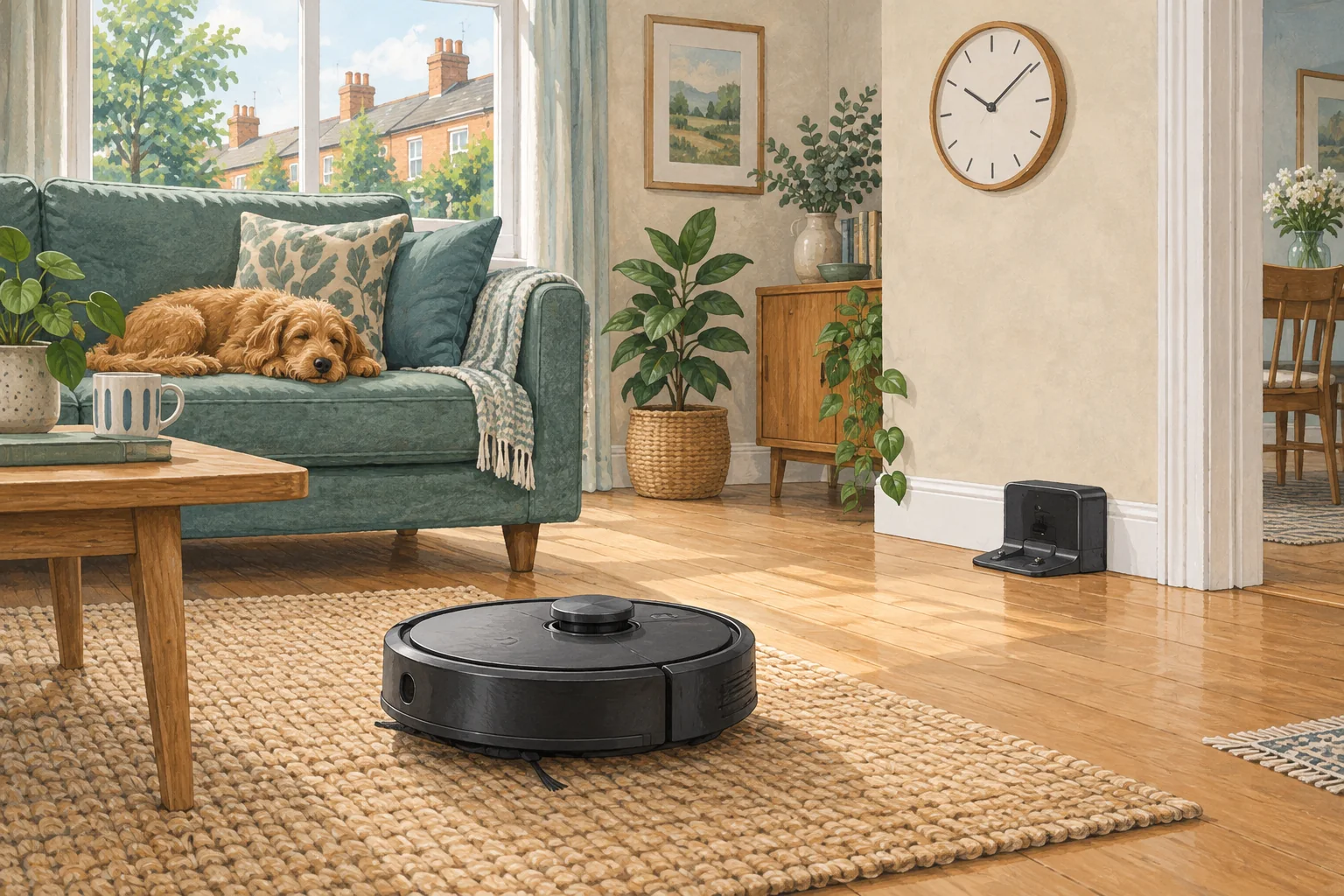
A child lock can prevent certain button actions, depending on the model. It does not make the robot's brushes, water tanks or moving dock mechanisms safe toys.
Table of Contents
A practical checklist
- Read which controls the lock actually disables.
- Keep cleaning tools, detergent and spare parts stored appropriately.
- Schedule runs separately from floor play and supervise first uses.
What this looks like at home
A locked start button may stop accidental jobs while the dock's removable tanks remain physically accessible.
Follow the whole job, including the return
| Check | What matters |
|---|---|
| Start | Correct day, local time, charge and selected rooms. |
| During cleaning | Open routes and suitable debris. |
| Finish | Successful return and expected dock activity. |
A mistake to avoid
Do not treat an app setting as a substitute for age-appropriate supervision.
Relevant models to compare
Eufy X10 Pro Omni
A mixed-floor option combining spinning mops, automatic dock care and camera-assisted obstacle recognition.
Check Eufy X10 Pro Omni on Amazon UK. Confirm the selected UK variant, seller, contents and current price.
Eufy Omni C20
A relatively low-profile robot with an automatic mop-care dock.
Check Eufy Omni C20 on Amazon UK. Confirm the selected UK variant, seller, contents and current price.
Related guidance
- Robot Vacuum Scheduling: The Ultimate Guide for a Spotlessly Clean Home
- Robot Vacuum Maintenance Tips UK: Keep Your Cleaner Running Smoothly
Sources and scope
Checked on 9 September 2026. Manufacturer instructions apply to the models they name; use your own exact manual for button sequences, removable parts and cleaning permissions. Product specifications are advertised claims. Examples illustrate decisions and are not hands-on test results.