
Affiliate disclosure: this article contains paid links. As an Amazon Associate I earn from qualifying purchases.
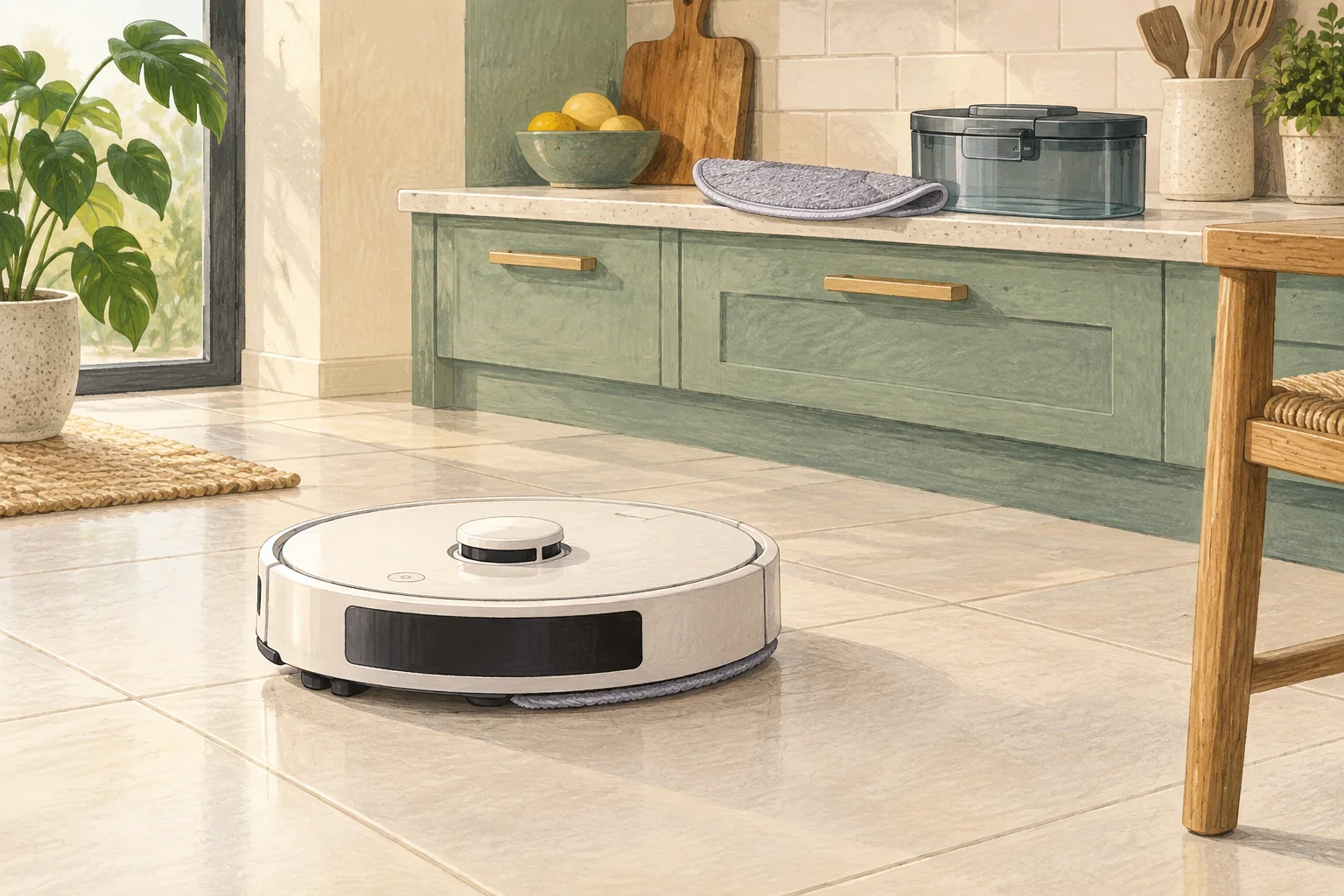
Dock washing depends on the job, settings and tank readiness. Some models do not wash after a vacuum-only run or when mops were not used.
Table of Contents
Start with these checks
- Confirm the previous task included mopping and the wash setting is enabled.
- Check clean and dirty tanks, wash tray and accessible filters are seated.
- Use the model's manual wash command and record any new warning.
What this looks like at home
A robot sent straight back to base without cleaning may behave differently from one completing a full mop routine.
Keep clean water, dirty water and dry dust separate
| Check | What matters |
|---|---|
| Clean-water side | Use the permitted water and solution method. |
| Dirty-water side | Empty and clean the removable tank as directed. |
| Pads, roller and tray | Inspect, clean and dry only as the manual allows. |
A mistake to avoid
Do not pour water into powered dock internals to force a wash cycle.
Buy a part only after identifying the cause
Check the exact model and part reference before buying. If cleaning resolves the problem, a replacement may be unnecessary.
Browse Amazon UK results for robot vacuum compatible mop pads. These are search results, not a verified recommendation for your particular machine.
What the result tells you
Describe whether a manual wash command fails too, and include the tank status messages. A skipped automatic wash after a vacuum-only task is different from a station unable to wash on command.
Related guidance
- Robot Vacuum Maintenance Tips UK: Keep Your Cleaner Running Smoothly
- How to Choose a Robot Vacuum: Complete Buyer's Guide
Sources and scope
Checked on 9 September 2026. Manufacturer instructions apply to the models they name; use your own exact manual for button sequences, removable parts and cleaning permissions. Product specifications are advertised claims. Examples illustrate decisions and are not hands-on test results.