
Affiliate disclosure: this article contains paid links. As an Amazon Associate I earn from qualifying purchases.
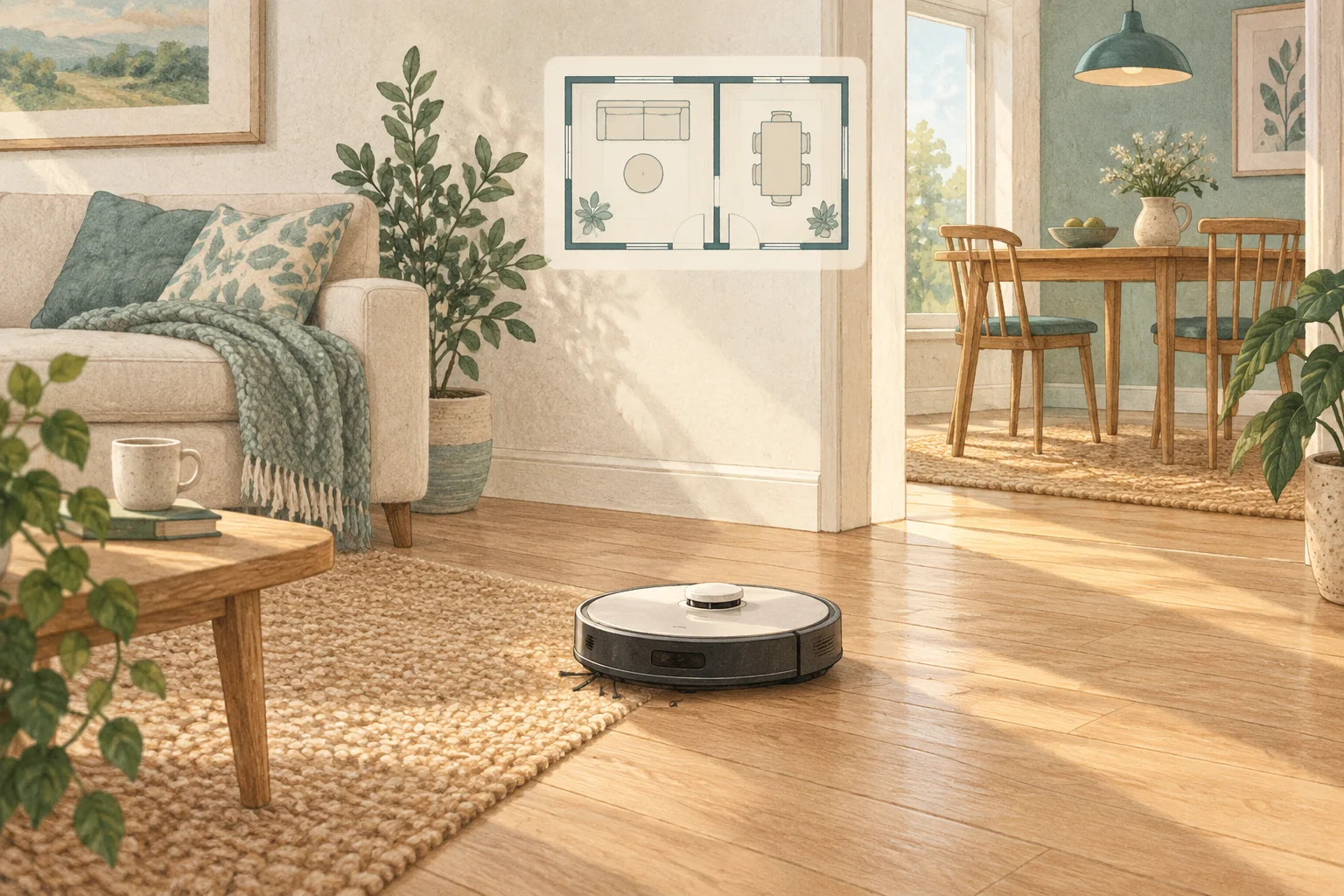
A closed door, narrow approach or incorrect room selection can make an otherwise healthy robot miss a room. Begin with access and the job settings.
Table of Contents
Start with these checks
- Check the door stays open throughout the scheduled run.
- Inspect room selection, no-go zones and doorway thresholds on the saved map.
- Run that room alone from the dock and watch the doorway approach.
What this looks like at home
A bedroom door that swings shut after the robot passes a draught can explain an apparently random omission.
Give the robot a consistent starting point
| Check | What matters |
|---|---|
| Starting point | Use the model’s recommended localisation procedure. |
| Selected map | Confirm the correct floor and room selection. |
| Physical route | Check doors, furniture and the return to the dock. |
A mistake to avoid
Do not increase suction to solve a room-access problem.
Buy a part only after identifying the cause
Check the exact model and part reference before buying. If cleaning resolves the problem, a replacement may be unnecessary.
Browse Amazon UK results for non marking door stop. These are search results, not a verified recommendation for your particular machine.
What the result tells you
If a manual room clean succeeds, examine the schedule's room selection and the door position at its normal start time. If the manual command fails at the doorway too, inspect physical access before changing the timetable.
Related guidance
- How to Map Your Home for a Robot Vacuum: A 2026 Guide
- Robot Vacuum Maintenance Tips UK: Keep Your Cleaner Running Smoothly
Sources and scope
Checked on 9 September 2026. Manufacturer instructions apply to the models they name; use your own exact manual for button sequences, removable parts and cleaning permissions. Product specifications are advertised claims. Examples illustrate decisions and are not hands-on test results.