
Table of Contents
Introduction: The Multi-Floor Cleaning Challenge
Cleaning a multi-story home can be a real chore. Dragging a vacuum up and down stairs is time-consuming and physically demanding. Thankfully, robot vacuums have come a long way, and in 2026, we’re seeing models specifically designed to tackle the challenges of multi-floor living. These aren’t just about convenience; they’re about reclaiming your time and maintaining a consistently clean home without the effort. Advancements in mapping technology and smart features mean that robot vacuums can now intelligently navigate multiple levels, remember floor plans, and even adjust cleaning routines based on the surface type. This guide will help you navigate the options and find the best robot vacuum for your multi-floor home.
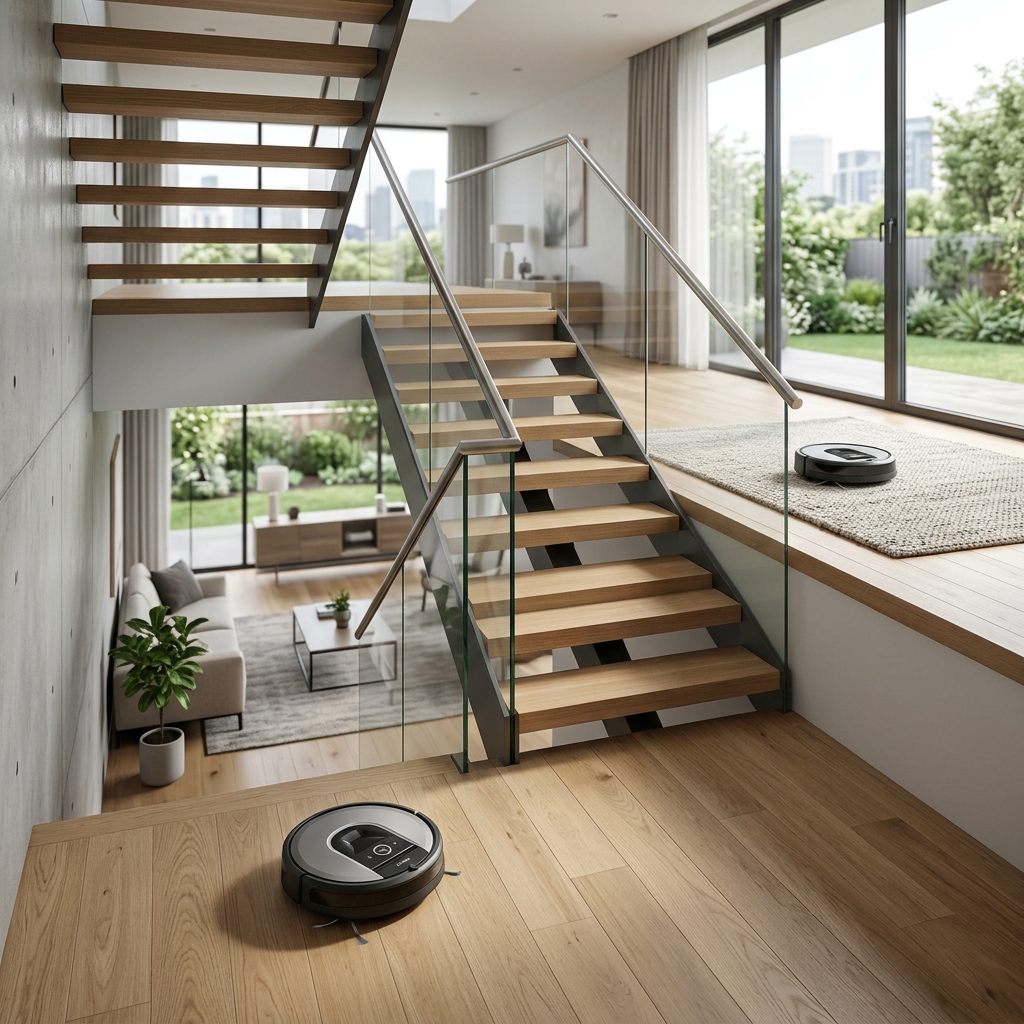
What to Look for in a Robot Vacuum for Multiple Floors
Choosing the right robot vacuum for a multi-floor home requires careful consideration of several key features:
Mapping Technology
This is arguably the most important factor. LiDAR (Light Detection and Ranging) uses lasers to create a precise map of your home, offering excellent accuracy even in low light. vSLAM (Visual Simultaneous Localization and Mapping) relies on cameras and sensors. While generally more affordable, vSLAM can be less reliable in darkness. Accurate mapping allows the robot to efficiently clean each floor without missing spots or getting lost.
Automatic Floor Detection
A crucial feature for homes with mixed flooring. The robot should intelligently identify when it transitions from hardwood to carpet, automatically adjusting suction power for optimal cleaning.
No-Go Zones & Virtual Walls
Essential for preventing the robot from entering areas you want to avoid – like around delicate furniture, pet bowls, or stairs. Virtual walls, created via the app or physical barriers, provide an extra layer of control.
Battery Life
Multi-floor homes require longer battery life. Look for robots that can clean for at least 90 minutes on a single charge, and ideally those that can automatically return to their dock to recharge and resume cleaning where they left off.
Suction Power
Measured in Pascals (Pa). Higher Pa generally means better cleaning performance, particularly on carpets. A suction power of 2000Pa or higher is recommended for homes with pets or thick carpets.
Emptying Systems (Auto-Empty Docks)
These docks automatically empty the robot’s dustbin, reducing the frequency of manual emptying. This is particularly useful for multi-floor cleaning, as you won’t need to empty the bin after each floor.
App Control
A user-friendly app is vital for scheduling cleaning sessions, setting no-go zones, monitoring cleaning progress, and controlling the robot remotely.
Top 5 Robot Vacuums for Multiple Floors (2026)
1. iRobot Roomba j9+ (2026) – £1299
Pros
- Exceptional cleaning performance on all floor types.
- Advanced obstacle avoidance – avoids cords and pet waste.
- Precise LiDAR mapping and multi-floor support.
- Automatic emptying and clean base.
- Excellent app with detailed cleaning reports.
Cons
- High price point.
- Can be slightly noisy compared to some competitors.
- Auto-empty bags require ongoing replacement costs.
The Roomba j9+ remains the premium choice for multi-floor cleaning. Its intelligent obstacle avoidance and powerful suction ensure a thorough clean on any surface. The multi-floor mapping is exceptionally accurate, and the auto-empty dock offers unparalleled convenience.
2. Roborock S8 Pro Ultra – £1199
Pros
- Powerful suction and VibraRise 2.0 mopping system.
- ReactiveAI 2.0 obstacle avoidance.
- Comprehensive auto-empty, auto-mop, and auto-refill dock.
- Precise LiDAR mapping with multi-floor support.
- Excellent value for money compared to the Roomba j9+.
Cons
- Dock can be quite large and require significant space.
- App interface can be slightly complex.
The Roborock S8 Pro Ultra offers a fantastic combination of cleaning power, smart features, and convenience. The auto-mop function is a bonus, and the multi-floor mapping is reliable and easy to set up.
3. Ecovacs Deebot X2 Omni – £999
Pros
- All-in-one omni station with auto-empty, auto-mop, and auto-water refill.
- TrueMapping 4.0 for accurate navigation and multi-floor mapping.
- Strong suction and effective mopping performance.
- Voice assistant compatibility.
Cons
- Can struggle with very deep pile carpets.
- Omni station is large and requires a dedicated space.
The Deebot X2 Omni provides a comprehensive cleaning solution, combining vacuuming and mopping in one device. The omni station simplifies maintenance, and the TrueMapping 4.0 ensures accurate navigation on multiple floors.
4. Shark AI Ultra Robot Vacuum – £799
Pros
- Good suction power for carpets and hard floors.
- Self-emptying base.
- Multi-surface brushroll.
- Affordable price point for a robot with these features.
Cons
- Mapping isn’t as precise as LiDAR-based models.
- Obstacle avoidance isn’t as advanced.
- Battery life is shorter than premium options.
The Shark AI Ultra is an excellent mid-range option for multi-floor cleaning. While it doesn’t offer the same level of sophistication as the premium models, it provides reliable cleaning performance at a more affordable price.
5. DreameBot L20s Ultra – £849
Pros
- Strong suction and effective cleaning on all floor types.
- Auto-empty, auto-mop, and auto-water refill station.
- Obstacle avoidance with AI-powered recognition.
- Precise navigation and multi-floor mapping.
Cons
- App can be a little buggy at times.
- Dustbin in the dock could be larger.
The DreameBot L20s Ultra offers a compelling combination of features and performance, making it a strong contender in the mid-range market. The auto-mop function and intelligent obstacle avoidance enhance its cleaning capabilities.
Understanding Multi-Floor Mapping Technologies
LiDAR creates a detailed map by bouncing laser beams off objects, resulting in exceptional accuracy regardless of lighting conditions. It’s the gold standard for multi-floor mapping. vSLAM uses cameras to visually map the environment. It’s more affordable, but performance can be affected by low light. Some robots use a combination of both technologies for enhanced accuracy. The key to effective multi-floor cleaning is the robot’s ability to remember multiple floor plans. Most models allow you to save a map for each floor, and the robot will automatically recognize which floor it’s on.
Mapping Technology Comparison
| Technology | Accuracy | Cost | Low Light Performance |
|---|---|---|---|
| LiDAR | Excellent | Higher | Excellent |
| vSLAM | Good | Lower | Variable – Can be poor |
| LiDAR + vSLAM | Very Good | Medium | Excellent |
Robot Vacuum Features That Make a Difference
Automatic Floor Detection
This allows the robot to seamlessly transition between floor types, adjusting suction power accordingly. Essential for homes with a mix of hardwood, carpet, and tile.
Zoned Cleaning
Allows you to specify which areas of a floor to clean, and in what order. Useful for focusing on high-traffic areas or specific rooms.
Spot Cleaning
Ideal for quickly cleaning up small messes. The robot will focus on a defined area, providing intensive cleaning where it’s needed.
Scheduled Cleaning
Allows you to set up a cleaning schedule, ensuring your home is consistently clean without any effort on your part.
Voice Assistant Compatibility
Compatibility with Amazon Alexa, Google Assistant, and Apple HomeKit allows you to control the robot with voice commands and integrate it into your smart home ecosystem.
Maintaining Your Multi-Floor Robot Vacuum
Regular maintenance is crucial for extending the lifespan of your robot vacuum:
- Empty Dustbin/Auto-Empty Dock: Regularly empty the dustbin or the auto-empty dock to maintain optimal suction.
- Clean Brushes: Remove tangled hair and debris from the brushes.
- Replace Filters: Replace filters every few months to ensure clean air emission.
- Check Sensors: Wipe clean the sensors to maintain accurate navigation.
Robot Vacuums and Smart Home Integration (2026)
In 2026, almost all robot vacuums integrate seamlessly with popular smart home ecosystems. Amazon Alexa and Google Assistant allow for voice control – simply tell your assistant to start, stop, or pause cleaning. Apple HomeKit integration enables you to control the robot through the Home app and create automations. The ability to schedule cleaning sessions based on your routines and control the robot remotely adds another layer of convenience.
Conclusion: Finding the Right Robot Vacuum for Your Home
Choosing the best robot vacuum for multiple floors depends on your individual needs and budget. If you want the best possible cleaning performance and convenience, the iRobot Roomba j9+ (2026) is the top pick. For a great balance of features and value, the Roborock S8 Pro Ultra is an excellent choice. Consider the Shark AI Ultra if you’re on a tighter budget. Remember to prioritize features like mapping technology, battery life, and automatic floor detection to ensure a truly effective multi-floor cleaning experience.
FAQ
Q: Can a robot vacuum really handle multiple floors?
Yes, modern robot vacuums with advanced mapping technology are designed to handle multiple floors. They can store separate maps for each level and automatically recognize which floor they are on.
Q: How important is LiDAR mapping?
LiDAR mapping is highly important for accurate navigation and efficient cleaning. It provides superior performance compared to vSLAM, especially in low light conditions.
Q: Do I need an auto-empty dock for a multi-floor home?
While not essential, an auto-empty dock is highly recommended. It significantly reduces the frequency of manual emptying, saving you time and effort.
Q: How do I set up multi-floor mapping?
Most robot vacuums will guide you through the setup process via their app. You typically need to manually carry the robot to each floor and allow it to map the area.
Q: What is the typical lifespan of a robot vacuum?
With proper maintenance, a good quality robot vacuum can last for 3-5 years. Regular cleaning and filter replacements are key to extending its lifespan.