
Affiliate disclosure: this article contains paid links. As an Amazon Associate I earn from qualifying purchases.
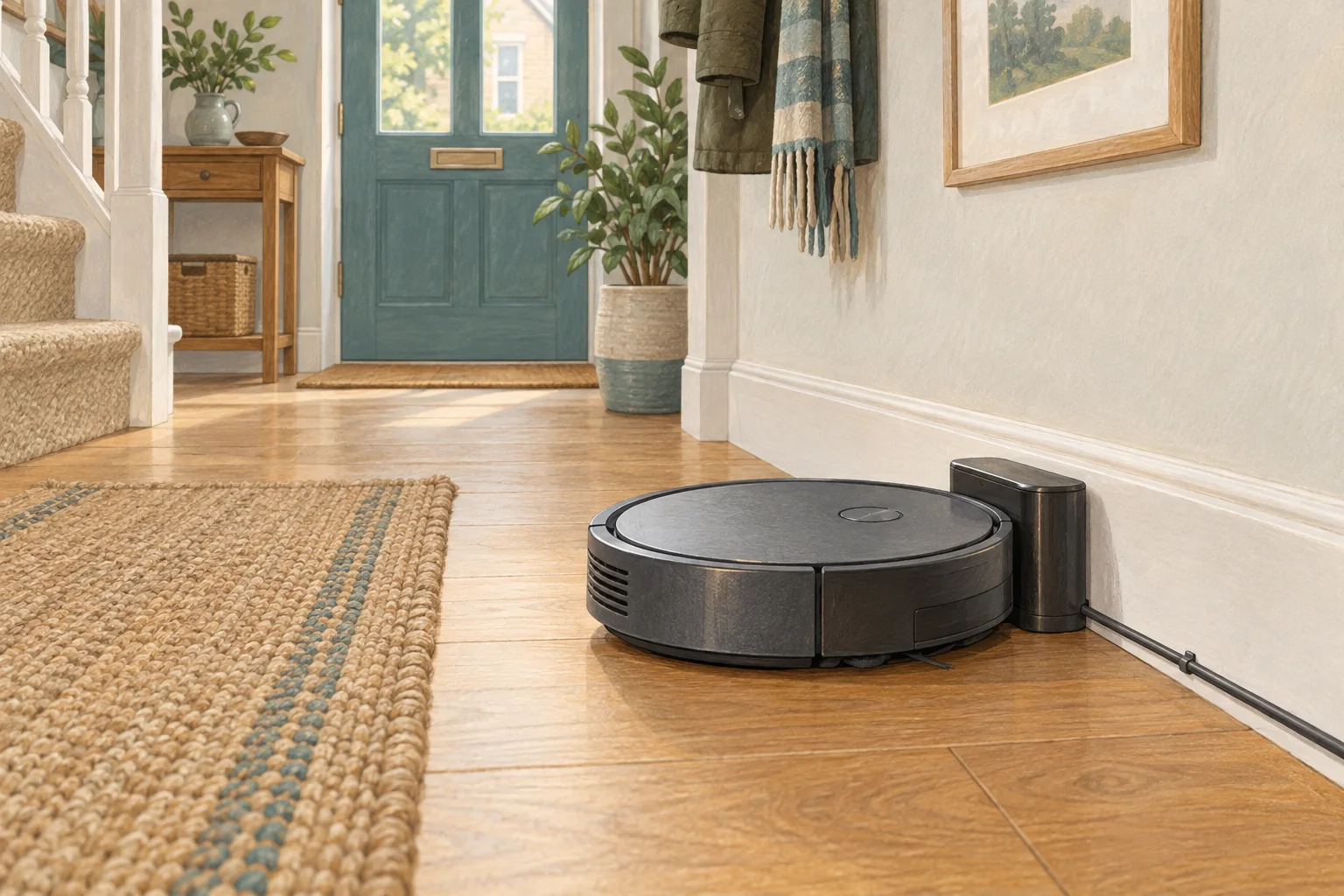
A robot parked on its base is not necessarily charging. Confirm the charging symbol before blaming an ageing battery; dirty contacts and a displaced dock can produce the same symptom.
Table of Contents
Start with these checks
- Check the wall socket with another suitable appliance and confirm the dock cable is seated.
- Unplug the station and clean accessible charging contacts as the manual allows, then let them dry.
- Reconnect power, position the robot correctly and watch whether charging actually begins.
What this looks like at home
If nudging the robot changes the charging indicator, concentrate on alignment and contact condition before ordering a battery.
Separate charging, workload and battery condition
| Check | What matters |
|---|---|
| Charging indicator | Confirm actual charging, not just physical contact with the base. |
| Repeatable room | Use the same surface and setting for a useful comparison. |
| Visible damage | Stop using damaged electrical equipment and seek appropriate support. |
A mistake to avoid
Stop using swollen batteries, damaged leads or overheating equipment; do not open a mains-powered dock.
Buy a part only after identifying the cause
Check the exact model and part reference before buying. If cleaning resolves the problem, a replacement may be unnecessary.
Browse Amazon UK results for charging contacts cleaning cloth. These are search results, not a verified recommendation for your particular machine.
What the result tells you
If charging starts after contact cleaning, watch the next return to make sure the alignment remains reliable. If the dock is powered and the robot never indicates charging, record both model codes for support rather than buying a battery on guesswork.
Related guidance
- Robot Vacuum Battery Replacement UK: Cost, DIY vs. Pro & Best Options
- Robot Vacuum Maintenance Tips UK: Keep Your Cleaner Running Smoothly
Sources and scope
Checked on 9 September 2026. Manufacturer instructions apply to the models they name; use your own exact manual for button sequences, removable parts and cleaning permissions. Product specifications are advertised claims. Examples illustrate decisions and are not hands-on test results.