
Affiliate disclosure: this article contains paid links. As an Amazon Associate I earn from qualifying purchases.
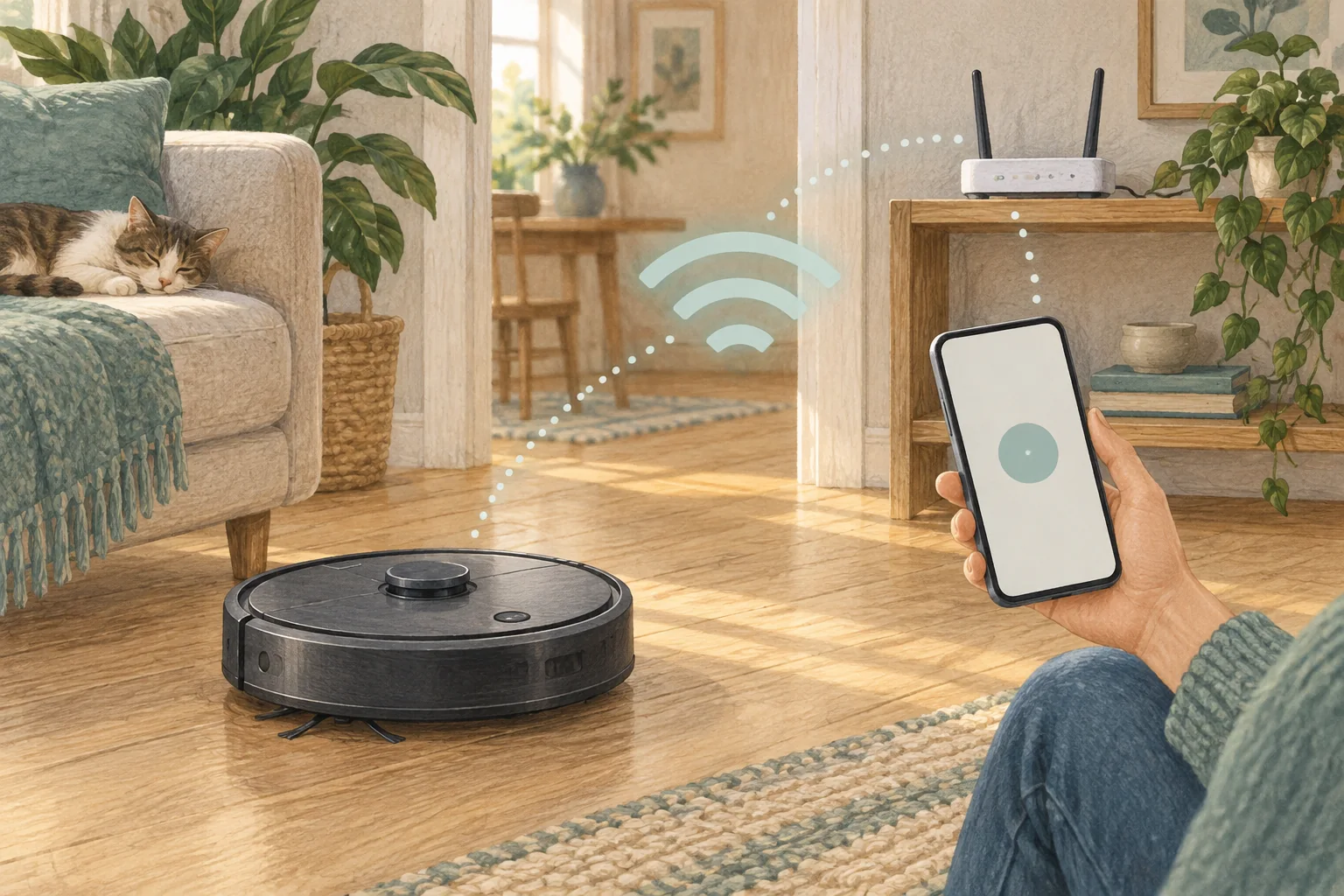
The saved network password may simply be out of date. Reconnect the robot using its Wi-Fi setup process before considering a full factory reset.
Table of Contents
Start with these checks
- Confirm the new password on another device without revealing it in support screenshots.
- Check that the phone is connected to the intended home network.
- Follow the exact model's Wi-Fi reset procedure and retry pairing close to the router.
What this looks like at home
A password manager may insert a trailing space when copied; entering the credentials carefully can resolve an otherwise puzzling failure.
Check the exact model’s network requirements
| Check | What matters |
|---|---|
| Band support | Read the model requirement before changing router settings. |
| Coverage | Check reception where the dock normally sits. |
| Permissions | Allow only the official app permissions needed for setup. |
A mistake to avoid
Do not post Wi-Fi passwords or router admin details in public troubleshooting threads.
Buy a part only after identifying the cause
Check the exact model and part reference before buying. If cleaning resolves the problem, a replacement may be unnecessary.
Browse Amazon UK results for dual band wifi access point. These are search results, not a verified recommendation for your particular machine.
What the result tells you
After reconnecting, check that existing schedules still target the intended rooms. A network change should not prompt you to recreate every routine unless the documented reconnection process actually removed them.
Related guidance
- How to Connect Your Robot Vacuum to WiFi in 2026: A Step-by-Step Guide
- Robot Vacuum Maintenance Tips UK: Keep Your Cleaner Running Smoothly
Sources and scope
Checked on 9 September 2026. Manufacturer instructions apply to the models they name; use your own exact manual for button sequences, removable parts and cleaning permissions. Product specifications are advertised claims. Examples illustrate decisions and are not hands-on test results.