
Affiliate disclosure: this article contains paid links. As an Amazon Associate I earn from qualifying purchases.
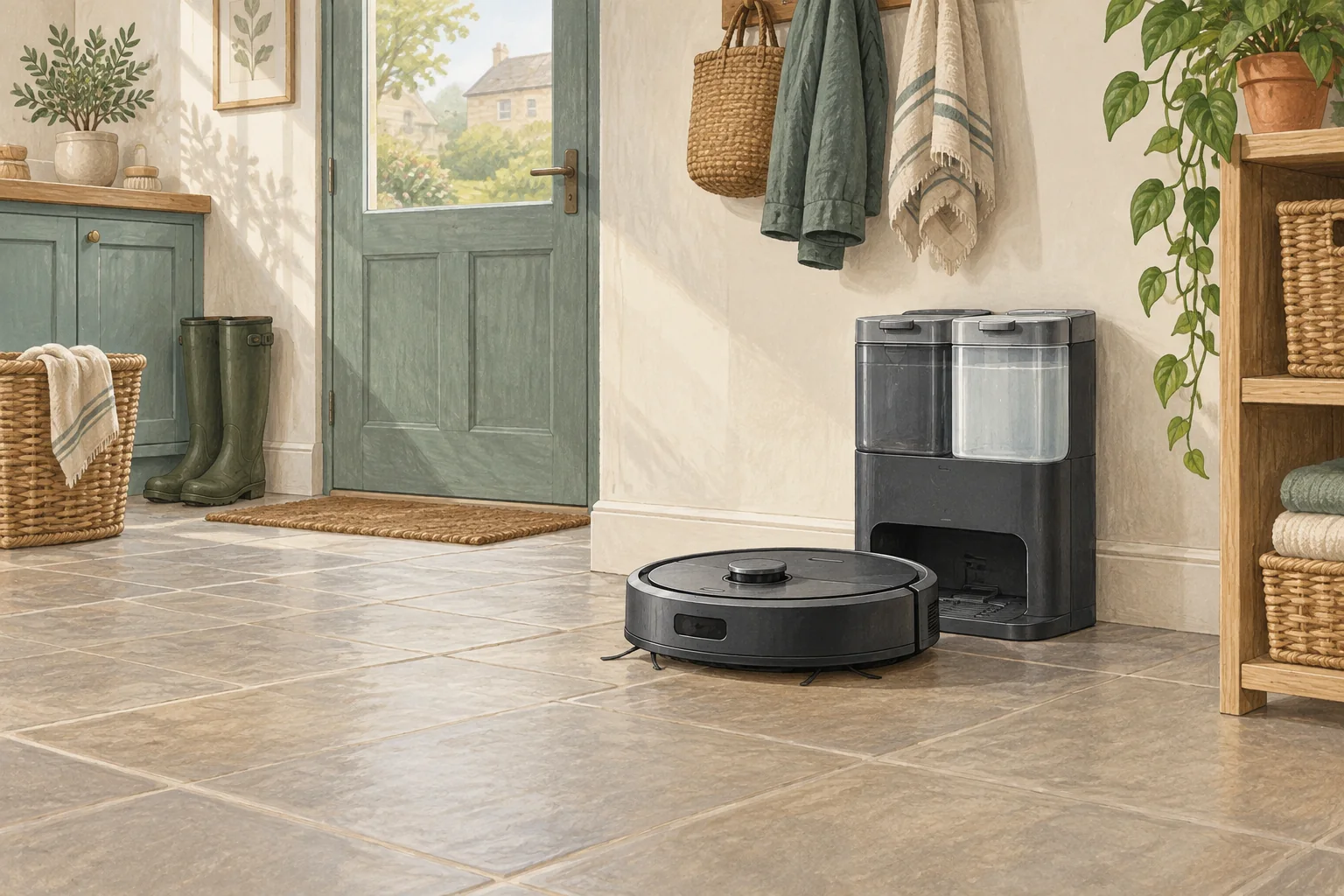
Moving the dock after mapping can leave the robot searching where it used to be. Re-establish a stable starting point before changing other settings.
Table of Contents
Start with these checks
- Keep the dock powered in its intended final location.
- Place the robot on it and start a short clean from there.
- Follow the model's dock-relocation or remapping instructions if it still searches the old location.
What this looks like at home
Shifting a dock to make room for a Christmas tree can require more than moving the robot onto it once.
Allow space for the work you do at the station
| Check | What matters |
|---|---|
| Robot approach | Use the installation clearances for the exact station. |
| Human access | Allow tank, tray, cover and bag removal. |
| Floor and power | Choose a suitable dry, stable location near an appropriate socket. |
A mistake to avoid
Do not repeatedly relocate the station while a cleaning task is active.
Buy a part only after identifying the cause
Check the exact model and part reference before buying. If cleaning resolves the problem, a replacement may be unnecessary.
Browse Amazon UK results for non slip dock mat. These are search results, not a verified recommendation for your particular machine.
What the result tells you
Note whether the robot searches the old dock location or reaches the new one and fails only at final alignment. Those behaviours call for different checks even though both appear as a failed return.
Related guidance
- Robot Vacuum Charging Station Placement: The Ultimate UK Guide
- Robot Vacuum Maintenance Tips UK: Keep Your Cleaner Running Smoothly
Sources and scope
Checked on 9 September 2026. Manufacturer instructions apply to the models they name; use your own exact manual for button sequences, removable parts and cleaning permissions. Product specifications are advertised claims. Examples illustrate decisions and are not hands-on test results.