
Table of Contents
Introduction: Why Schedule Your Robot Vacuum?
In 2026, robot vacuums have become a staple in many UK homes, offering unparalleled convenience. But simply owning one isn’t enough. The true power of a robot vacuum comes from its scheduling capabilities. Scheduling allows you to automate your cleaning routine, ensuring a consistently clean home with minimal effort. Forget coming home to dust bunnies and pet hair – a scheduled clean can run while you’re at work, enjoying a weekend, or even asleep. Advancements in 2026 mean scheduling is more intelligent than ever, adapting to your lifestyle and cleaning preferences seamlessly. Consistency is key, and a schedule delivers that.
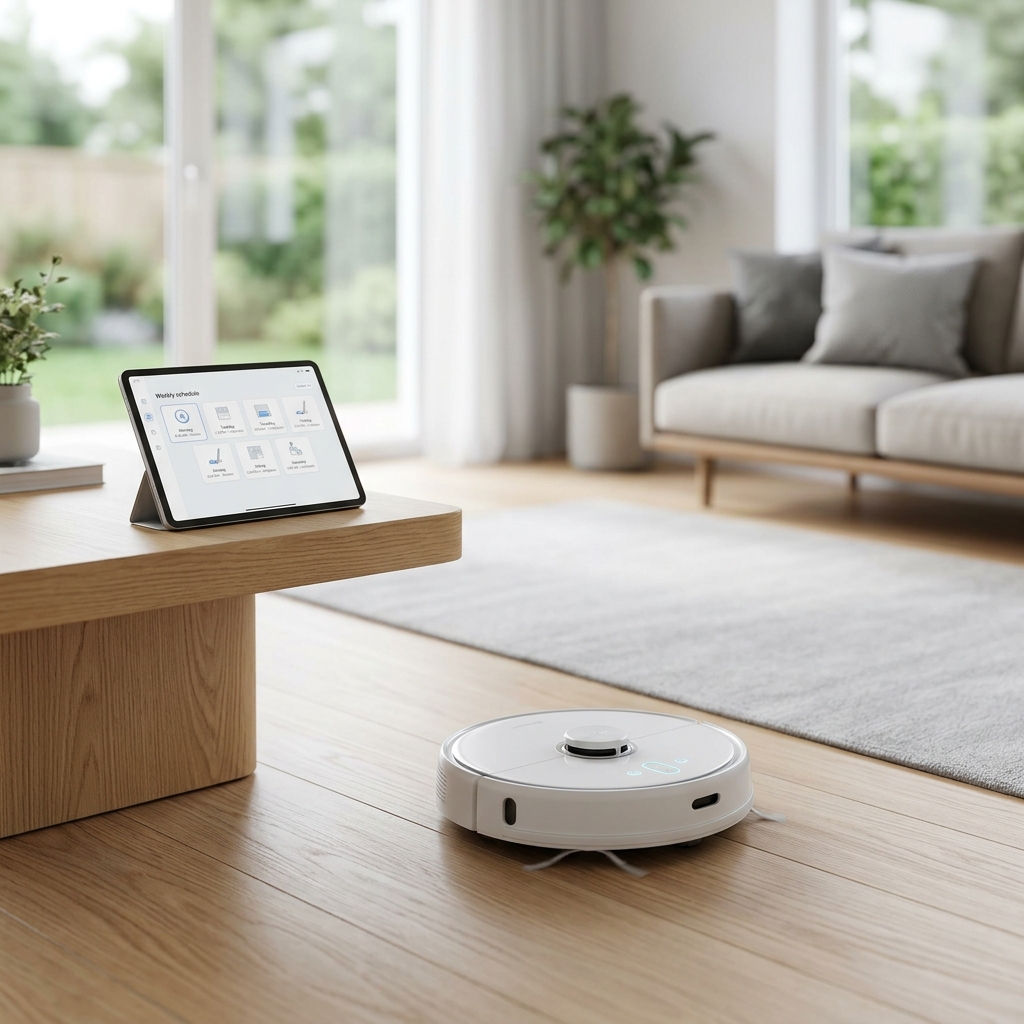
Understanding Robot Vacuum Scheduling Options
Today’s robot vacuums offer a variety of scheduling options. Here’s a breakdown:
- In-App Scheduling: The most common method, allowing precise control over cleaning times, days, and modes through the manufacturer’s smartphone app.
- Voice Control: Integration with voice assistants like Amazon Alexa and Google Assistant allows you to start, stop, or schedule cleaning using voice commands. “Alexa, tell Roomba to start cleaning,” is a common phrase.
- Physical Buttons: Some models still include basic scheduling options via buttons on the vacuum itself, though this is becoming less frequent.
- AI-Powered Scheduling: Increasingly, robot vacuums are incorporating AI to learn your habits and optimise cleaning schedules automatically. They can detect when you’re typically away and adjust cleaning times accordingly. This is a major growth area in 2026.
Step-by-Step: Setting Up a Basic Schedule
Let’s walk through setting a schedule using the iRobot Home app (example). The process is similar for other leading brands.
- Open the iRobot Home App: Ensure your Roomba j7+ is connected to your Wi-Fi network.
- Navigate to ‘Schedule’ or ‘Cleaning Schedule’: This is usually found in the main menu.
- Create a New Schedule: Tap the ‘+’ button or ‘Add Schedule’.
- Select Days and Time: Choose the days of the week you want the vacuum to clean and the desired start time. For example, Monday, Wednesday, and Friday at 10:00 AM.
- Choose Cleaning Mode: Select a cleaning mode (e.g., ‘Clean’, ‘Edge Cleaning’, ‘Max Power’).
- Save the Schedule: Confirm your settings and save the schedule.
Note: Screenshots will vary slightly depending on app version, but the core principles remain the same.
Advanced Scheduling Techniques: Zone Cleaning & No-Go Zones
The improved mapping accuracy of 2026 robot vacuums really unlocks the potential for advanced scheduling.
Zone Cleaning
Zone cleaning allows you to target specific areas for cleaning during scheduled runs. For example, you can schedule the kitchen to be cleaned daily after dinner, while the living room is cleaned less frequently. Most apps allow you to visually define zones on the map created by the vacuum.
No-Go Zones
No-go zones are equally important. They allow you to prevent the vacuum from entering areas with delicate items, pet bowls, or tangled cables. In 2026, defining these zones is often drag-and-drop simple within the app, and the vacuum’s object recognition is vastly improved, reducing the need for physical barriers.
Scheduling for Different Floor Types & Cleaning Needs
Not all floors are created equal! Here’s how to tailor your schedule:
- Hardwood Floors: Use a gentle cleaning mode and lower suction power to avoid scratching. Schedule more frequent cleans to prevent dust buildup.
- Carpets: Select a higher suction power and consider a ‘Deep Clean’ mode for thorough cleaning. Schedule less frequently than hardwood floors.
- Tile Floors: A standard cleaning mode is usually sufficient.
- Pet Owners: Schedule daily cleaning, and consider a robot vacuum specifically designed for pet hair. The iRobot Roomba j7+ and Roborock S8 Pro Ultra are excellent choices.
Integrating Your Robot Vacuum with Smart Home Systems
Seamless integration with smart home systems enhances the convenience of scheduling.
- Amazon Alexa: “Alexa, start Roomba.” “Alexa, schedule Roomba to clean the kitchen every Tuesday at 2 PM.”
- Google Assistant: “Hey Google, tell Roborock to start cleaning.” “Hey Google, pause Roborock.”
- IFTTT (If This Then That): Use IFTTT to create custom routines, such as starting the vacuum when you leave home based on your smartphone’s location.
Troubleshooting Common Scheduling Issues
Here are some common problems and how to fix them:
- Schedule Not Saving: Ensure you have a stable internet connection. Force close and reopen the app. Update the app to the latest version.
- Vacuum Not Starting on Time: Check the time zone settings on your robot vacuum and your smartphone. Ensure the vacuum is fully charged.
- Connectivity Issues: Restart your Wi-Fi router. Reconnect the vacuum to your Wi-Fi network.
- App Errors: Clear the app cache and data. Uninstall and reinstall the app.
Future of Robot Vacuum Scheduling (2026 & Beyond)
The future of robot vacuum scheduling is incredibly exciting. We can expect:
- AI-Powered Schedule Optimisation: Vacuums will learn your usage patterns and automatically adjust schedules for optimal cleaning efficiency.
- Integration with Occupancy Sensors: Vacuums will avoid cleaning while you’re in a room, preventing interruptions.
- Self-Adjusting Schedules Based on Weather/Pollen Count: A vacuum might increase cleaning frequency during high pollen seasons or after a rainy day.
- Predictive Cleaning: Based on historical data, the vacuum could predict when areas are likely to get dirty and proactively clean them.
Conclusion: Enjoy a Cleaner Home with Smart Scheduling
Scheduling your robot vacuum is the key to unlocking a consistently clean home with minimal effort. By leveraging the advanced scheduling features available in 2026, you can tailor your cleaning routine to your specific needs and enjoy more free time. Don’t just own a robot vacuum – make it work *for* you with intelligent scheduling!
Product Comparison (2026)
| Product Name | Price (GBP) | Key Features | Pros | Cons |
|---|---|---|---|---|
| iRobot Roomba j7+ | £799.99 | Precision Navigation, Object Recognition, Self-Emptying Dock, Smart Mapping |
Excellent cleaning performance, Superior object avoidance, Convenient self-emptying
|
Relatively expensive, App can be complex for some users
|
| Roborock S8 Pro Ultra | £1399.0 | Sonic Mopping, ReactiveAI 2.0 Obstacle Avoidance, Auto-Emptying/Washing Dock, VibraRise 2.0 Mopping System |
Best-in-class mopping capabilities, Powerful suction, Comprehensive dock features
|
Highest price point, Large dock requires significant space
|
| Eufy RoboVac X8 Hybrid | £599.99 | Real-Time Mapping, BoostIQ Technology, Vacuum & Mop Functionality, Quiet Operation |
Excellent value for money, Quiet operation, Versatile vacuum and mop
|
Object avoidance not as advanced as premium models, Self-emptying dock sold separately
|
| Shark AI Ultra Robot Vacuum | £649.99 | AI Laser Navigation, Multi-Surface Brushroll, Self-Cleaning Brushroll, HEPA Filtration |
Strong suction power, Self-cleaning brushroll, Effective on pet hair
|
Mapping can be less precise than some competitors, Dock is bulky
|
| Samsung Jet Bot AI+ | £999.0 | AI Object Recognition, 3D Mapping, Powerful Suction, Self-Emptying Station |
Advanced object recognition, Powerful suction, Sleek design
|
Expensive, Some features require Samsung SmartThings ecosystem
|
FAQ
Q: Can I schedule different cleaning jobs for different rooms?
Yes, most modern robot vacuums with mapping capabilities allow you to schedule specific cleaning jobs for individual rooms or zones. This is a key feature for targeted cleaning.
Q: What happens if the robot vacuum runs out of battery during a scheduled clean?
Typically, the vacuum will return to its charging dock to recharge and then resume the cleaning job where it left off, assuming it has sufficient battery life remaining. Some models might postpone the remaining cleaning until the next scheduled time.
Q: Can I use voice control to change the schedule?
Yes, if your robot vacuum is compatible with Amazon Alexa or Google Assistant, you can use voice commands to modify the schedule. The exact commands will vary depending on the voice assistant and the vacuum manufacturer.
Q: Will my robot vacuum still clean if my Wi-Fi is down?
Some robot vacuums can continue basic scheduled cleaning even without a Wi-Fi connection, but advanced features like app control and zone cleaning will be unavailable. It depends on the specific model.
Q: How often should I clean my robot vacuum’s brushes and filters?
Regular maintenance is essential. Brushes should be cleaned weekly, and filters should be replaced every 2-3 months, depending on usage and the model. Check your vacuum’s manual for specific recommendations.