
Table of Contents
Why Robot Vacuum Scheduling is a Game Changer
Let’s face it, no one *loves* vacuuming. In 2026, with increasingly busy lifestyles, finding time for household chores feels more challenging than ever. Robot vacuums have already revolutionised cleaning, but scheduling takes things to a whole new level. Imagine a consistently clean home, maintained without you lifting a finger during your precious free time. That’s the power of robot vacuum scheduling. It offers unparalleled convenience, ensuring a regular, consistent level of cleanliness. It’s a genuine time-saver, freeing you up for hobbies, family, or simply relaxing. Advancements in 2026 mean scheduling is smarter than ever, adapting to your lifestyle and even external factors like pollen counts (more on that later!). You can maintain a tidy living space without the daily drudgery of manual vacuuming.
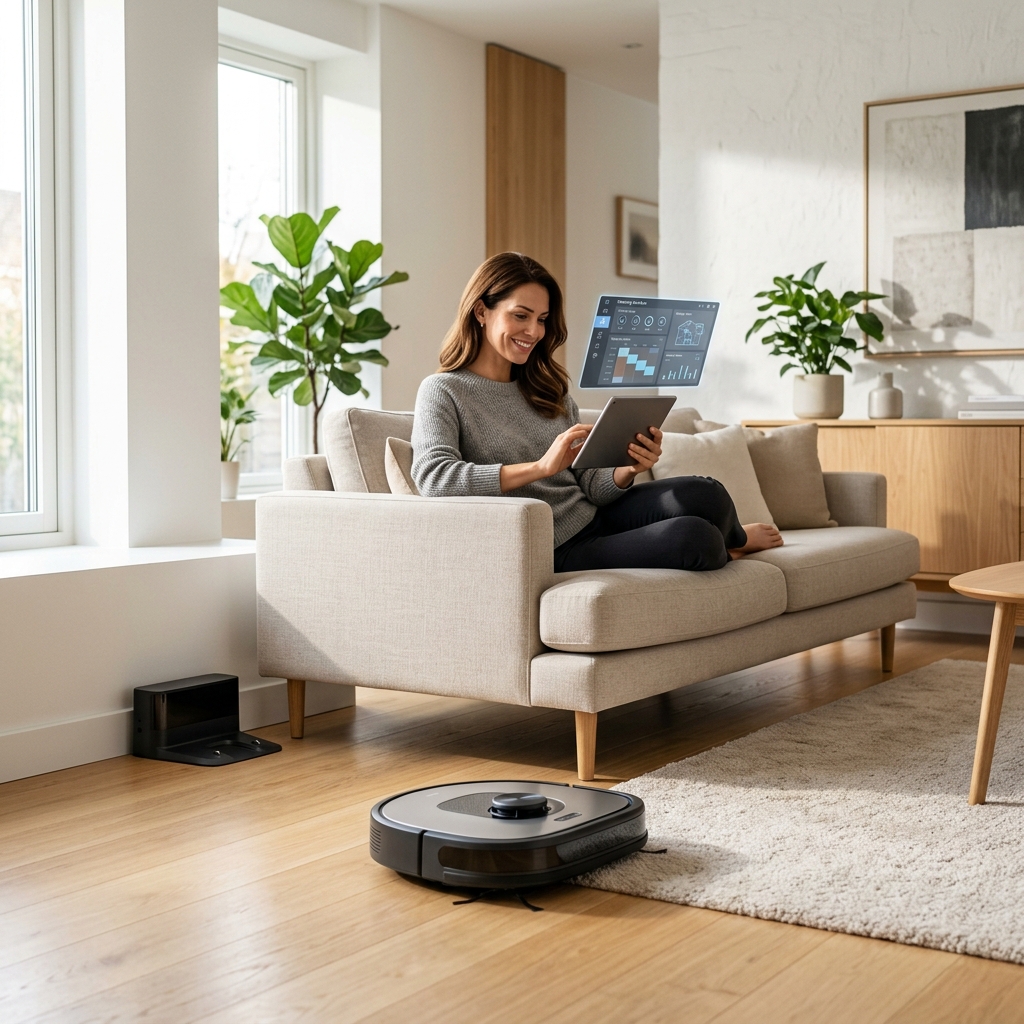
Understanding Your Robot Vacuum’s Scheduling Options
Most modern robot vacuums come equipped with a range of scheduling features. However, what’s offered varies significantly between brands. Here’s a breakdown of common options:
- Daily Scheduling: The most basic option, setting the robot to clean at the same time every day.
- Weekly Scheduling: Allows you to specify different cleaning times for different days of the week.
- Zone Cleaning: Divide your home into zones (using the robot’s mapping capabilities) and schedule cleaning for specific areas.
- Spot Cleaning: Initiate cleaning in a small, concentrated area – often manually triggered, but some robots allow scheduling of spot cleaning for frequently messy areas.
- Custom Schedules: The most flexible option, allowing you to create complex schedules with varying times, zones, and cleaning modes.
Here’s how scheduling features generally differ across popular brands:
| Brand | Scheduling Features | App Interface |
|---|---|---|
| iRobot Roomba | Highly advanced scheduling, including personalized cleaning suggestions based on your habits. Excellent zone cleaning and ‘Keep Out Zones’. | Intuitive and feature-rich app, regularly updated. |
| Shark | Solid scheduling options, including daily, weekly and zone cleaning. Good value for money. | User-friendly app, but sometimes lacks the polish of iRobot. |
| Eufy RoboVac | Reliable scheduling, but can be less flexible than premium brands. Focuses on simplicity. | Straightforward app, easy to navigate. |
| Roborock | Exceptional scheduling, including multi-floor mapping and highly customizable cleaning zones. Responsive scheduling. | Highly detailed and customizable app, offering advanced control. |
| DreameBot | Competitive scheduling features, with a focus on smart navigation and obstacle avoidance. | Modern app design, with good integration with other Dreame products. |
Creating the Perfect Robot Vacuum Schedule: A Room-by-Room Approach
A one-size-fits-all schedule rarely works. Tailor your schedule to the specific needs of each room:
High-Traffic Areas (Kitchen, Hallway)
These areas need the most frequent cleaning. Schedule daily cleaning, or at least every other day. Consider using zone cleaning to focus on areas prone to spills and crumbs. For kitchens, scheduling after meal times is ideal.
Bedrooms
Bedrooms generally require less frequent cleaning than high-traffic areas. A few times a week is usually sufficient. A quieter cleaning mode is recommended for bedrooms, especially during sleeping hours.
Living Rooms
Living rooms fall somewhere in between. Schedule cleaning 3-4 times a week, adjusting based on usage and whether you have pets or children. Utilize zone cleaning to address areas where people spend the most time.
Homes with Pets
Pet hair is a significant challenge. Daily cleaning is highly recommended, potentially multiple times a day in heavily trafficked areas. Look for robots with tangle-free brush rolls specifically designed for pet hair. Increasing the suction power for these areas is also beneficial.
Floor Types
Consider your floor types. Hardwood floors benefit from regular, gentle cleaning. Carpets may require more powerful suction and potentially a deeper cleaning mode. Most robot vacuums offer adjustable suction settings to accommodate different floor types.
Advanced Scheduling Techniques for a Smarter Clean
Beyond the basics, several advanced features can elevate your robot vacuum scheduling:
- Multi-Floor Mapping: If you have multiple floors, a robot with multi-floor mapping can save you the hassle of manually setting up maps for each level.
- Virtual Walls/No-Go Zones: Prevent the robot from entering areas you don’t want it to access, such as a child’s playroom with lots of small toys or around delicate furniture.
- ‘Clean When I’m Away’ Integration (Geofencing): Using your smartphone’s location, the robot can automatically start cleaning when you leave home and return to its base when you’re on your way back.
- Pollen Count/Air Quality Scheduling (2026 Feature): A new feature appearing in 2026 models is the ability to integrate with local pollen count and air quality data. The robot can automatically schedule extra cleaning cycles during peak pollen seasons or when air quality is poor, helping to reduce allergens and dust in your home.
Troubleshooting Common Scheduling Problems
Even with sophisticated scheduling, issues can arise:
- Robot Getting Stuck: Identify and remove obstacles. Use virtual walls to block off problematic areas.
- Schedule Not Running: Check the robot’s battery level. Ensure the schedule is still active in the app. Restart the robot and the app.
- Mapping Errors: Re-map your home. Ensure good lighting conditions during mapping.
- Battery Limitations: For larger homes, consider a robot with a longer battery life or one that automatically returns to its base to recharge and resume cleaning.
Integrating Your Robot Vacuum with Smart Home Ecosystems (2026)
In 2026, seamless integration with smart home ecosystems is standard. Schedule your robot vacuum using voice assistants:
- Alexa: “Alexa, start cleaning the kitchen.”
- Google Assistant: “Hey Google, run the living room cleaning schedule.”
- Siri: “Hey Siri, tell [Robot Vacuum Brand] to start cleaning.”
IFTTT (If This Then That) integration allows for even greater automation. For example, you could create a recipe to start cleaning when your smart doorbell detects motion or when your smart thermostat detects the house is empty.
Maintaining Your Robot Vacuum for Optimal Scheduling Performance
Regular maintenance is crucial for ensuring your robot vacuum adheres to its schedule and performs optimally:
- Empty the Dustbin: After every cleaning cycle, or more frequently if you have pets.
- Clean the Brushes: Remove tangled hair and debris from the main brush and side brushes.
- Replace Filters: Replace filters every 2-3 months, or as recommended by the manufacturer.
- Check Sensors: Ensure sensors are clean and free from dust.
- Software Updates: Keep the robot’s software updated to benefit from the latest features and bug fixes.
By following these tips, you can enjoy a consistently clean home with minimal effort, thanks to the power of robot vacuum scheduling.
Our Top Pick
For a blend of performance, features and scheduling capabilities, the Roborock S8 Pro Ultra (£1199.99) stands out. Its exceptional mapping, custom zone cleaning and self-emptying/mopping features make it a worthwhile investment for those seeking a truly automated cleaning experience. However, for a more budget-friendly option, the Shark AI Ultra Robot Vacuum (£649.99) provides a great balance of functionality and affordability.
FAQ
Q: My robot vacuum keeps getting stuck under furniture. What can I do?
A: Use virtual walls or no-go zones in the app to prevent the robot from accessing areas where it consistently gets stuck. You can also raise the height of the furniture using furniture risers.
Q: Can I schedule different cleaning modes for different rooms?
A: Yes, most modern robot vacuums allow you to set different cleaning modes (e.g., suction power, cleaning intensity) for different zones or rooms.
Q: How often should I clean the robot vacuum’s sensors?
A: It’s recommended to clean the sensors at least once a month, or more frequently if you notice performance issues. Use a soft, dry cloth to gently wipe the sensors.
Q: Is geofencing scheduling reliable?
A: Geofencing scheduling is generally reliable, but its accuracy can be affected by your smartphone’s GPS signal and the robot’s Wi-Fi connection. Ensure both are stable for optimal performance.
Q: Will the pollen count scheduling feature really make a difference?
A: If you suffer from allergies, the pollen count scheduling feature can be very beneficial. By increasing cleaning frequency during peak pollen seasons, it can help to reduce allergens in your home and improve air quality.