
Affiliate disclosure: this article contains paid links. As an Amazon Associate I earn from qualifying purchases.
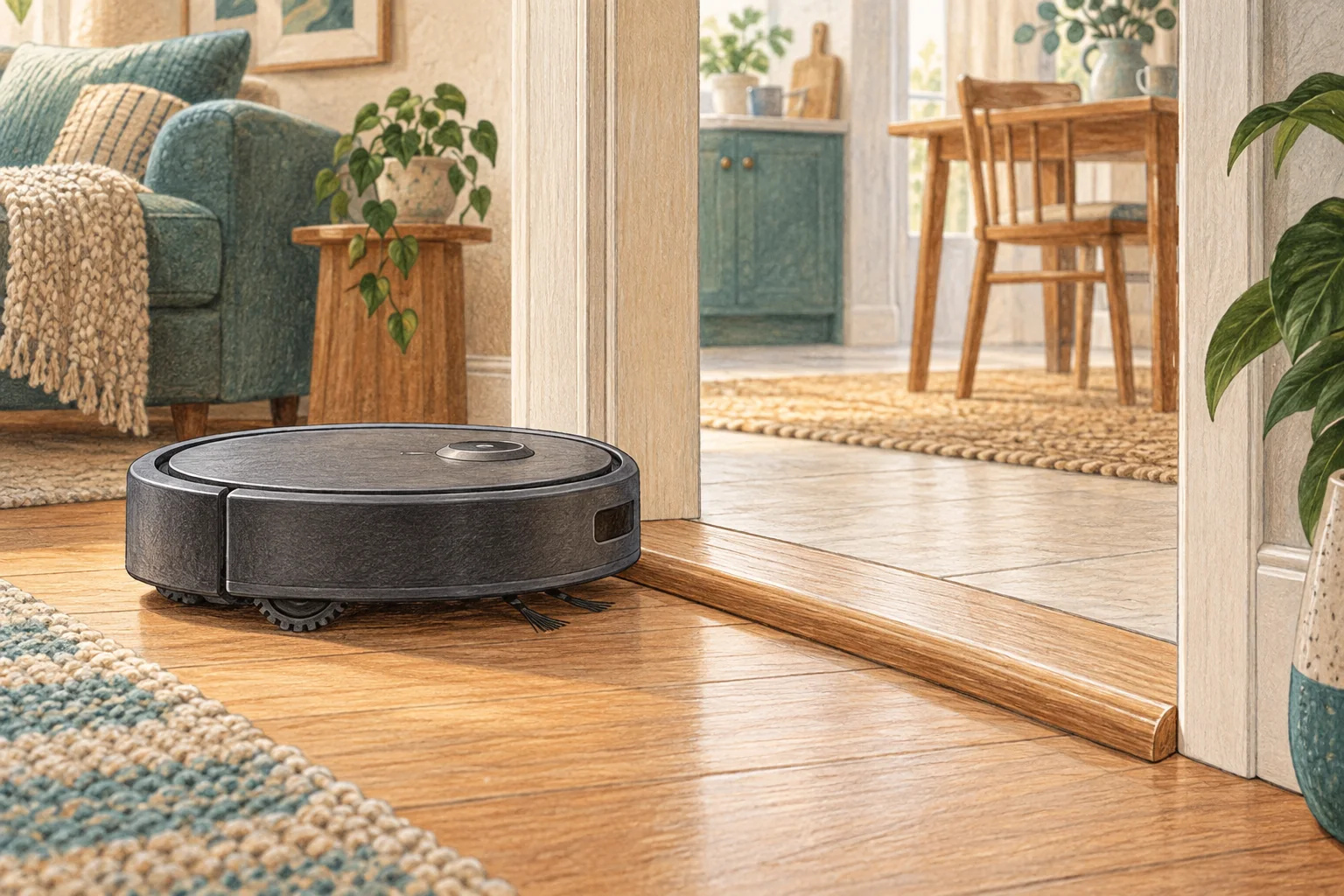
A mid-clean stop needs its error message preserved. A tangled wheel, full bin or exhausted battery calls for a different response from an app disconnection.
Table of Contents
Start with these checks
- Photograph the error and battery level before clearing anything.
- With the robot off, check accessible brushes, wheels and the dustbin.
- Run the same room again with cables lifted and observe the stopping point.
What this looks like at home
Stopping at exactly the same doorway suggests a physical obstacle; stopping at different locations near empty charge suggests workload or charging.
Test the machine and the obstacle separately
| Check | What matters |
|---|---|
| One location only | Examine the shape, surface and escape route. |
| Every location | Check accessible wheels, bumper and brush assembly. |
| After maintenance | Recheck the fitted parts before changing the map. |
A mistake to avoid
Do not factory-reset first: it can erase useful evidence and your room map.
Buy a part only after identifying the cause
Check the exact model and part reference before buying. If cleaning resolves the problem, a replacement may be unnecessary.
Browse Amazon UK results for robot vacuum cleaning tool brush. These are search results, not a verified recommendation for your particular machine.
What the result tells you
If the same patch repeatedly ends the job, photograph the floor and obstacle there. If the stopping point varies, record the battery level and error from each run; that makes a location fault easier to separate from a machine fault.
Related guidance
- Robot Vacuum Stuck? A Comprehensive Troubleshooting Guide
- Robot Vacuum Maintenance Tips UK: Keep Your Cleaner Running Smoothly
Sources and scope
Checked on 9 September 2026. Manufacturer instructions apply to the models they name; use your own exact manual for button sequences, removable parts and cleaning permissions. Product specifications are advertised claims. Examples illustrate decisions and are not hands-on test results.