
Robot vacuums have become a staple in many UK homes, offering a convenient way to maintain cleanliness. But what happens when you want to keep your robotic cleaner out of certain areas? That’s where virtual walls come in. This guide explores everything you need to know about robot vacuums with virtual walls in 2026, helping you choose the best model for your needs.
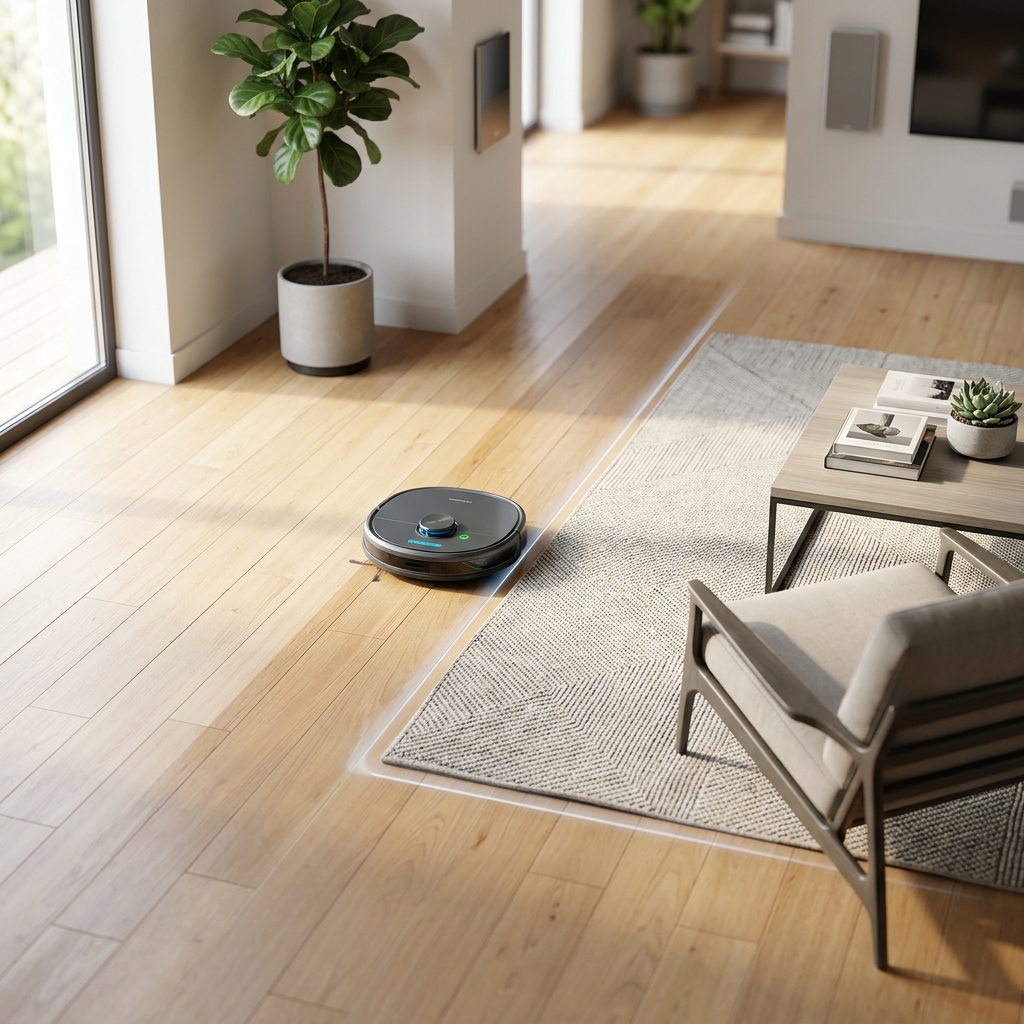
Table of Contents
What are Virtual Walls & Why Do You Need Them?
Virtual walls are barriers – either physical or digital – that prevent your robot vacuum from entering designated areas. They solve a common problem: the inability of a robot vacuum to understand the nuances of your home layout. Think delicate rugs, pet food bowls, children’s play areas, or simply rooms you want cleaned on a different schedule.
There are three main types:
- Magnetic Boundary Strips: These are physical strips you place on the floor. The robot vacuum has sensors to detect the magnetic field and won’t cross them.
- Laser Emitters: Small devices that emit an invisible laser beam, acting as an impassable barrier for the robot.
- Software-Based Virtual Walls (No-Go Zones): Defined within the robot vacuum’s app using its mapping capabilities.
Who benefits most?
- Pet Owners: Keep the robot away from food and water bowls, or areas with lots of toys.
- Homes with Delicate Items: Protect fragile furniture, intricate rugs, or exposed cables.
- Multi-Level Homes: Confine the robot to a single floor.
- Those with Specific Cleaning Schedules: Delay cleaning certain rooms until a later time.
Types of Virtual Wall Technology in 2026
In 2026, virtual wall technology has matured. Here’s a breakdown of each type:
Magnetic Boundary Strips
These remain a popular and affordable option. They are relatively easy to set up, requiring no advanced configuration. However, they can be visually obtrusive and occasionally get kicked or moved.
- Pros: Affordable, simple to install, works with most robot vacuums.
- Cons: Visually unappealing, can be easily displaced, limited length (often requiring multiple purchases).
Laser Emitters
Laser emitters provide a cleaner, less intrusive barrier than magnetic strips. They offer a more precise and reliable boundary. However, they require batteries and correct positioning to function effectively.
- Pros: Invisible barrier, more precise than magnetic strips, less likely to be disturbed.
- Cons: Requires battery replacement, potential for interference with sunlight or reflective surfaces, can be more expensive than magnetic strips.
Software-Based Mapping & No-Go Zones
This is the most advanced technology, relying on the robot vacuum’s mapping capabilities. You simply draw boundaries on a map within the companion app. This is generally the most convenient and flexible option, but requires a robot with accurate mapping.
- Pros: Convenient, customizable, no physical barriers, can create multiple zones.
- Cons: Relies on accurate mapping, may require re-mapping if furniture is moved, can be more complex to set up initially.
Here’s a comparison table:
| Technology | Cost | Ease of Setup | Reliability | Aesthetics |
|---|---|---|---|---|
| Magnetic Boundary Strips | £20-£50 | Very Easy | Good | Poor |
| Laser Emitters | £50-£100 | Easy | Very Good | Excellent |
| Software-Based No-Go Zones | Included with Robot Vacuum | Medium | Excellent | Excellent |
Top Robot Vacuums with Virtual Walls (2026)
Here are some of the leading robot vacuums with virtual wall capabilities available in 2026:
1. iRobot Roomba j7+ with iRobot Virtual Wall Barriers – £799.00
The Roomba j7+ remains a top contender, offering excellent cleaning performance and intelligent object avoidance. Its Virtual Wall Barriers are reliable and easy to use. Excellent for pet owners.
2. Ecovacs Deebot X2 Omni with Y30 Pro Virtual Wall – £1199.00
The X2 Omni is a premium option with a self-emptying station and mopping capabilities. The Y30 Pro virtual wall offers both magnetic strip and laser functionality for versatile boundary control.
3. Shark AI Ultra Robot Vacuum with Magnetic Boundary Strips – £549.00
Shark offers a compelling balance of price and performance. The AI Ultra boasts strong suction and intelligent navigation, paired with straightforward magnetic boundary strip technology.
4. Roborock S8 Pro Ultra with ReactiveAI 3D Obstacle Avoidance – £1399.00
This robot excels at obstacle avoidance. It primarily relies on software-based no-go zones, but can also be paired with optional magnetic boundary strips for added security.
5. DreameBot L20s Ultra with Virtual Boundary Setting – £999.00
The L20s Ultra provides exceptional cleaning and mopping performance. Its virtual boundary setting utilises a combination of software-defined zones and optional magnetic strips.
6. Samsung Jet Bot AI+ with Object Recognition & No-Go Zones – £1249.00
Samsung’s offering boasts impressive object recognition, allowing it to avoid even small obstacles. It relies heavily on software-defined no-go zones for boundary control.
Here’s a quick comparison:
| Model | Price (£) | Virtual Wall Type | Key Features |
|---|---|---|---|
| iRobot Roomba j7+ | 799.00 | Magnetic | Intelligent Cleaning, Object Avoidance |
| Ecovacs Deebot X2 Omni | 1199.00 | Magnetic/Laser | Self-Emptying, Mopping, Versatile Boundaries |
| Shark AI Ultra | 549.00 | Magnetic | Strong Suction, Intelligent Navigation |
| Roborock S8 Pro Ultra | 1399.00 | Software/Magnetic (Optional) | Advanced Obstacle Avoidance, Self-Emptying |
| DreameBot L20s Ultra | 999.00 | Software/Magnetic | Mopping, Boundary Control Options |
| Samsung Jet Bot AI+ | 1249.00 | Software | Object Recognition, No-Go Zones |
How to Set Up Virtual Walls: A Step-by-Step Guide
The setup process varies depending on the technology:
- Magnetic Strips: Simply place the strips on the floor where you want to create a boundary. Ensure they are securely fastened.
- Laser Emitters: Position the emitter in a doorway or opening, directing the laser beam across the area you want to restrict. Check the battery level.
- Software-Based: Open the robot vacuum’s app, initiate the mapping process (if not already done), and then use the app to draw no-go zones on the map.
Troubleshooting:
- Robot crosses the boundary: Check the battery level of laser emitters. Ensure magnetic strips are securely in place and not obstructed. Re-map the area if using software-based zones.
- Robot struggles to navigate: Ensure the area is well-lit and free of clutter.
Virtual Walls vs. No-Go Zones: What’s the Difference?
While both serve the same purpose, they differ in implementation. Virtual walls (magnetic/laser) are physical barriers that the robot detects. No-go zones (software-based) are defined within the robot’s mapping system.
Which is better? Software-based no-go zones offer more flexibility and convenience. However, physical virtual walls are more reliable in situations where mapping is inaccurate or unreliable, or if you want a guaranteed barrier.
Are Robot Vacuums with Virtual Walls Worth the Investment?
For many, the answer is a resounding yes. The convenience of automated cleaning combined with the ability to protect delicate items and control cleaning areas makes these robots a valuable investment. The time saved and peace of mind are significant benefits.
Alternatives: If virtual walls aren’t essential, consider models with improved obstacle avoidance or simply manually moving obstacles before cleaning.
Future of Robot Vacuum Navigation & Boundaries (2026 & Beyond)
We anticipate that robot vacuum navigation will become even more sophisticated in the coming years. AI and object recognition will continue to improve, potentially reducing the need for physical virtual walls.
Future robots may be able to identify and avoid objects in real-time, dynamically adjusting their cleaning path. We might also see more advanced mapping technologies that create highly detailed and accurate floor plans, making software-based no-go zones even more reliable. Ultimately, the goal is a truly autonomous cleaning experience, requiring minimal human intervention.
FAQ
Q: Can I use multiple virtual walls with my robot vacuum?
Yes, most models allow you to use multiple virtual walls, either physical or software-based, to create complex boundaries.
Q: Do virtual walls work on all floor types?
Generally, yes. However, thick carpets or rugs may reduce the effectiveness of magnetic strips. Laser emitters and software-based zones are less affected by floor type.
Q: How often do I need to replace the batteries in laser emitters?
Battery life varies depending on the model and usage, but typically you can expect to replace them every few months.
Q: What happens if my robot vacuum loses its map?
You’ll need to re-initiate the mapping process and redraw your no-go zones.
Q: Are virtual walls compatible with all robot vacuum brands?
Not necessarily. Some brands have proprietary virtual wall systems. Check compatibility before purchasing.