
Affiliate disclosure: this article contains paid links. As an Amazon Associate I earn from qualifying purchases.
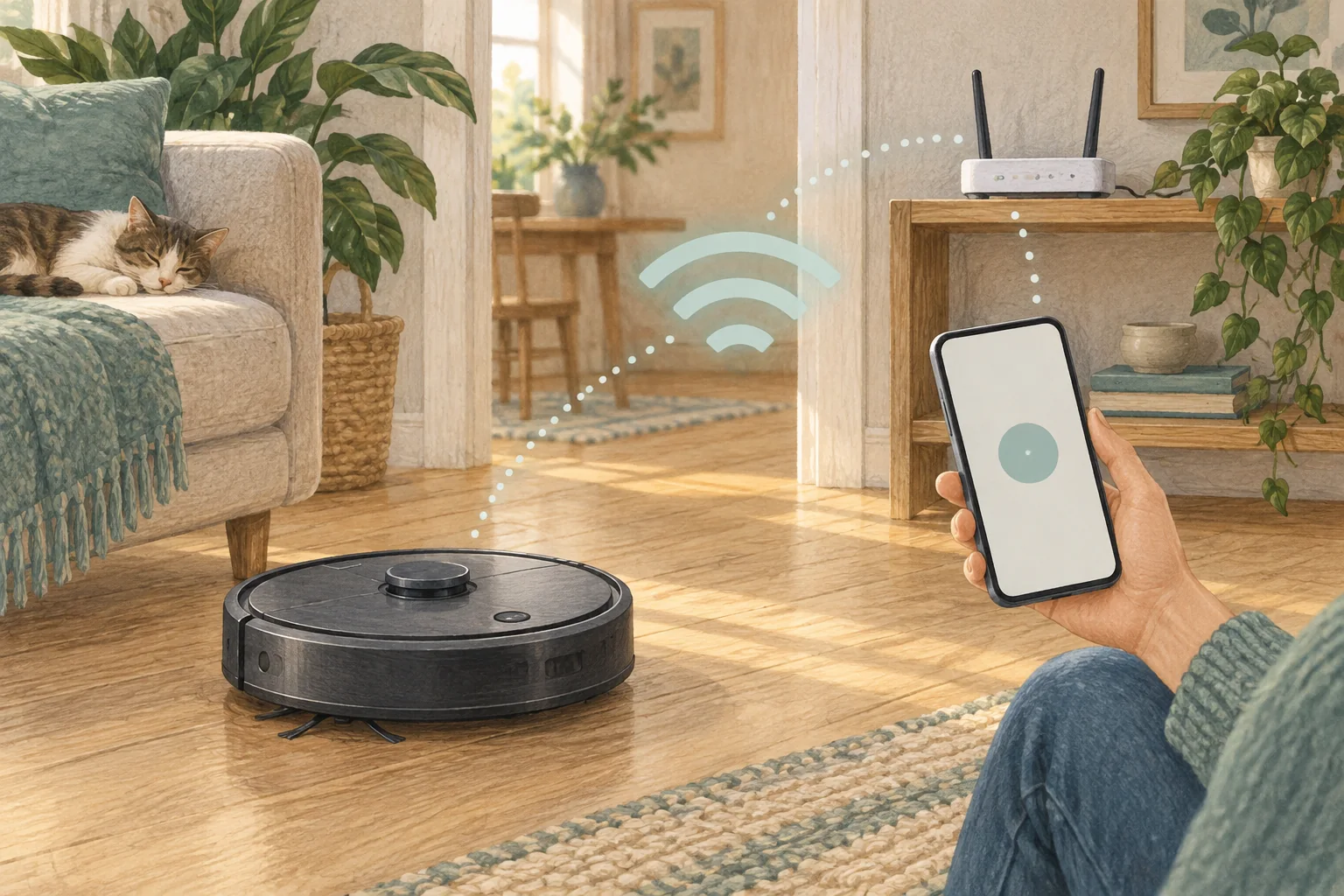
A mesh network may combine frequency bands and add roaming or isolation settings that complicate setup. Check the robot's own band support before changing the network.
Table of Contents
Start with these checks
- Identify whether the exact robot supports 2.4 GHz only or also 5 GHz.
- Use the mesh system's device-pairing or temporary compatible-band option if provided.
- Pair near the main node, then verify the robot stays connected at its dock.
What this looks like at home
Eufy's support guidance includes model exceptions, so advice saying every robot needs 2.4 GHz is too broad.
Keep network changes targeted
| Check | What matters |
|---|---|
| Model band | Confirm 2.4 GHz or dual-band support. |
| Pairing location | Try a strong signal near the main mesh node. |
| Final location | Check stable connectivity at the normal dock position. |
A mistake to avoid
Do not permanently weaken your whole Wi-Fi network to fix one appliance.
Buy a part only after identifying the cause
Check the exact model and part reference before buying. If cleaning resolves the problem, a replacement may be unnecessary.
Browse Amazon UK results for mesh wifi system. These are search results, not a verified recommendation for your particular machine.
What the result tells you
Once pairing works, return the robot to its intended dock and confirm remote commands still arrive. A successful setup beside the main node is only half the check if normal use is in a distant room.
Related guidance
- How to Connect Your Robot Vacuum to WiFi in 2026: A Step-by-Step Guide
- Robot Vacuum Maintenance Tips UK: Keep Your Cleaner Running Smoothly
Sources and scope
Checked on 9 September 2026. Manufacturer instructions apply to the models they name; use your own exact manual for button sequences, removable parts and cleaning permissions. Product specifications are advertised claims. Examples illustrate decisions and are not hands-on test results.