
Affiliate disclosure: this article contains paid links. As an Amazon Associate I earn from qualifying purchases.
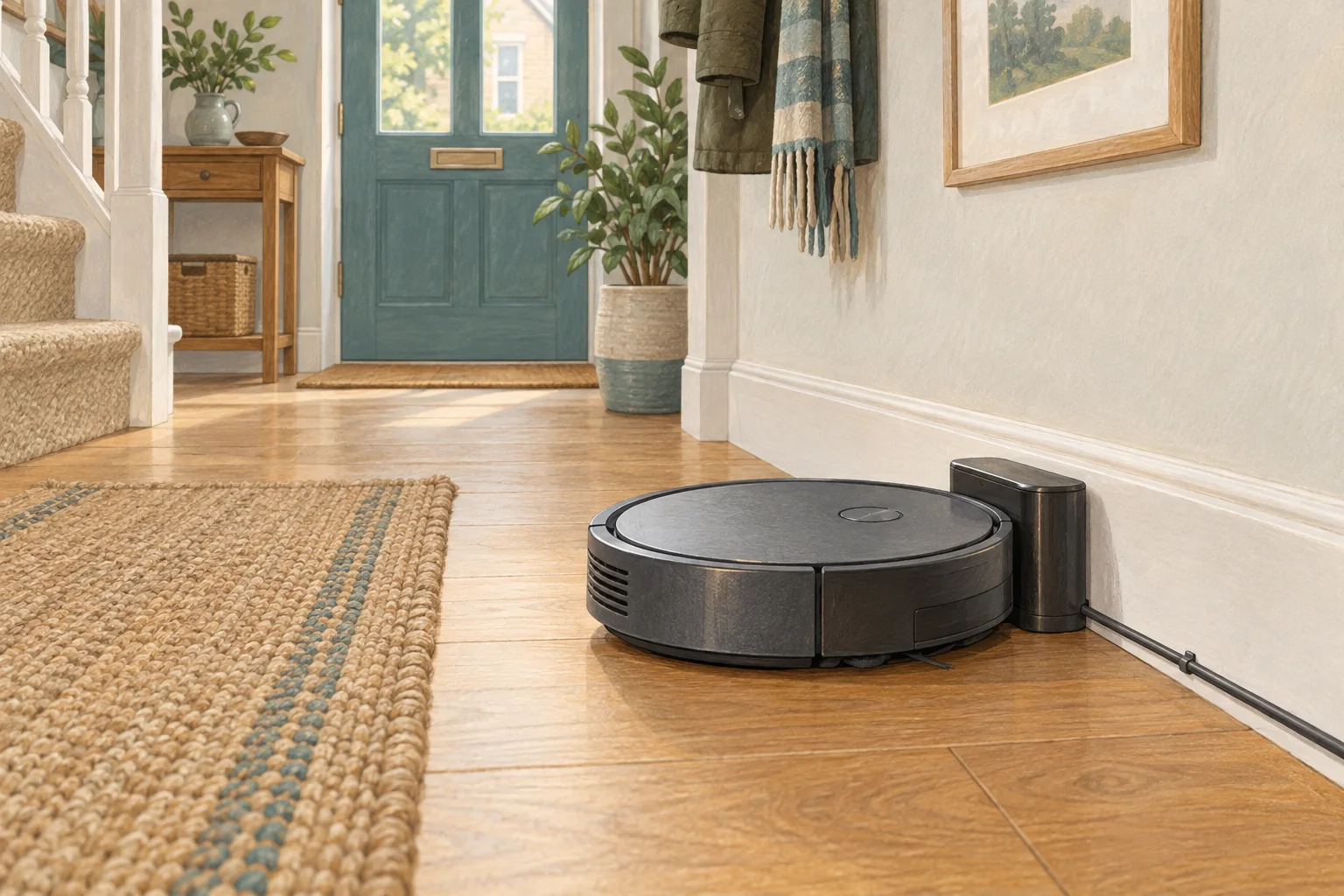
A long-stored robot may have a deeply discharged battery, but a failed charger looks similar. Start with the charging path and the model's documented wake-up procedure.
Table of Contents
Start with these checks
- Inspect the battery area and cable for visible damage before connecting power.
- Check the main power switch where fitted, plus the exact charging procedure in the manual.
- Allow the manual's recommended charging time and record any lights or voice messages.
What this looks like at home
A robot stored through a house move may need a full charge before normal button responses return; silence alone does not identify the failed part.
Separate charging, workload and battery condition
| Check | What matters |
|---|---|
| Charging indicator | Confirm actual charging, not just physical contact with the base. |
| Repeatable room | Use the same surface and setting for a useful comparison. |
| Visible damage | Stop using damaged electrical equipment and seek appropriate support. |
A mistake to avoid
Repeated rapid power cycling will not repair a damaged cell. Avoid improvised chargers.
Buy a part only after identifying the cause
Check the exact model and part reference before buying. If cleaning resolves the problem, a replacement may be unnecessary.
Browse Amazon UK results for robot vacuum original replacement charger. These are search results, not a verified recommendation for your particular machine.
What the result tells you
Tell support how long the robot was stored, whether it was switched off and which lights appear on the original charger. Those details help distinguish storage-related discharge from an unresponsive charging path.
Related guidance
- Robot Vacuum Battery Replacement UK: Cost, DIY vs. Pro & Best Options
- Robot Vacuum Maintenance Tips UK: Keep Your Cleaner Running Smoothly
Sources and scope
Checked on 9 September 2026. Manufacturer instructions apply to the models they name; use your own exact manual for button sequences, removable parts and cleaning permissions. Product specifications are advertised claims. Examples illustrate decisions and are not hands-on test results.