
Affiliate disclosure: this article contains paid links. As an Amazon Associate I earn from qualifying purchases.
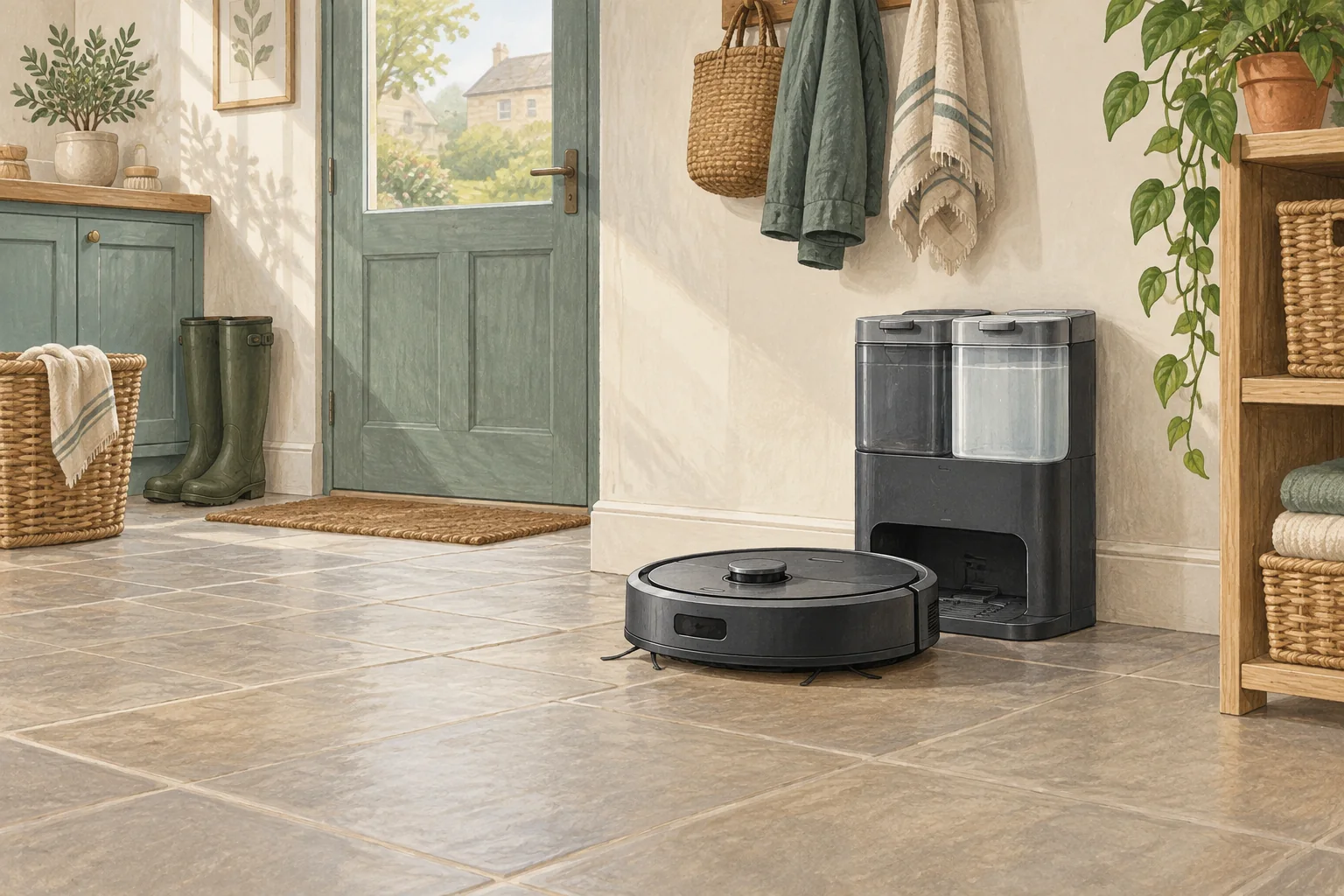
Dust emptying and mop washing solve different chores. A station can do one without the other, so read its actual functions instead of relying on the word automatic.
Table of Contents
A practical checklist
- Identify whether the station handles dust, water, mop washing and drying individually.
- Check which chores remain manual on the robot.
- Match the features to the job you most want to avoid.
What this looks like at home
X8 Pro's self-empty station reduces dust-bin handling, while X10 Pro Omni adds automatic mop care.
Allow space for the work you do at the station
| Check | What matters |
|---|---|
| Robot approach | Use the installation clearances for the exact station. |
| Human access | Allow tank, tray, cover and bag removal. |
| Floor and power | Choose a suitable dry, stable location near an appropriate socket. |
A mistake to avoid
Do not buy a dust-only station expecting it to rinse or dry a basic mop pad.
Relevant models to compare
Eufy X8 Pro with Self-Empty Station
Vacuum-led cleaning with a dust-emptying station and brush detangling comb.
Check Eufy X8 Pro with Self-Empty Station on Amazon UK. Confirm the selected UK variant, seller, contents and current price.
Eufy X10 Pro Omni
A mixed-floor option combining spinning mops, automatic dock care and camera-assisted obstacle recognition.
Check Eufy X10 Pro Omni on Amazon UK. Confirm the selected UK variant, seller, contents and current price.
Related guidance
- Robot Vacuum Charging Station Placement: The Ultimate UK Guide
- Robot Vacuum Maintenance Tips UK: Keep Your Cleaner Running Smoothly
Sources and scope
Checked on 9 September 2026. Manufacturer instructions apply to the models they name; use your own exact manual for button sequences, removable parts and cleaning permissions. Product specifications are advertised claims. Examples illustrate decisions and are not hands-on test results.