
Affiliate disclosure: this article contains paid links. As an Amazon Associate I earn from qualifying purchases.
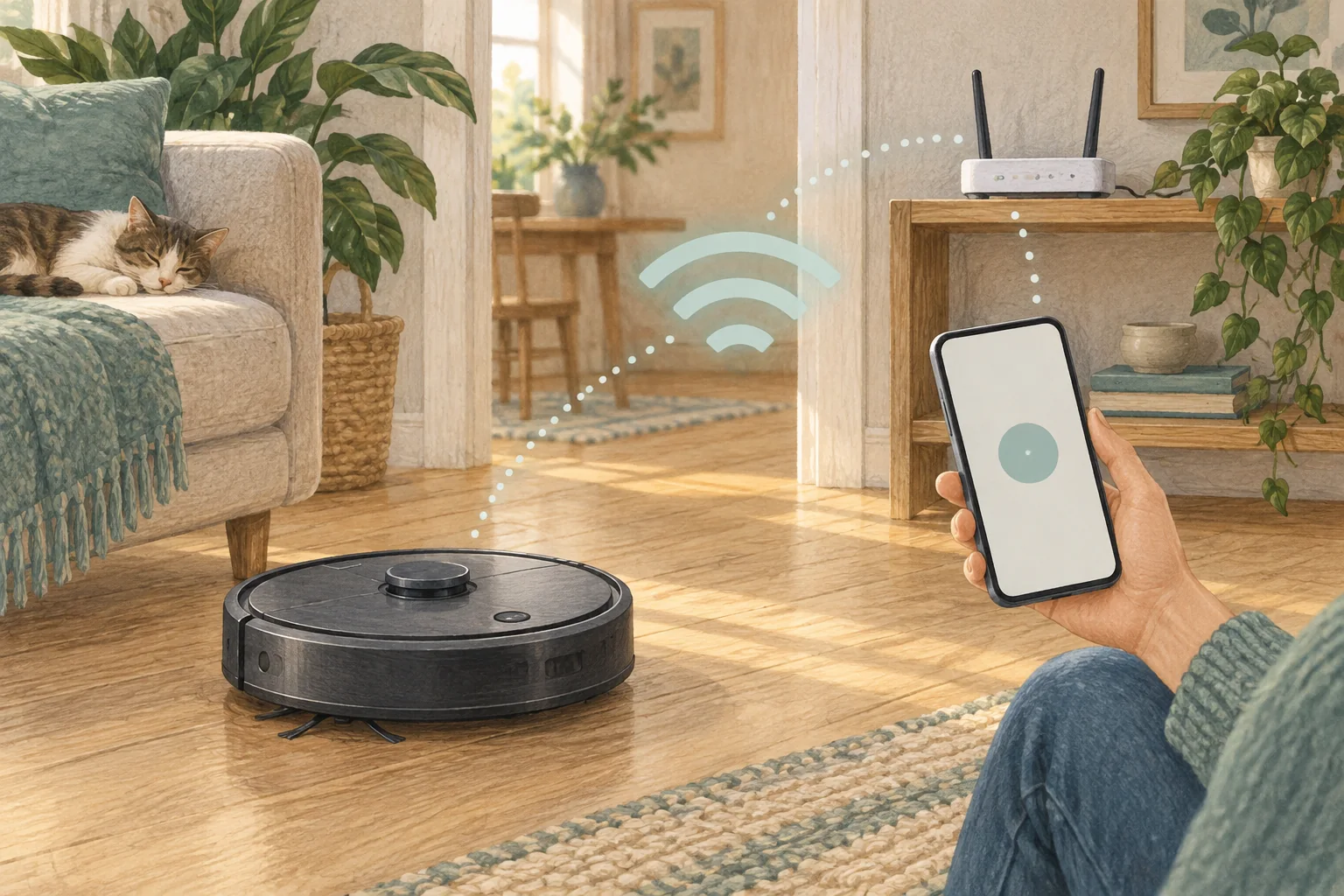
Wi-Fi support varies by model, including within one brand. Check the exact specification before splitting your network or changing router settings.
Table of Contents
A practical checklist
- Confirm supported bands in the current model guidance.
- Use a compatible setup network and the official pairing procedure.
- Check the dock's coverage after pairing, not just the signal beside the router.
What this looks like at home
Eufy's current troubleshooting guidance includes L60 as an exception to broad 2.4 GHz-only advice.
Check the exact model’s network requirements
| Check | What matters |
|---|---|
| Band support | Read the model requirement before changing router settings. |
| Coverage | Check reception where the dock normally sits. |
| Permissions | Allow only the official app permissions needed for setup. |
A mistake to avoid
Avoid repeating the blanket claim that every robot vacuum requires 2.4 GHz only.
Relevant models to compare
Eufy L60
A simple mapped vacuum for households that already mop by hand.
Check Eufy L60 on Amazon UK. Confirm the selected UK variant, seller, contents and current price.
Eufy X10 Pro Omni
A mixed-floor option combining spinning mops, automatic dock care and camera-assisted obstacle recognition.
Check Eufy X10 Pro Omni on Amazon UK. Confirm the selected UK variant, seller, contents and current price.
Related guidance
- How to Connect Your Robot Vacuum to WiFi in 2026: A Step-by-Step Guide
- Robot Vacuum Maintenance Tips UK: Keep Your Cleaner Running Smoothly
Sources and scope
Checked on 9 September 2026. Manufacturer instructions apply to the models they name; use your own exact manual for button sequences, removable parts and cleaning permissions. Product specifications are advertised claims. Examples illustrate decisions and are not hands-on test results.