
Affiliate disclosure: this article contains paid links. As an Amazon Associate I earn from qualifying purchases.
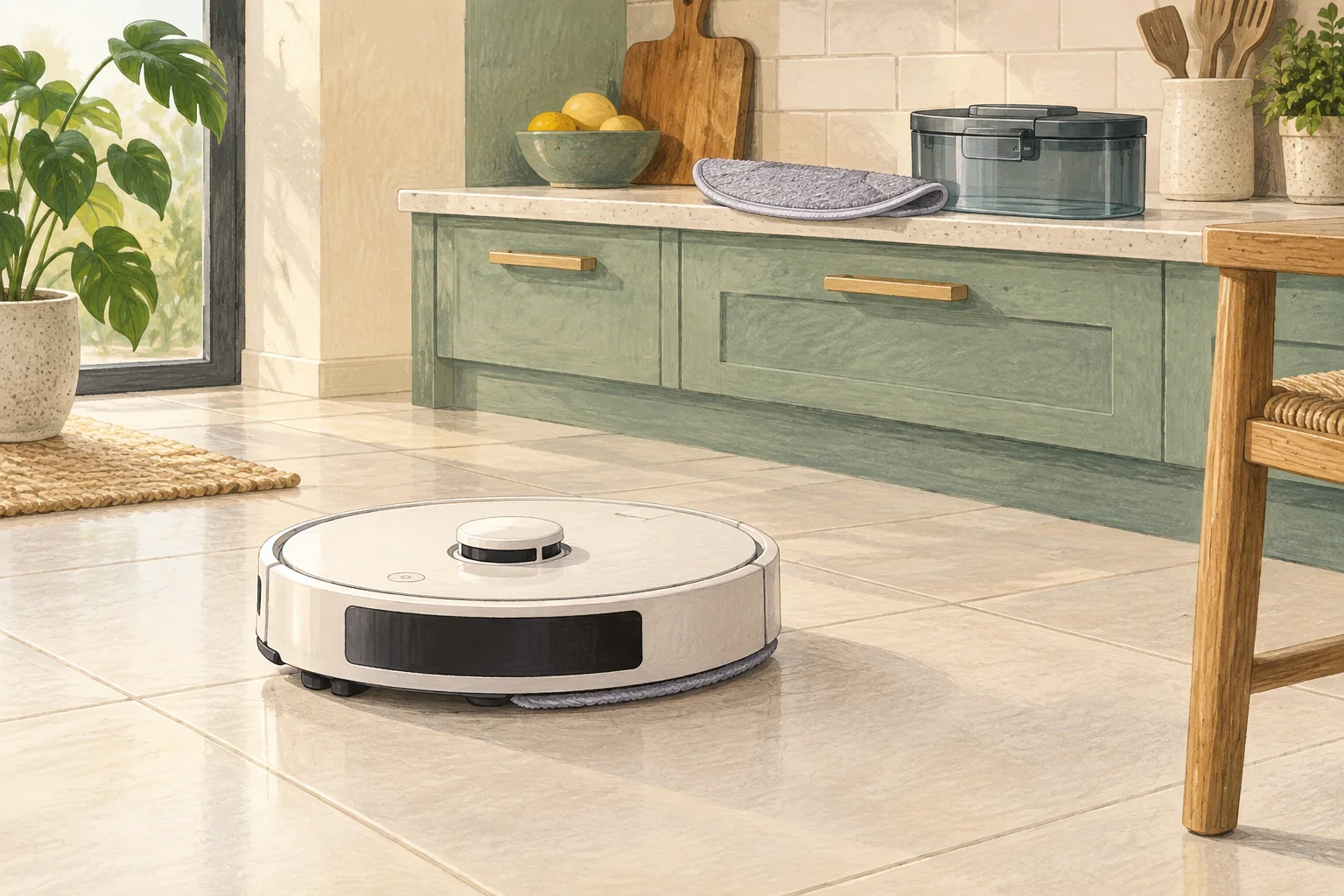
Streaks can come from dirty pads, excess water or detergent residue. Change one variable at a time so you can tell what improved the finish.
Table of Contents
Start with these checks
- Wash or replace the mop using the model's care instructions.
- Check the solution type and dilution rather than adding more product.
- Reduce water if appropriate and compare a small clean tile area after it dries.
What this looks like at home
A floor that looks fine while wet but hazy when dry may have residue rather than insufficient scrubbing.
Keep clean water, dirty water and dry dust separate
| Check | What matters |
|---|---|
| Clean-water side | Use the permitted water and solution method. |
| Dirty-water side | Empty and clean the removable tank as directed. |
| Pads, roller and tray | Inspect, clean and dry only as the manual allows. |
A mistake to avoid
Do not mix floor-cleaning chemicals inside a robot tank.
Buy a part only after identifying the cause
Check the exact model and part reference before buying. If cleaning resolves the problem, a replacement may be unnecessary.
Browse Amazon UK results for robot vacuum compatible mop pads. These are search results, not a verified recommendation for your particular machine.
What the result tells you
Compare the dry finish after changing only the pad cleanliness, solution or water setting. Changing all three at once can hide the actual cause and make a recurring streak problem harder to manage.
Related guidance
- Robot Vacuum Maintenance Tips UK: Keep Your Cleaner Running Smoothly
- How to Choose a Robot Vacuum: Complete Buyer's Guide
Sources and scope
Checked on 9 September 2026. Manufacturer instructions apply to the models they name; use your own exact manual for button sequences, removable parts and cleaning permissions. Product specifications are advertised claims. Examples illustrate decisions and are not hands-on test results.