
Affiliate disclosure: this article contains paid links. As an Amazon Associate I earn from qualifying purchases.
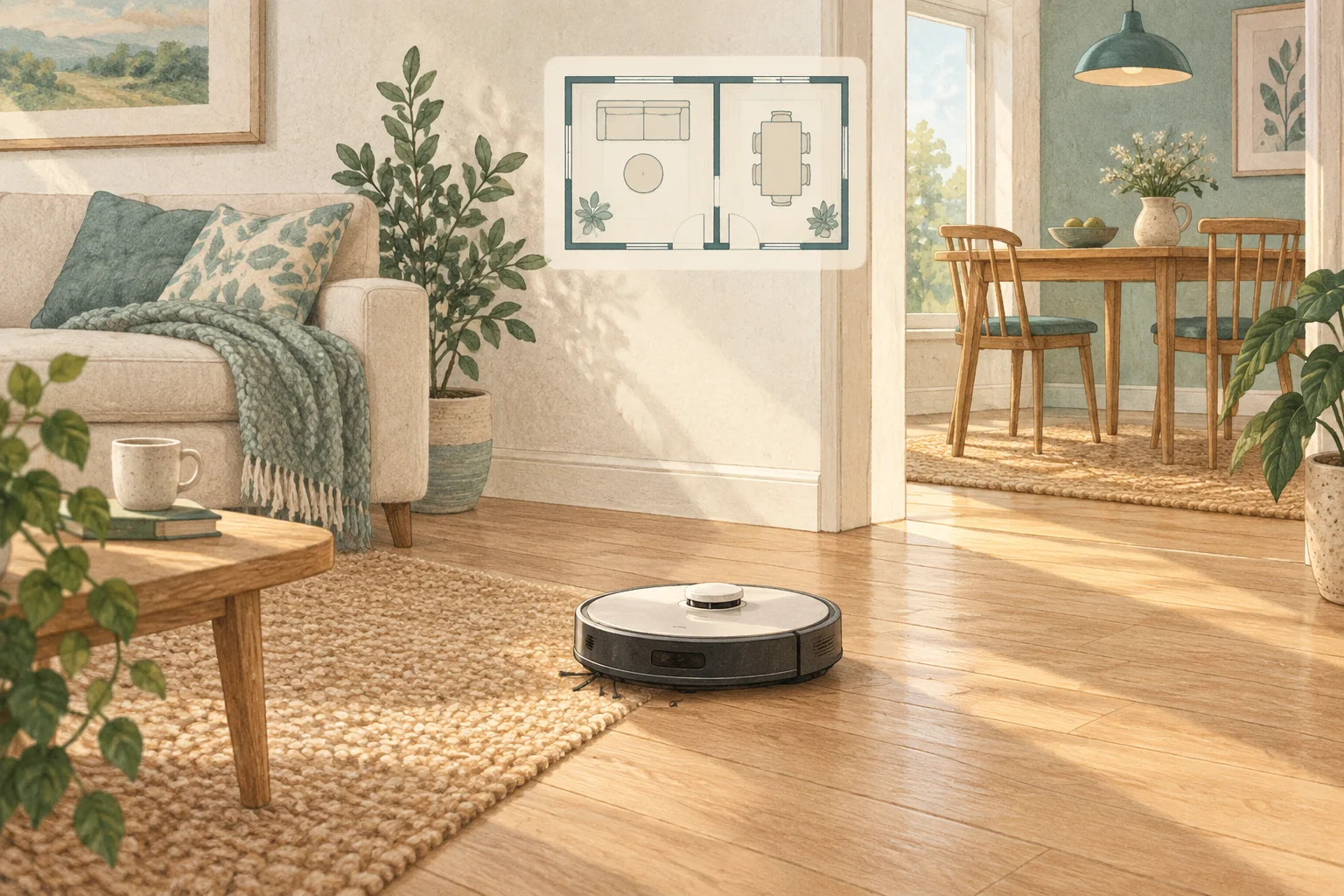
Mapping a room and recognising a loose object are different jobs. A robot can use LiDAR for room geometry while also using a camera for floor-level obstacles.
Table of Contents
A practical checklist
- Separate the mapping sensor from the obstacle-detection system in the specification.
- Check which features require lighting, connectivity or account access.
- Consider privacy preferences alongside the effort of preparing the floor.
What this looks like at home
X10 Pro Omni combines LiDAR mapping with AI.See camera recognition; calling it simply a camera robot misses that combination.
Give the robot a consistent starting point
| Check | What matters |
|---|---|
| Starting point | Use the model’s recommended localisation procedure. |
| Selected map | Confirm the correct floor and room selection. |
| Physical route | Check doors, furniture and the return to the dock. |
A mistake to avoid
Neither sensor label guarantees that every cable, toy or pet accident will be avoided.
Relevant models to compare
Eufy L60
A simple mapped vacuum for households that already mop by hand.
Check Eufy L60 on Amazon UK. Confirm the selected UK variant, seller, contents and current price.
Eufy X10 Pro Omni
A mixed-floor option combining spinning mops, automatic dock care and camera-assisted obstacle recognition.
Check Eufy X10 Pro Omni on Amazon UK. Confirm the selected UK variant, seller, contents and current price.
Related guidance
- How to Map Your Home for a Robot Vacuum: A 2026 Guide
- Robot Vacuum Maintenance Tips UK: Keep Your Cleaner Running Smoothly
Sources and scope
Checked on 9 September 2026. Manufacturer instructions apply to the models they name; use your own exact manual for button sequences, removable parts and cleaning permissions. Product specifications are advertised claims. Examples illustrate decisions and are not hands-on test results.