
Affiliate disclosure: this article contains paid links. As an Amazon Associate I earn from qualifying purchases.
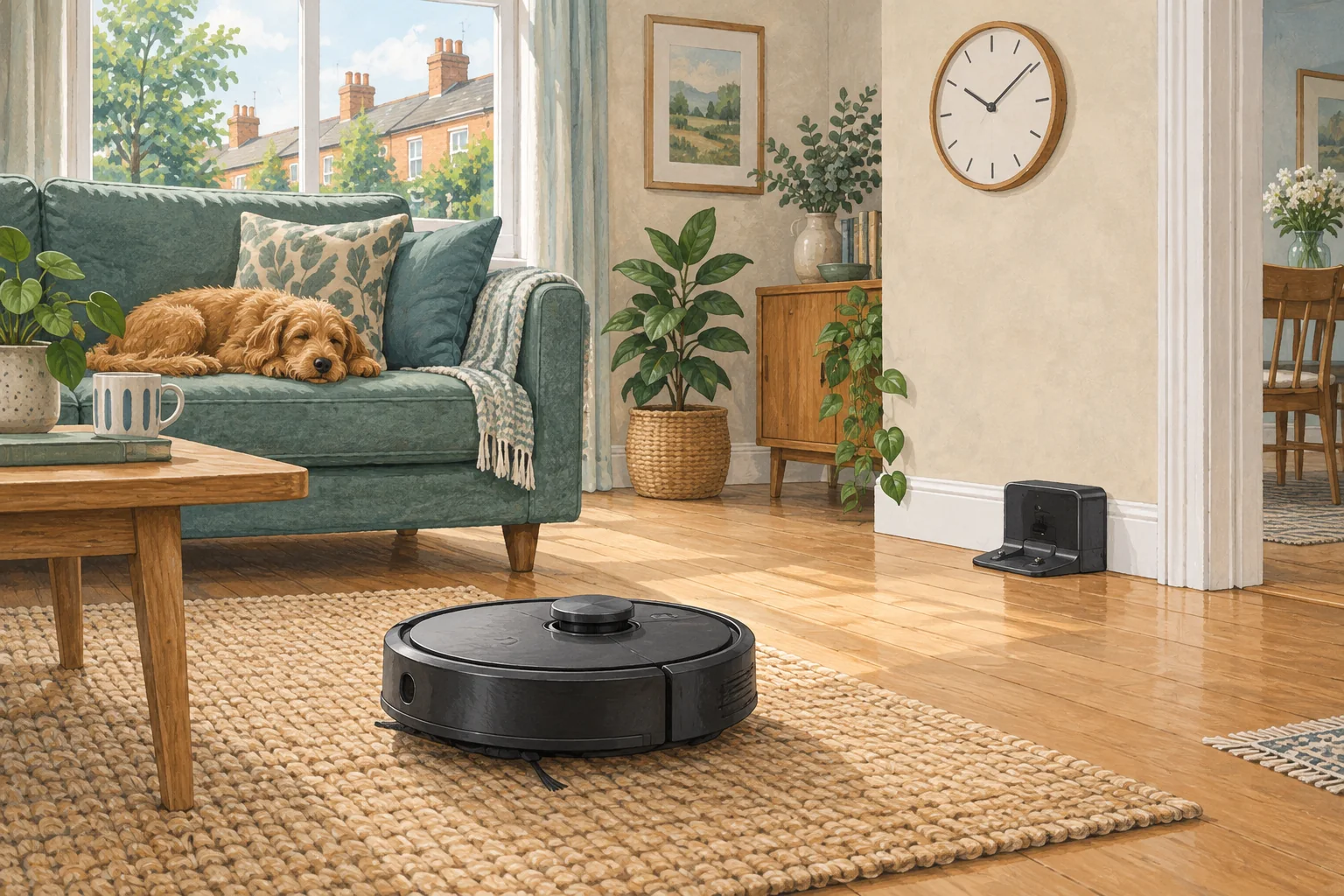
Daytime is not always the right time for cleaning. Build routines around actual sleep hours and include dock washing, emptying and voice prompts in the noise plan.
Table of Contents
A practical checklist
- Set quiet hours to match the household's sleep pattern.
- Test which robot and station functions those hours suppress.
- Run a short manual job at a convenient time before relying on a weekly routine.
What this looks like at home
A night-shift worker may prefer vacuuming at 6 pm and no station activity during the late morning.
Follow the whole job, including the return
| Check | What matters |
|---|---|
| Start | Correct day, local time, charge and selected rooms. |
| During cleaning | Open routes and suitable debris. |
| Finish | Successful return and expected dock activity. |
A mistake to avoid
Do not assume a quiet vacuum mode also quietens automatic dust emptying.
Relevant models to compare
Eufy L60
A simple mapped vacuum for households that already mop by hand.
Check Eufy L60 on Amazon UK. Confirm the selected UK variant, seller, contents and current price.
Roborock QV35S
An automatic mop-care system with app-adjustable routines and structured-light obstacle detection.
Check Roborock QV35S on Amazon UK. Confirm the selected UK variant, seller, contents and current price.
Related guidance
- Robot Vacuum Scheduling: The Ultimate Guide for a Spotlessly Clean Home
- Robot Vacuum Maintenance Tips UK: Keep Your Cleaner Running Smoothly
Sources and scope
Checked on 9 September 2026. Manufacturer instructions apply to the models they name; use your own exact manual for button sequences, removable parts and cleaning permissions. Product specifications are advertised claims. Examples illustrate decisions and are not hands-on test results.