
Affiliate disclosure: this article contains paid links. As an Amazon Associate I earn from qualifying purchases.
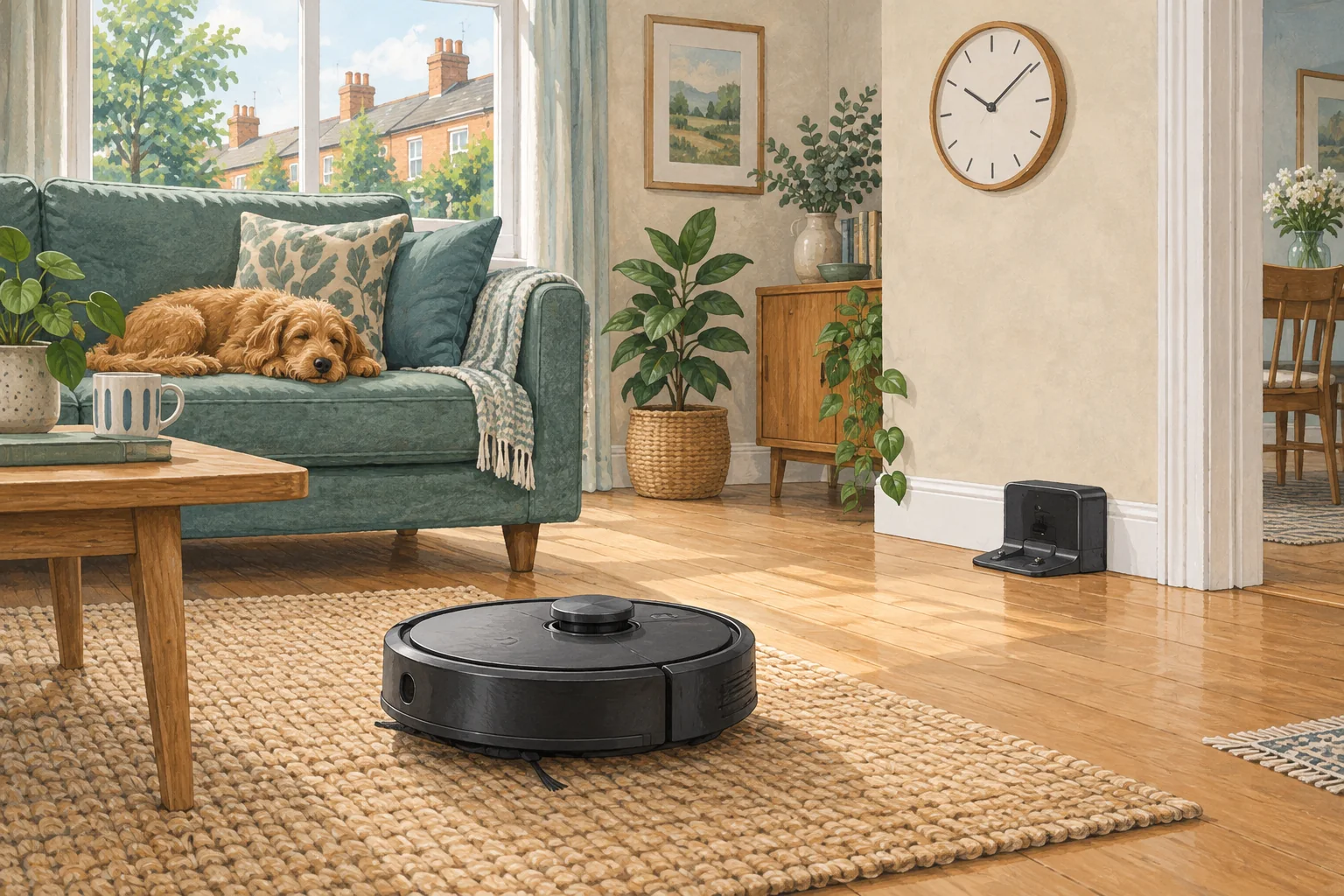
Unexpected starts are often triggered by an old schedule, shared account or voice routine. Check command history where available before assuming a hardware fault.
Table of Contents
Start with these checks
- Pause the robot safely and note the exact start time.
- Review recurring jobs, automations and shared household access.
- Disable the identified trigger and observe whether the unexpected run returns.
What this looks like at home
A weekday routine left active after moving the robot into a bedroom can look like a new fault.
Follow the whole job, including the return
| Check | What matters |
|---|---|
| Start | Correct day, local time, charge and selected rooms. |
| During cleaning | Open routes and suitable debris. |
| Finish | Successful return and expected dock activity. |
A mistake to avoid
Avoid resetting the device before reviewing useful routine or event history.
Buy a part only after identifying the cause
Check the exact model and part reference before buying. If cleaning resolves the problem, a replacement may be unnecessary.
Browse Amazon UK results for cable management box. These are search results, not a verified recommendation for your particular machine.
What the result tells you
A precise start time can expose a recurring automation that a vague report misses. If all documented triggers are disabled and starts continue, provide that record rather than creating another routine to compensate.
Related guidance
- Robot Vacuum Scheduling: The Ultimate Guide for a Spotlessly Clean Home
- Robot Vacuum Maintenance Tips UK: Keep Your Cleaner Running Smoothly
Sources and scope
Checked on 9 September 2026. Manufacturer instructions apply to the models they name; use your own exact manual for button sequences, removable parts and cleaning permissions. Product specifications are advertised claims. Examples illustrate decisions and are not hands-on test results.