
Affiliate disclosure: this article contains paid links. As an Amazon Associate I earn from qualifying purchases.
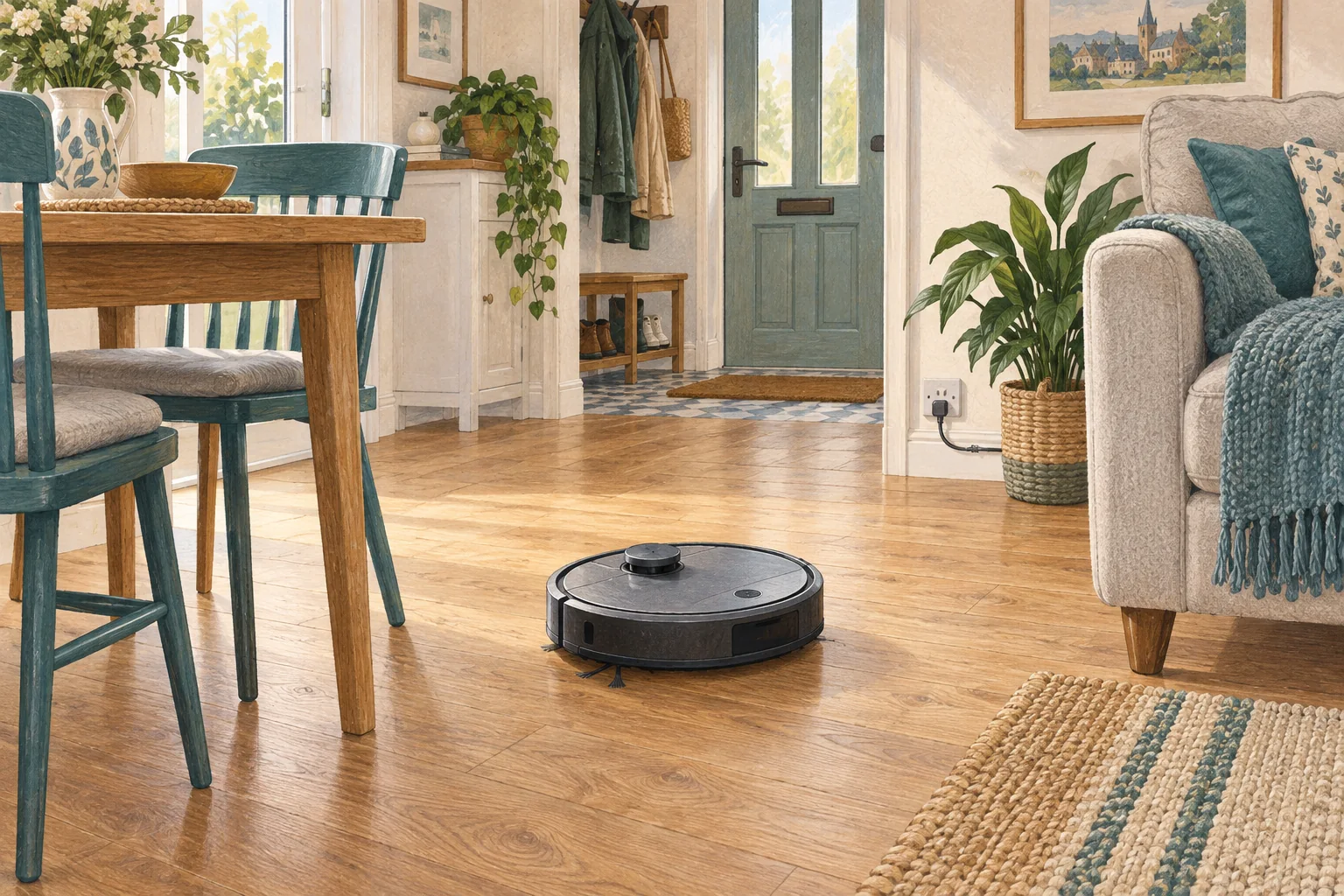
A rental-friendly setup should make the dock stable and the route predictable without unnecessary permanent alterations. Start with furniture arrangement and removable cable management.
Table of Contents
A practical checklist
- Measure a dock position near an appropriate socket.
- Use removable cable clips compatible with the surface.
- Try map boundaries before considering changes to thresholds or fixtures.
What this looks like at home
A robot that needs a doorway modified may be a poor fit when you cannot alter the property.
Make the route predictable
| Check | What matters |
|---|---|
| Floor-level objects | Lift leads, strings and loose fabric. |
| Narrow gaps | Check entry, turning and escape space. |
| Protected areas | Use suitable boundaries around hazards. |
A mistake to avoid
Check the tenancy arrangements before making structural or permanent fixture changes.
Relevant models to compare
Eufy L60
A simple mapped vacuum for households that already mop by hand.
Check Eufy L60 on Amazon UK. Confirm the selected UK variant, seller, contents and current price.
Eufy Omni C20
A relatively low-profile robot with an automatic mop-care dock.
Check Eufy Omni C20 on Amazon UK. Confirm the selected UK variant, seller, contents and current price.
Related guidance
- Robot Vacuum Stuck? A Comprehensive Troubleshooting Guide
- Robot Vacuum Maintenance Tips UK: Keep Your Cleaner Running Smoothly
Sources and scope
Checked on 9 September 2026. Manufacturer instructions apply to the models they name; use your own exact manual for button sequences, removable parts and cleaning permissions. Product specifications are advertised claims. Examples illustrate decisions and are not hands-on test results.